Compare software

apkeep vs APKMirror: catalog facts
apkeepAPKMirror

Screenshots

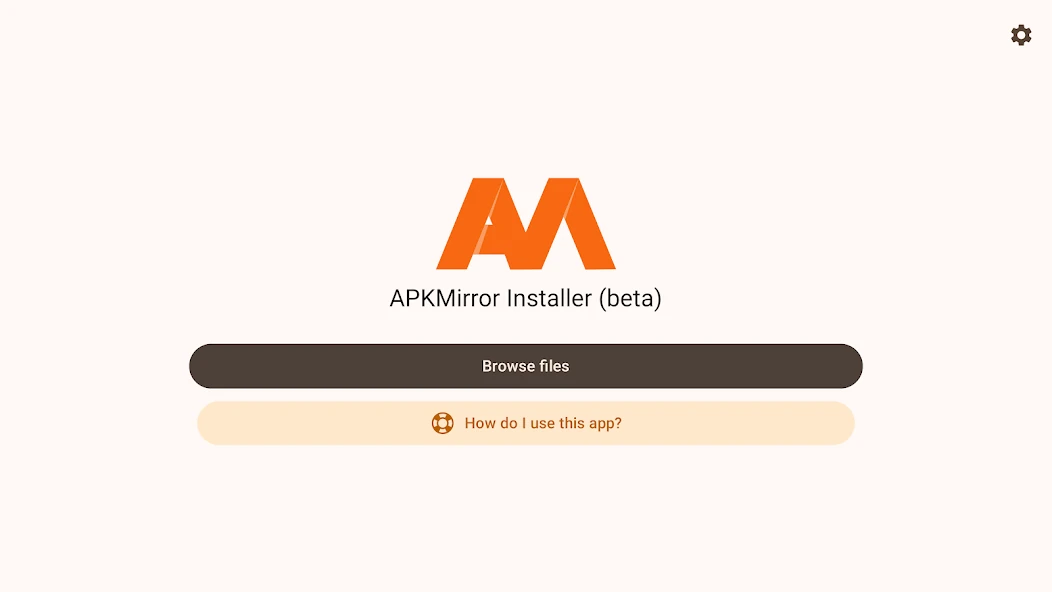
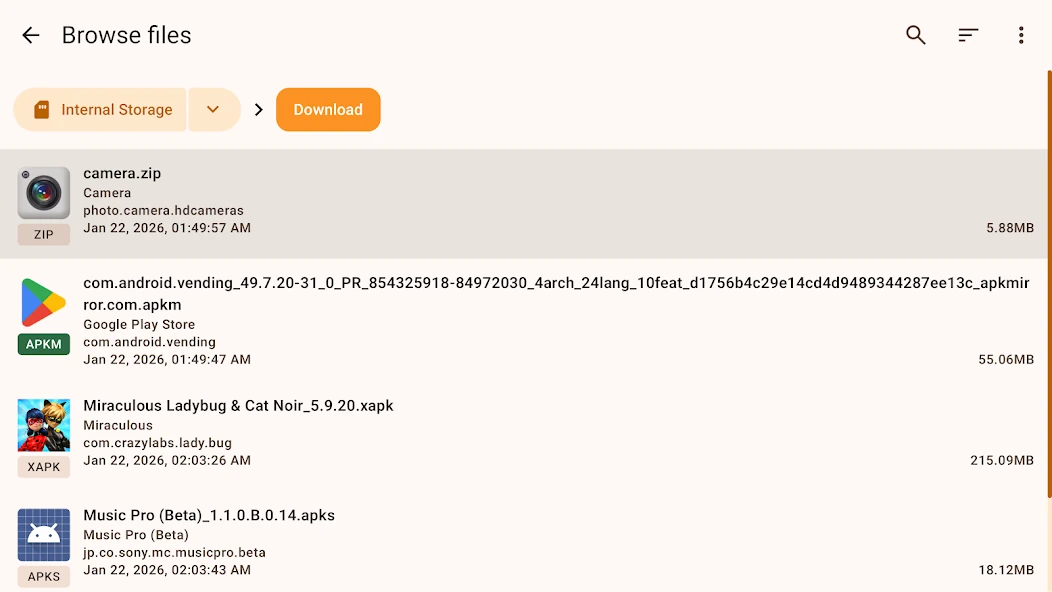
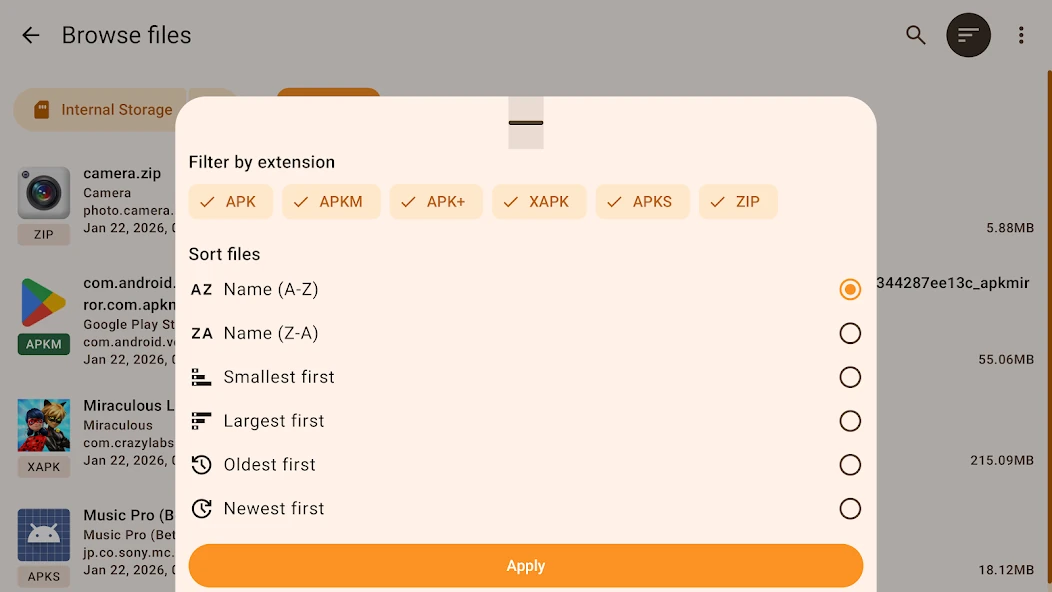
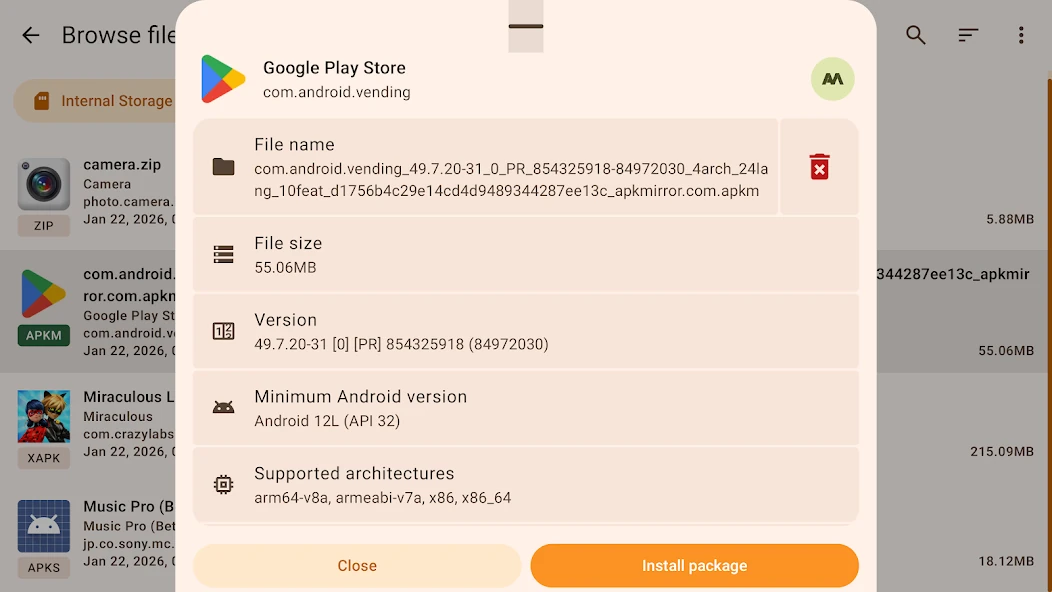
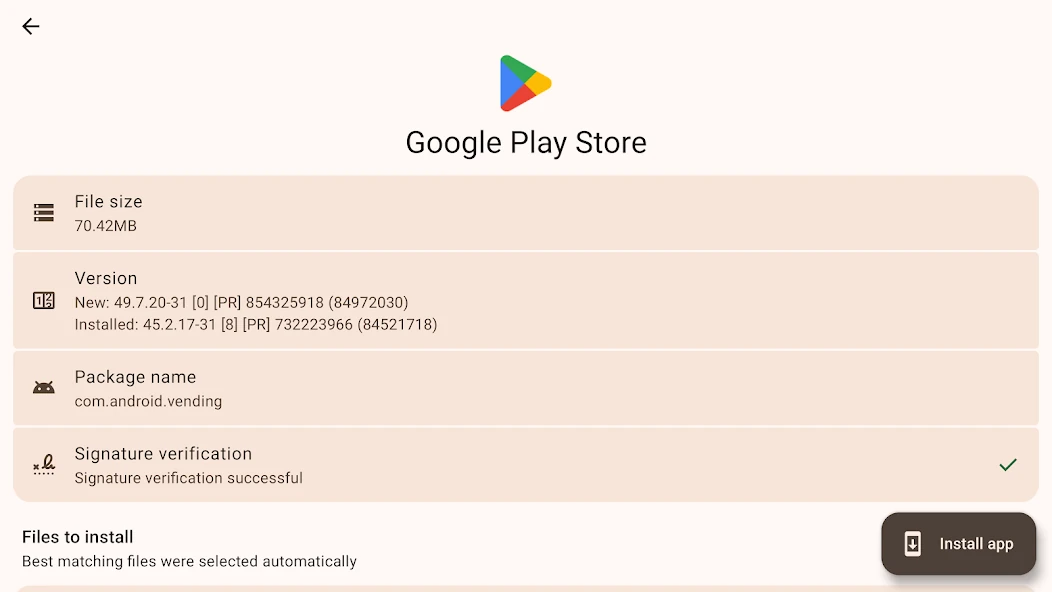
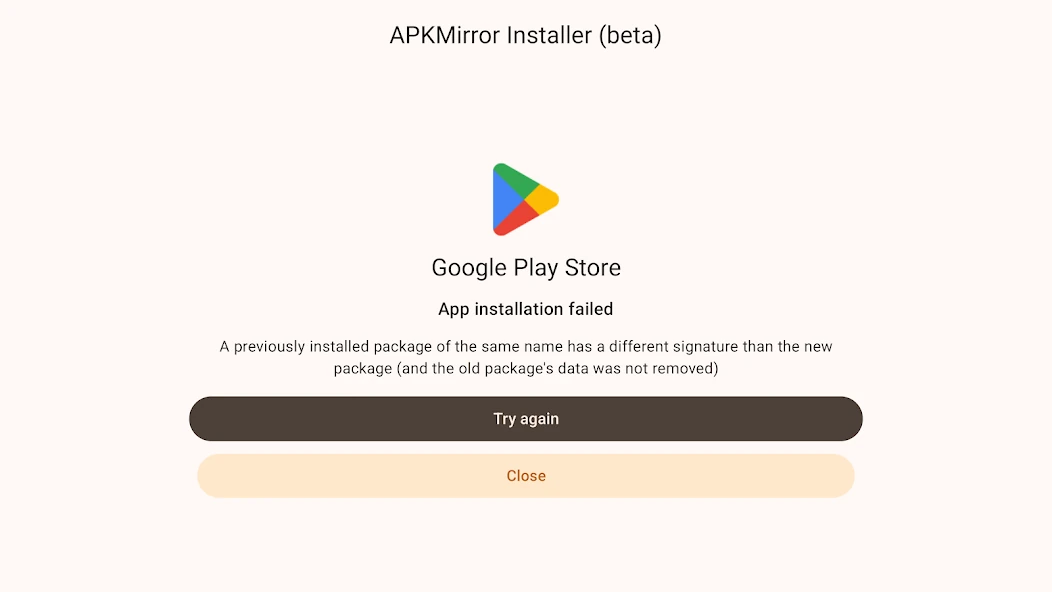
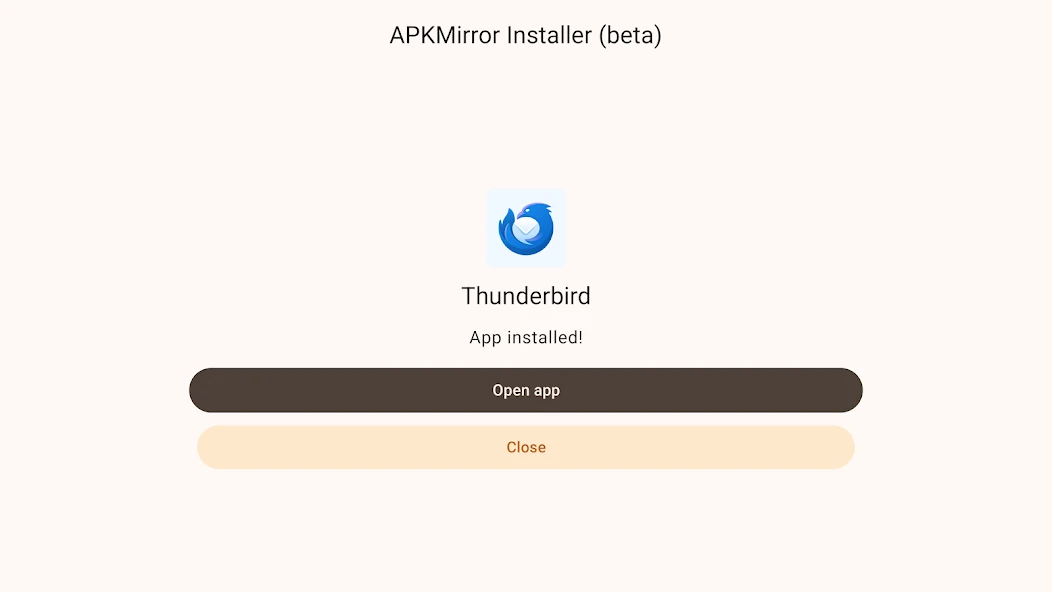
APKMirror Installer home screen with Browse files and help controlsAPKMirror Installer file browser listing downloaded APK packages and their sizesAPKMirror Installer file extension filters and sorting optionsAPKMirror Installer package details with version, supported architectures and Install package buttonAPKMirror Installer installation summary with signature verification and Install app buttonAPKMirror Installer reporting an installation failure caused by a signature mismatchAPKMirror Installer showing a successful Thunderbird installation with Open app and Close buttons

Best for: Researchers and power users who need to fetch APK files by script

Best for: Sideloading or rolling back mainstream Android apps without Google Play

Free

Free and open source under the MIT licence.

Free + paid options

Free with ads; Premium removes ads and adds a dark theme.

Windows, Command line Android, Web
  • Downloads from Google Play, F-Droid and APKPure
  • Scriptable for bulk or repeated downloads
  • Actively maintained by the EFF
  • Large catalogue of mainstream apps with older versions kept
  • Variants for Wear OS, Android TV and Automotive
  • Very frequent uploads of new releases
  • Installer app for split APK bundles
  • Command line only, no graphical interface
  • Google Play downloads need extra setup described in a separate guide
  • Ad-supported unless you pay for Premium
  • No automatic updates; you check for new versions yourself
Downloadable app Downloadable app, Web application
Open source Not open source
License: MIT License not stated
Not stated if an account is needed No account needed
Needs internet Needs internet

Sources for apkeep

Catalog checked October 2, 2026

Sources for APKMirror

Catalog checked October 1, 2026

“Not stated” means we have not confirmed it. Features can vary by device and plan.