Compare software

Bing Maps vs HERE WeGo: catalog facts
Bing MapsHERE WeGo

Screenshots

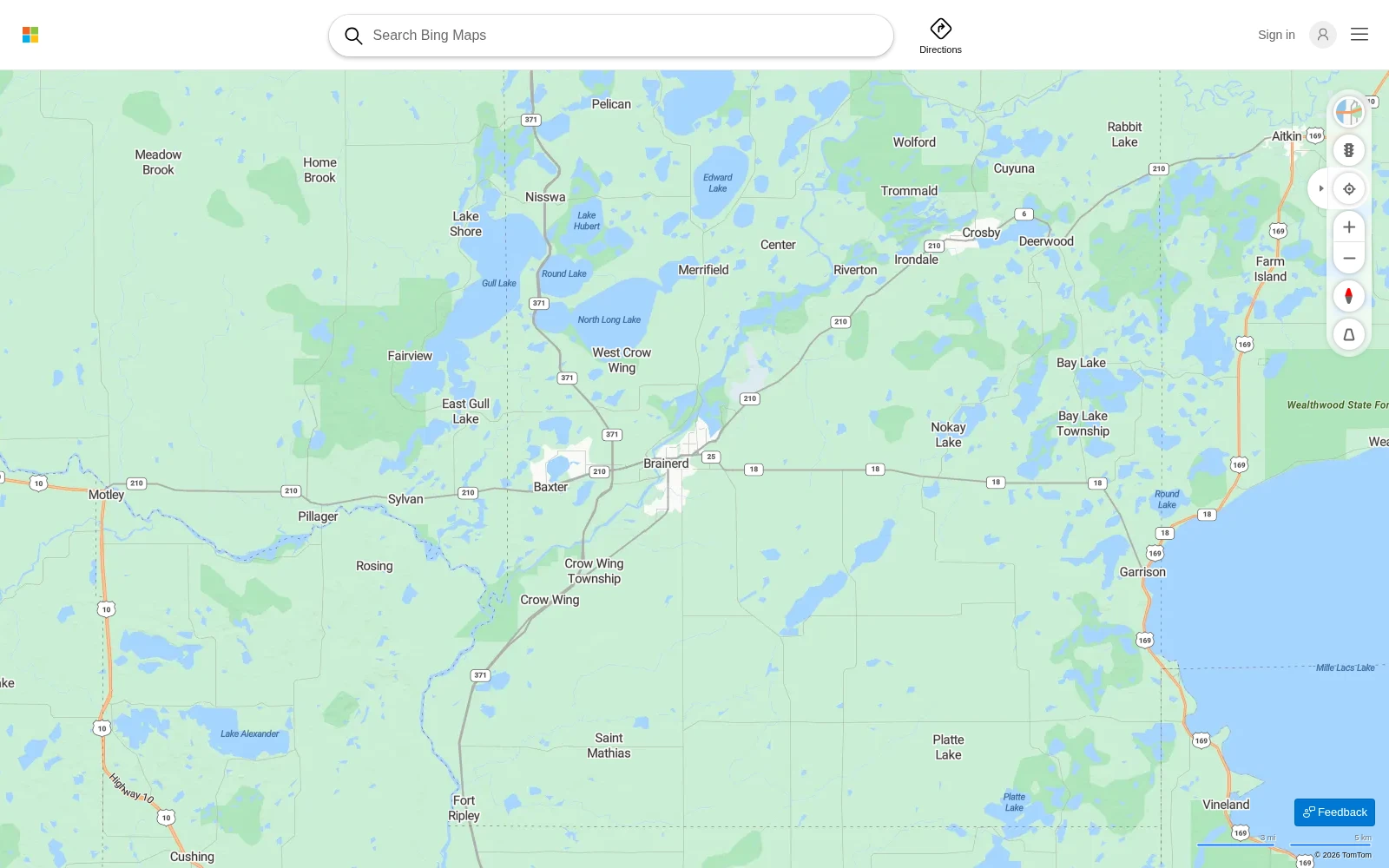
Bing Maps web interface with map search, directions and map controls

Screenshots

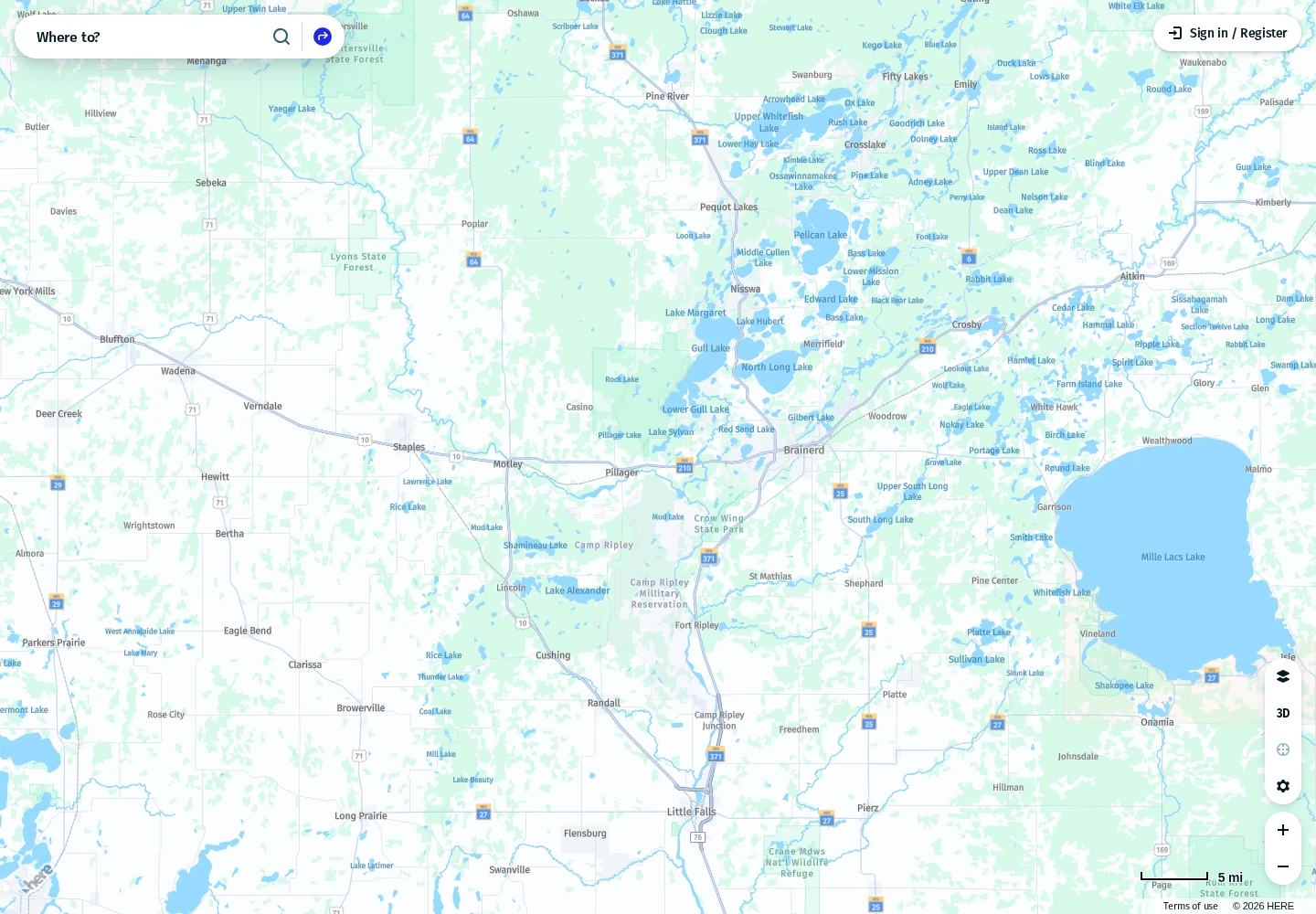
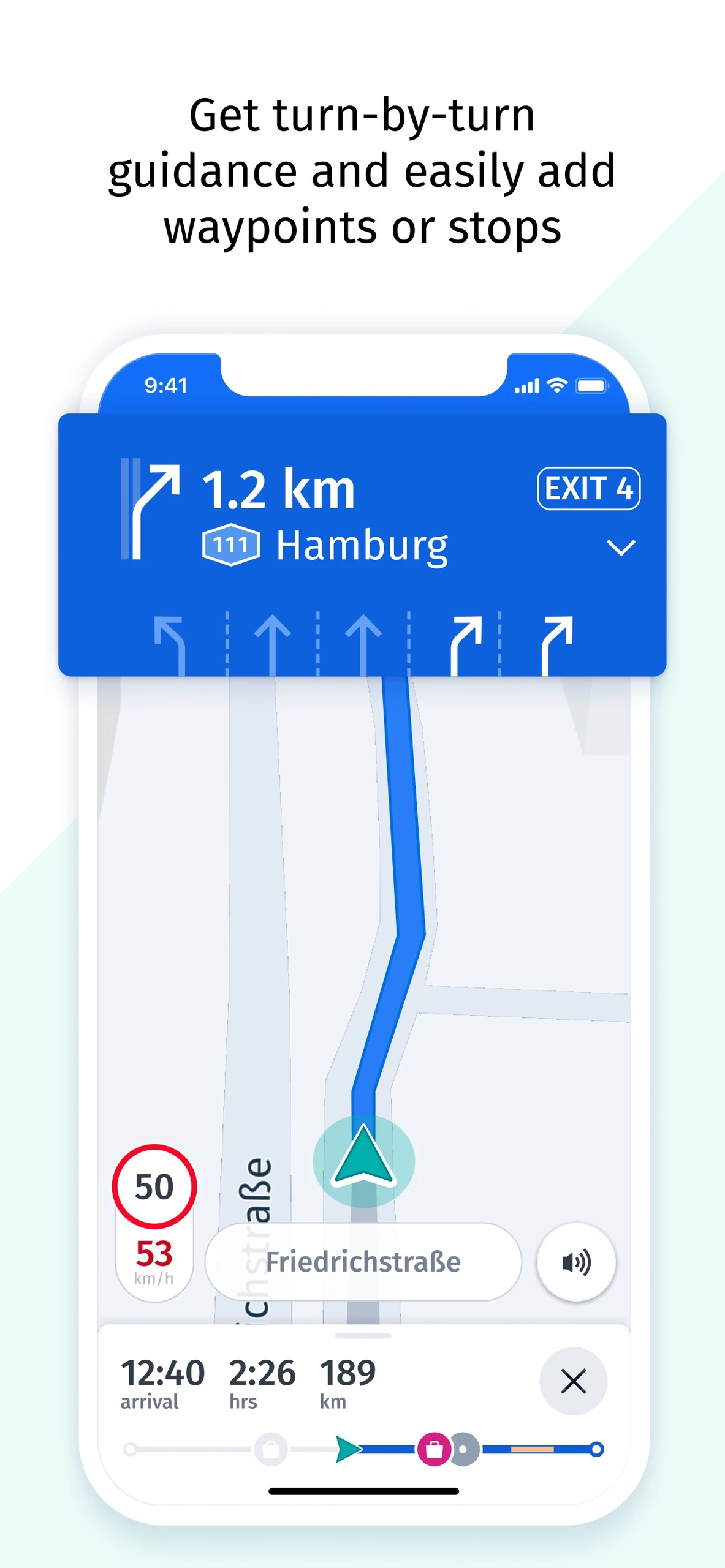
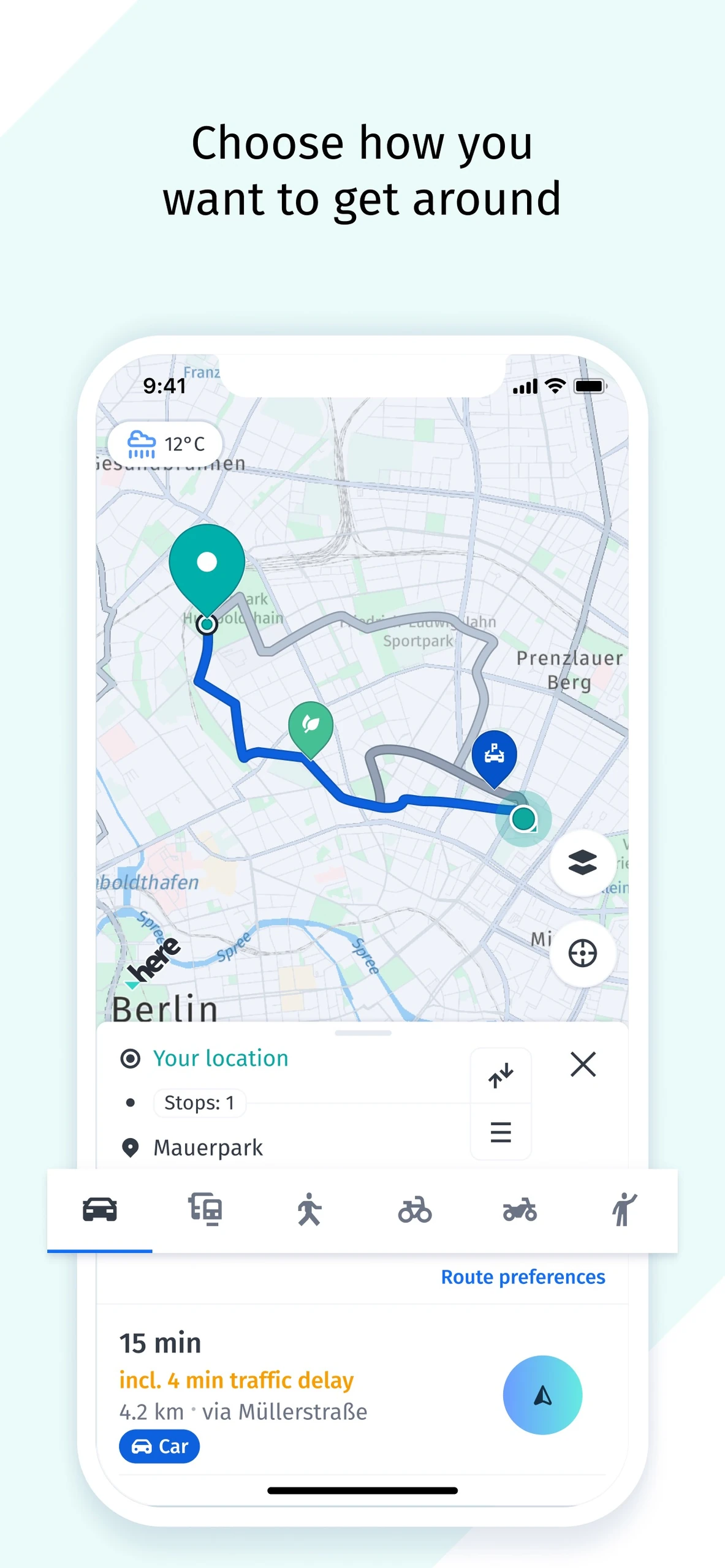
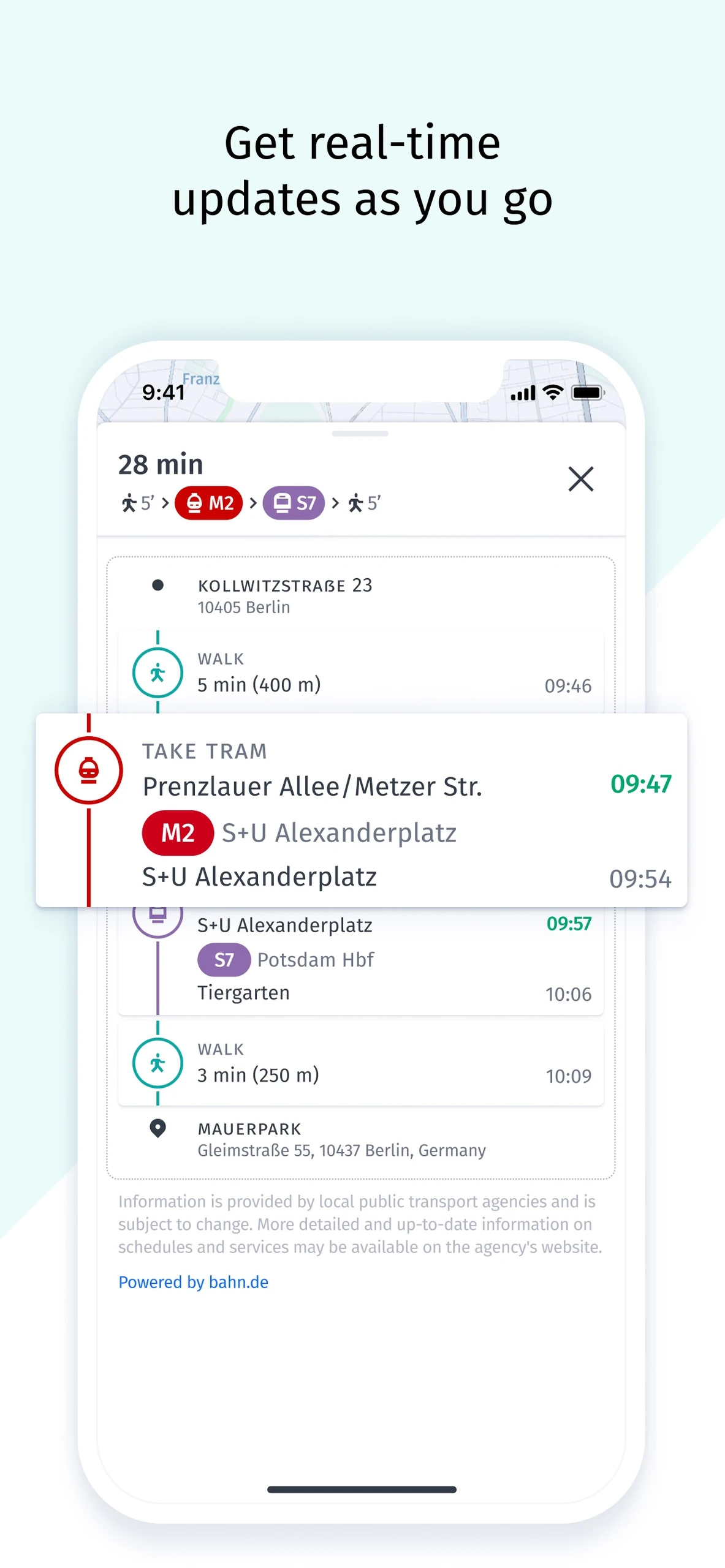
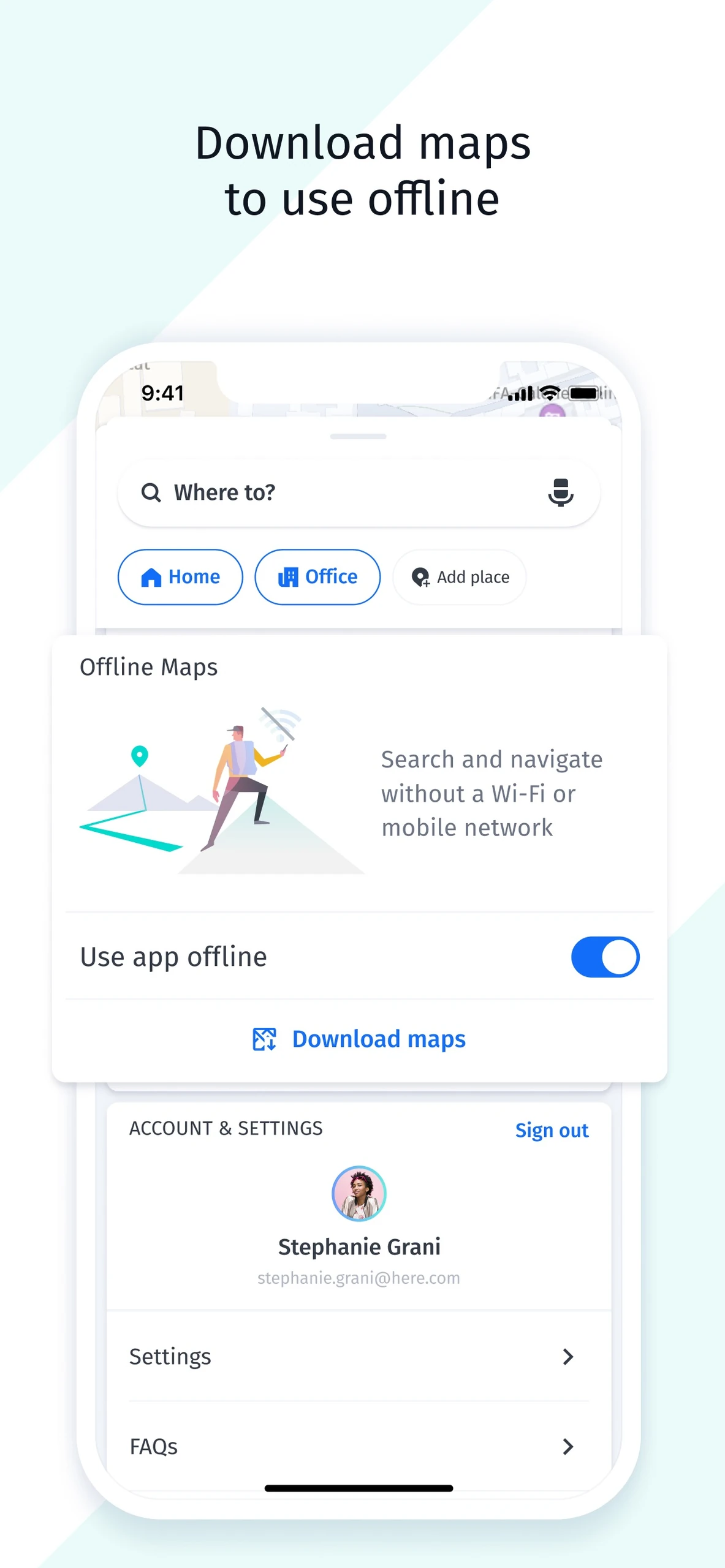
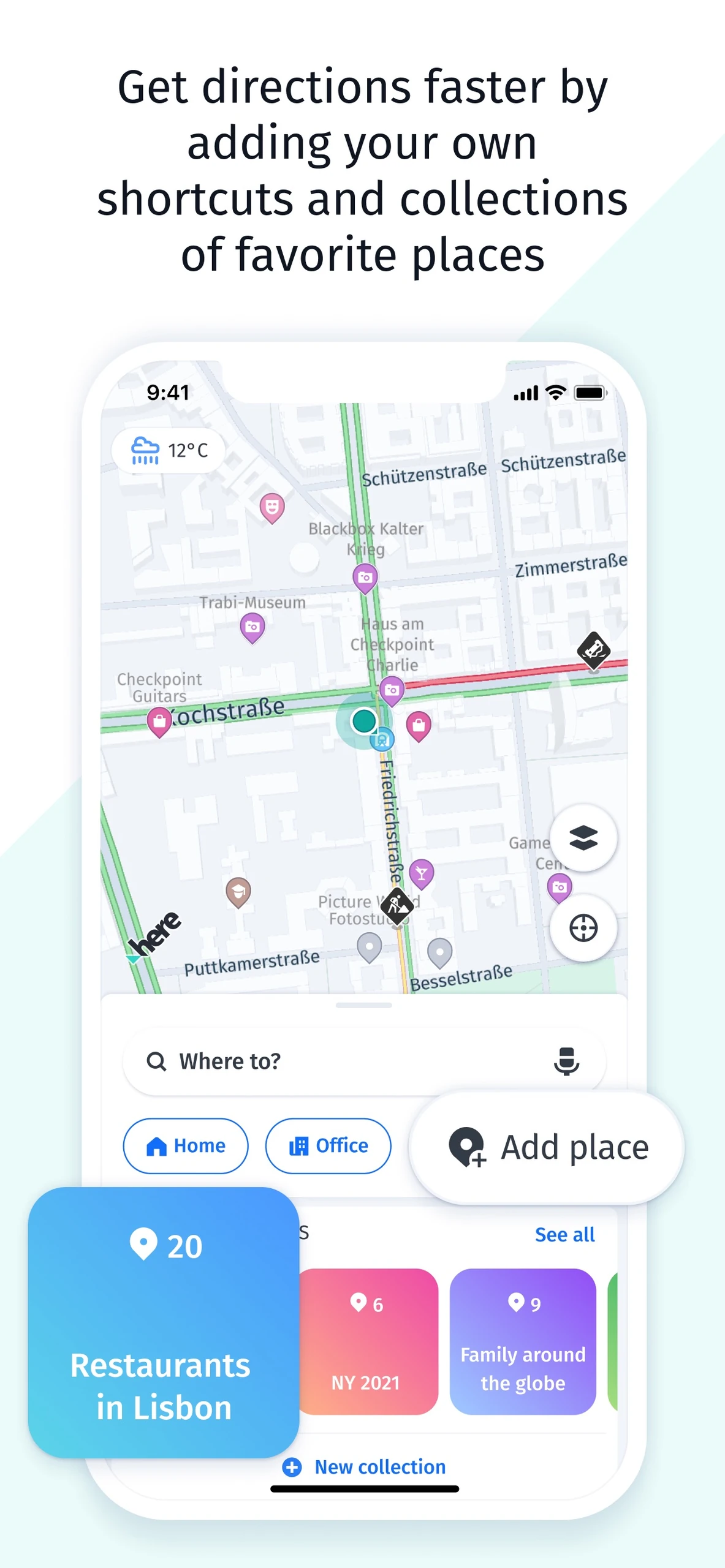
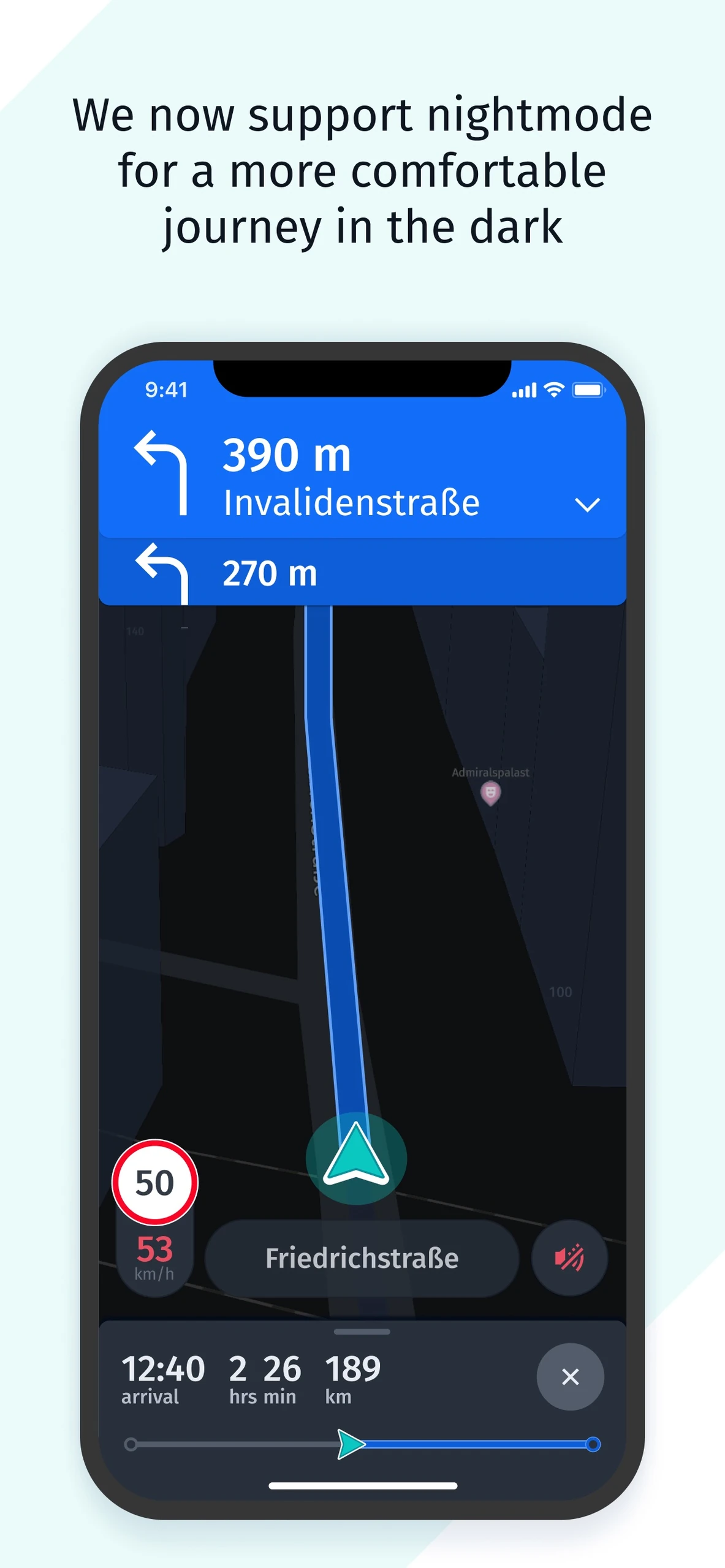
Map of lakes and roads with search, zoom and map controlsiPhone turn-by-turn navigation map with Hamburg exit, lane guidance and arrival detailsiPhone Berlin route planning with stops and transport-mode controlsiPhone transit itinerary with tram and walking steps and departure timesiPhone offline maps settings with offline toggle and download controliPhone map, home and office shortcuts and saved-place collectionsiPhone nighttime navigation map with upcoming turns, speed and arrival details

Best for: Planning routes from a desktop browser

Best for: Drivers who want free offline navigation without an account

Free

Free to use in a web browser.

Free

Free to use.

Web Android, iOS, Web
  • Driving, transit and walking directions
  • Live traffic view
  • Satellite, aerial and 3D imagery
  • Multi-stop trip planning
  • Downloadable country maps for offline driving
  • No account required
  • Good coverage in Europe
  • Browser only, with no offline use
  • Not a turn-by-turn phone navigator
  • Fewer local business details and reviews than Google Maps
Web application Downloadable app, Web application
Not open source Not open source
License not stated License not stated
No account needed No account needed
Needs internet Offline features available

Sources for Bing Maps

Catalog checked September 23, 2026

Sources for HERE WeGo

Catalog checked September 23, 2026

“Not stated” means we have not confirmed it. Features can vary by device and plan.