Compare software

ChiTuBox Basic vs Lychee Slicer: catalog facts
ChiTuBox BasicLychee Slicer

Screenshots

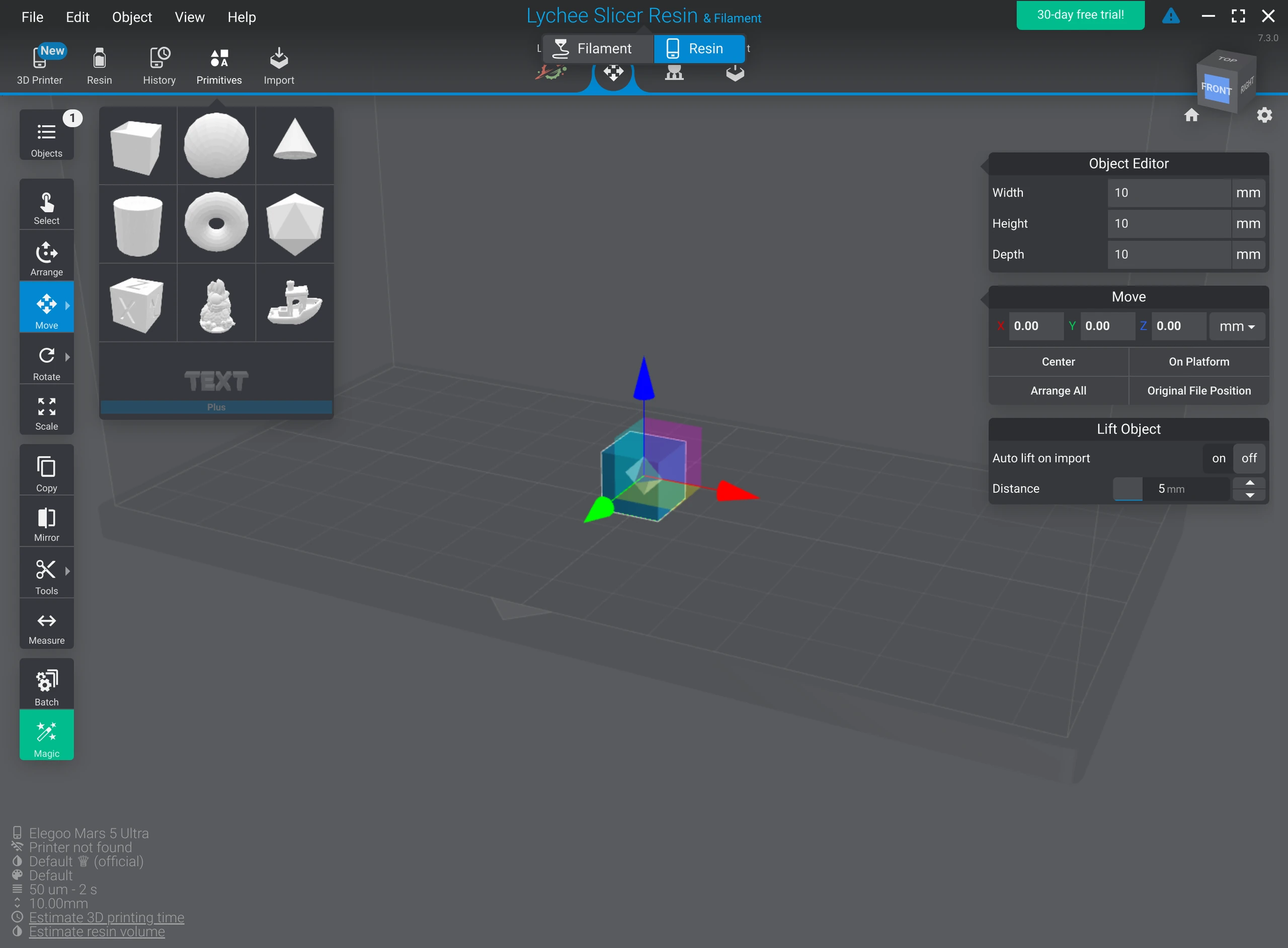
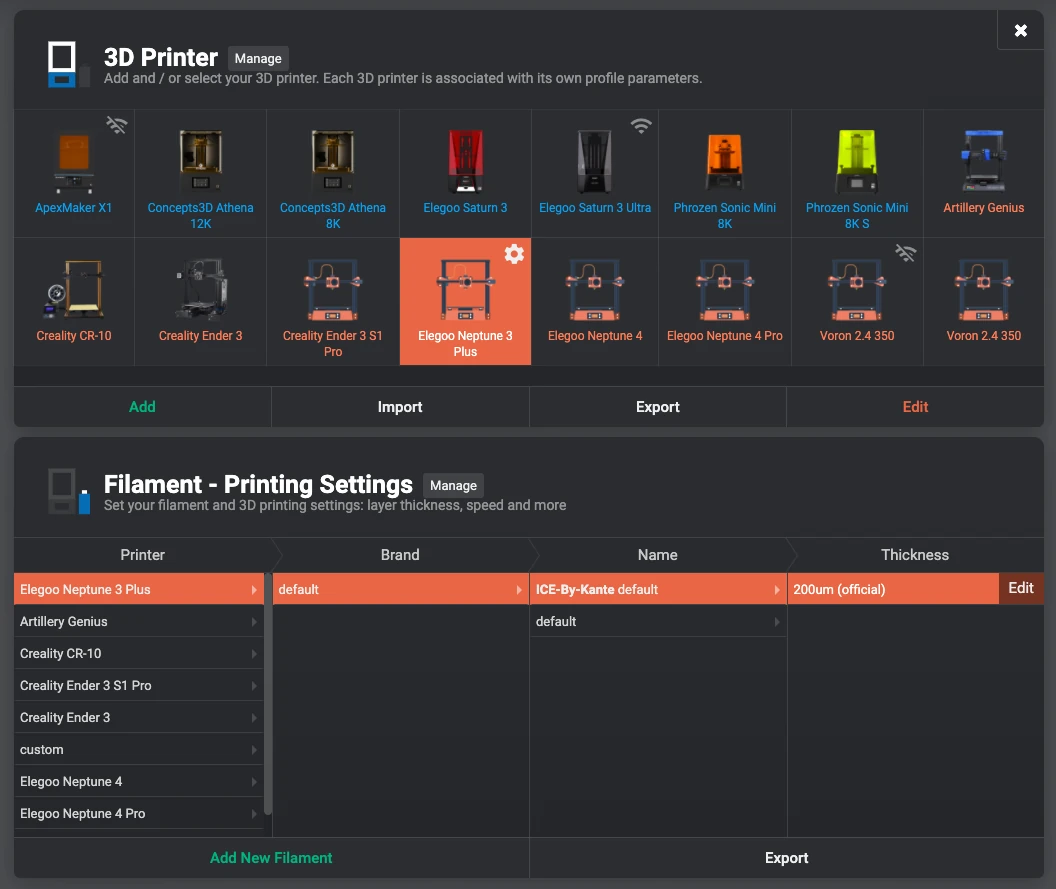
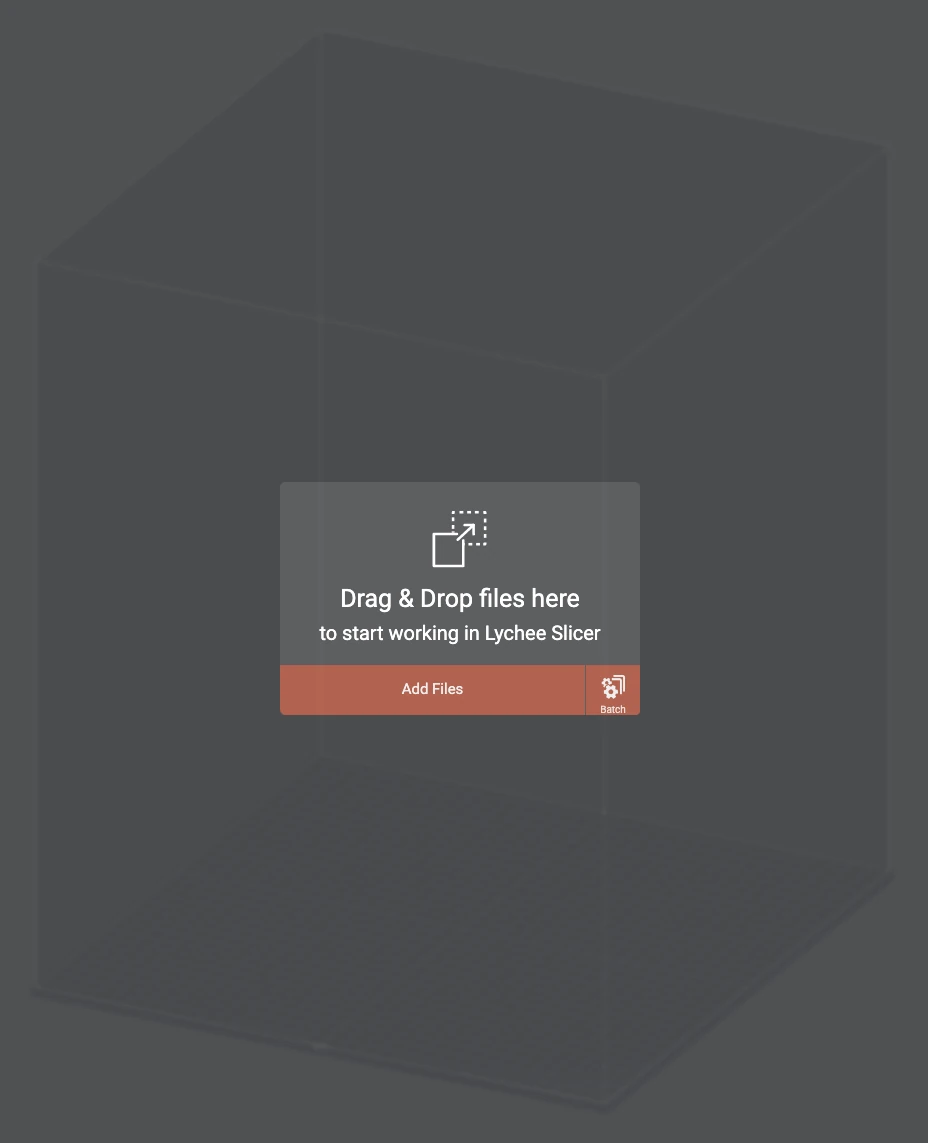
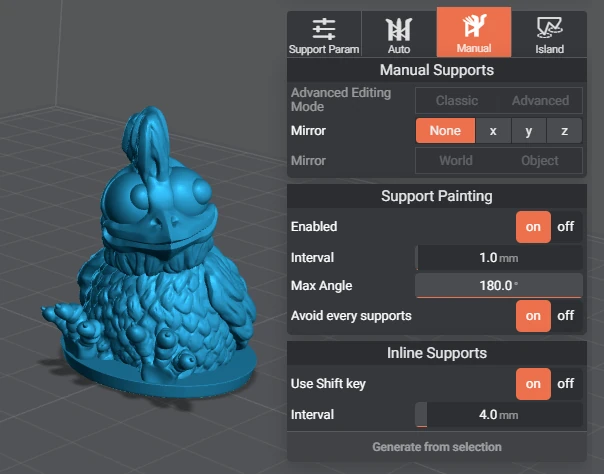
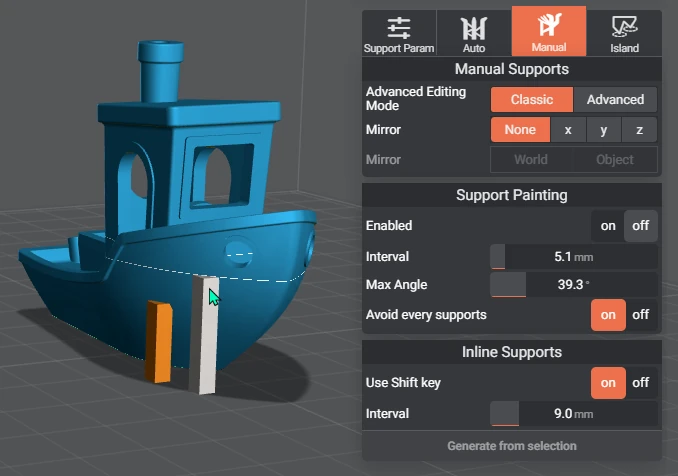
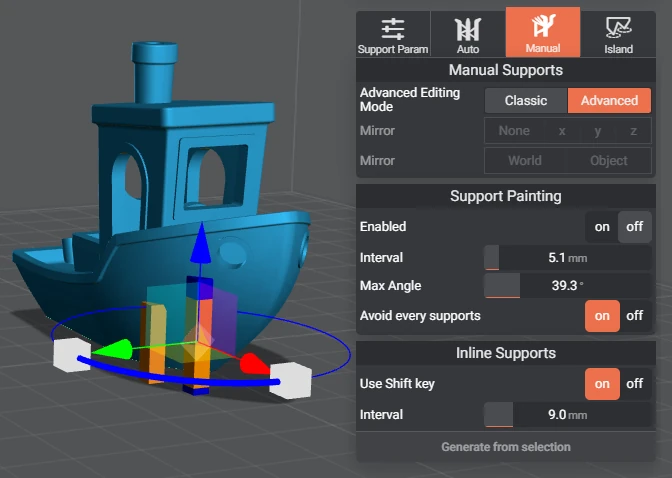
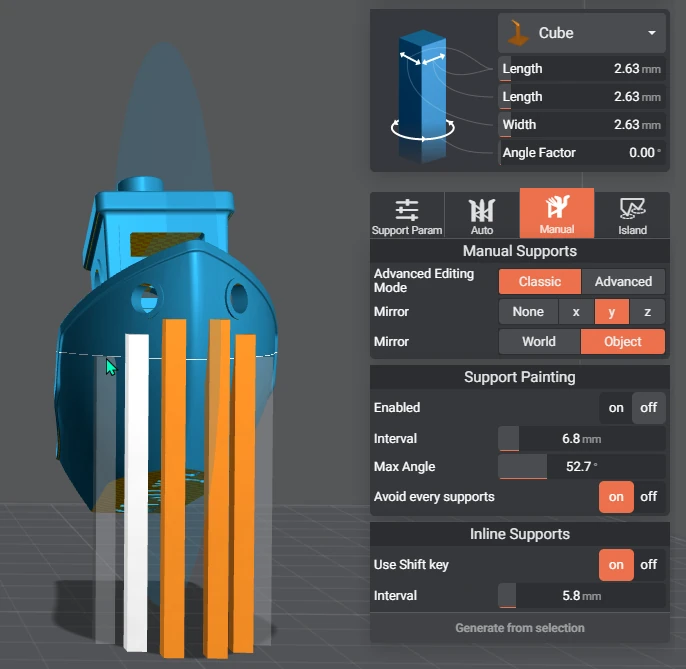
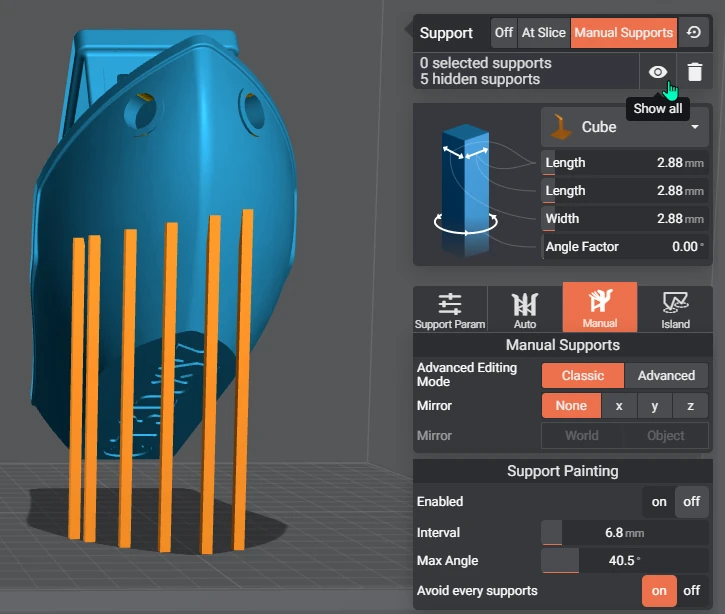
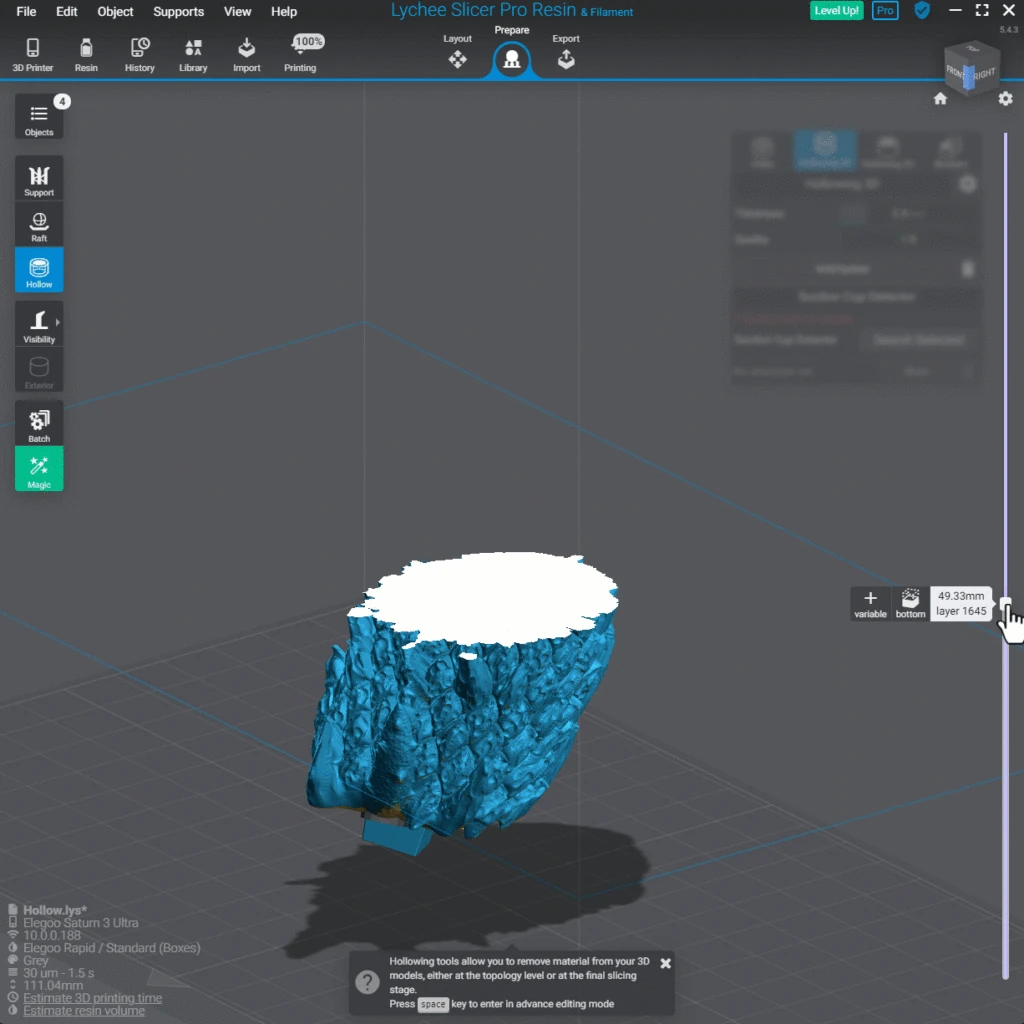
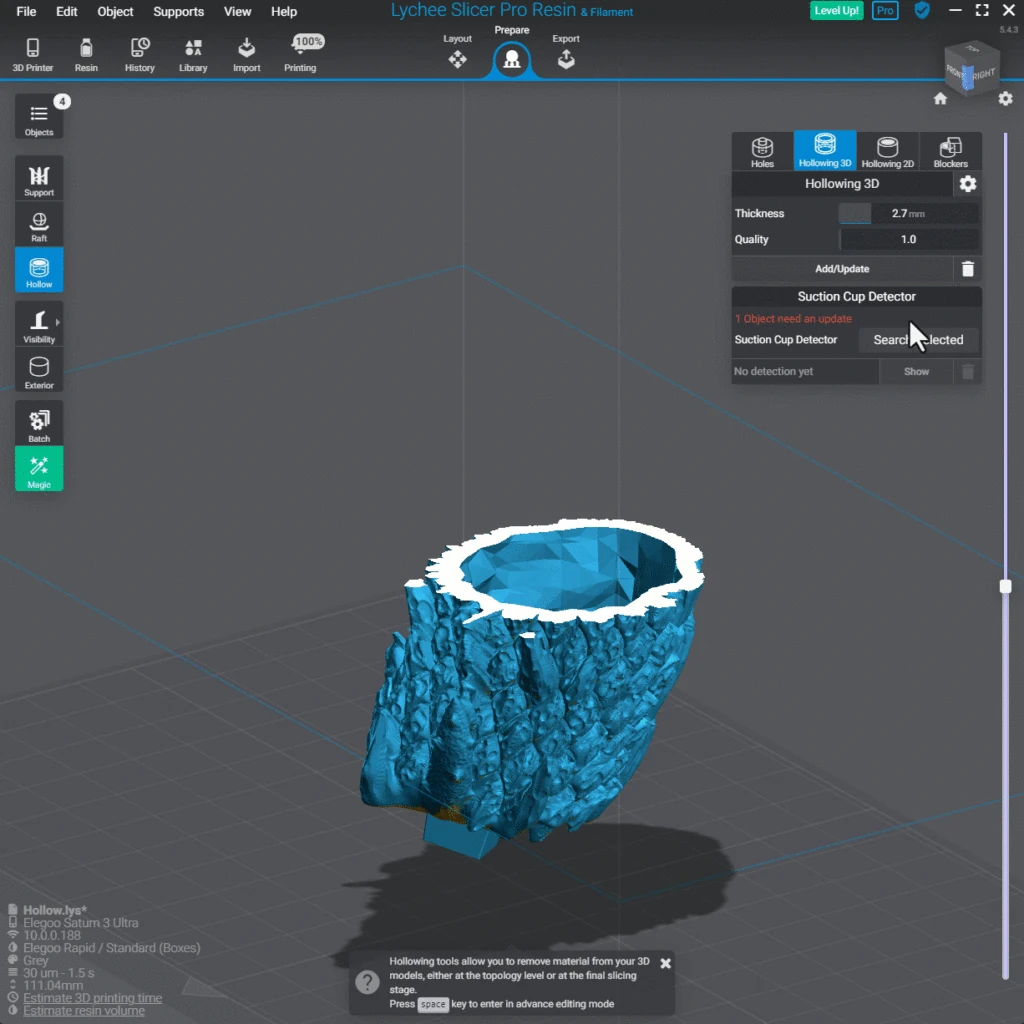
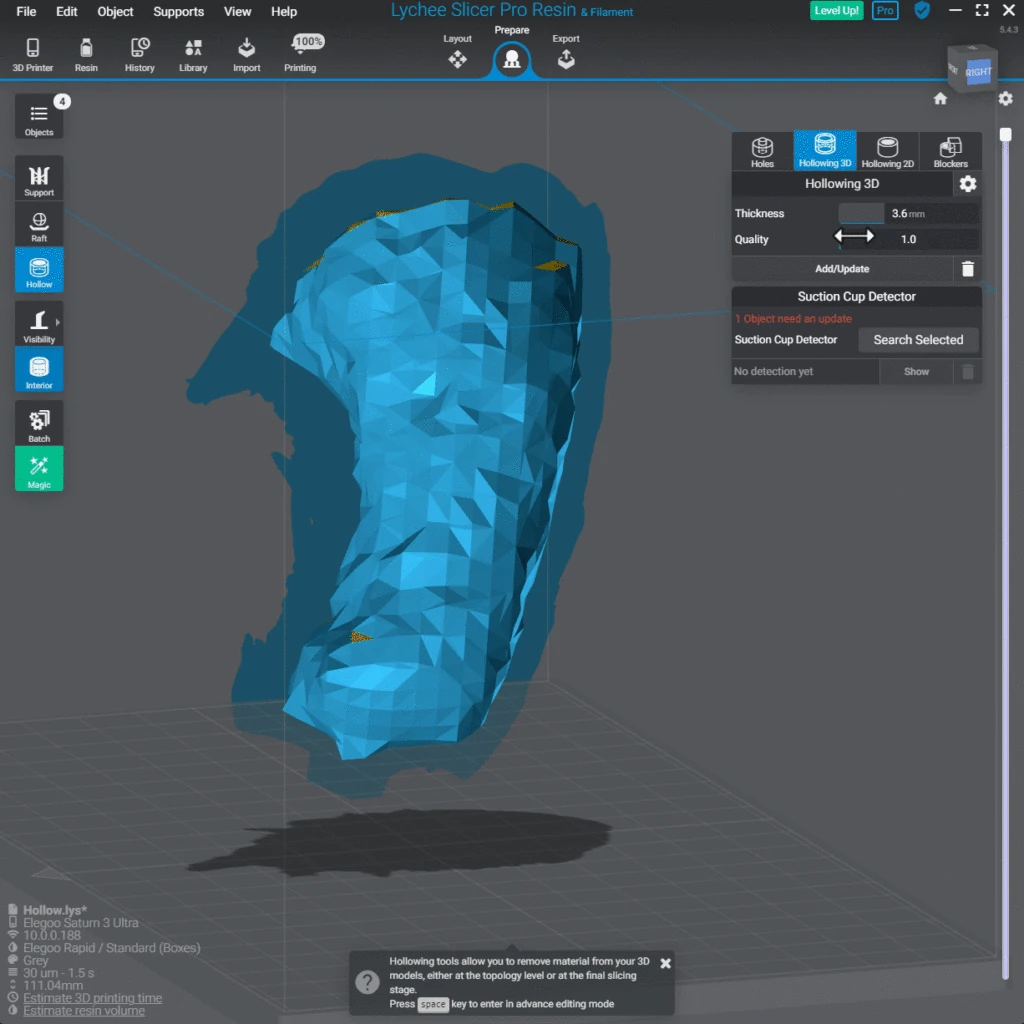
Lychee Slicer 3D workspace with primitive objects, a selected cube, transform arrows and object dimension controlsLychee Slicer 3D printer selection and filament printing-settings panels with Elegoo Neptune 3 Plus selectedLychee Slicer empty build plate with Drag and Drop files import promptLychee Slicer owl model with Manual Supports and enabled support-painting settingsLychee Slicer Benchy model with classic manual supports and support-painting interval controlsLychee Slicer Benchy model with advanced manual supports and multicolored transform handlesLychee Slicer Benchy underside with mirrored inline supports and object-relative mirror settingsLychee Slicer Benchy support visibility controls showing five hidden supports and manual-support parametersLychee Slicer 3D hollowing workspace showing a solid cross-section of a tree-stump modelLychee Slicer 3D hollowing workspace showing an open hollow tree-stump cross-section and wall thickness controlsLychee Slicer 3D hollowing view displaying the faceted interior mesh and wall-thickness settings

Best for: Resin 3D printing slicer that prepares models for SLA, DLP and LCD machines

Best for: Preparing resin prints where automatic supports save the most time

Free + paid options

The Basic edition is free to download. ChiTuBox Pro is a separate paid product.

Free + paid options

A free tier covers slicing and support generation but carries advertising and withholds some automation. Pro and Premium tiers are paid subscriptions.

Windows, macOS Windows, macOS, Linux
  • It handles the resin-specific work that filament slicers skip, including hollowing, drain holes, automatic supports and per-layer exposure settings for the printer profile you pick.
  • Automatic support generation that resin printers genuinely benefit from
  • Hollowing, drain holes and anti-aliasing built in
  • Large library of printer and resin profiles ready to use
  • Separate FDM edition alongside the resin one
  • The free Basic edition is closed source and holds back the faster slicing engine and several support tools that are only in the paid Pro edition.
  • Closed source, and the free tier shows advertising
  • Batch processing and some automation are behind a subscription
  • An account is expected to use it
  • The vendor's domain moved from mango3d.io to lychee.co, so old links break
Downloadable app Downloadable app
Not open source Not open source
License not stated License not stated
Not stated if an account is needed Account needed
Not stated if it works offline Offline features available

Sources for ChiTuBox Basic

Catalog checked September 22, 2026

Sources for Lychee Slicer

Catalog checked September 21, 2026

“Not stated” means we have not confirmed it. Features can vary by device and plan.