

Compare software
 FDM Monster FDM Monster |  OctoPrint OctoPrint |
|---|---|
Screenshots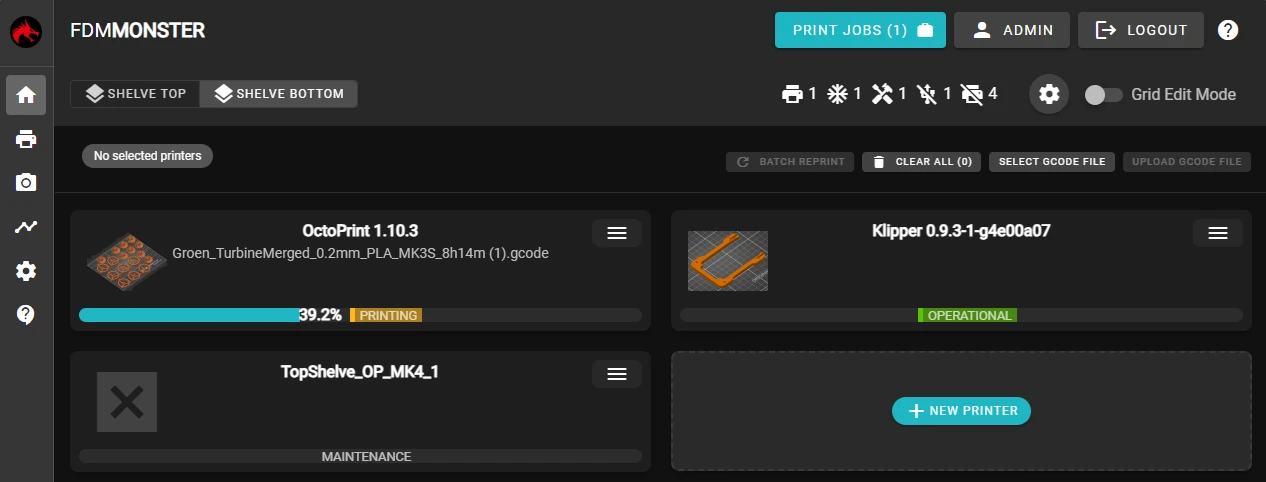 | Screenshots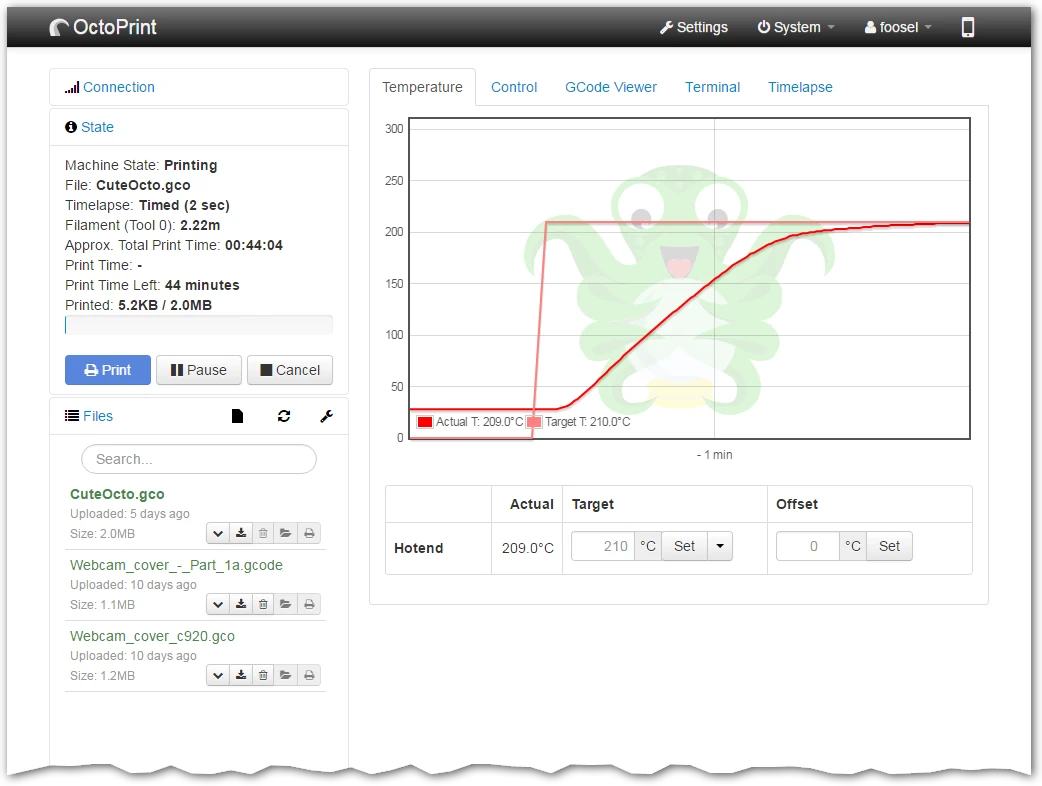 |
|
Best for: Running a mixed 3D printer farm from one self-hosted dashboard |
Best for: Control and monitor a 3D printer from a browser |
|
Free Source code is published on GitHub, and no paid tier is mentioned. |
Free Free and open source. Hosting, hardware and any external services are separate. |
| Web, Self-hosted | Linux, Self-hosted, Web |
All 4 strengths for FDM Monster
|
|
All 3 limitations for FDM Monster
|
|
| Self-hosted | Self-hosted, Web application |
| Not open source | Open source |
| License not stated | License: AGPL-3.0 |
| Not stated if an account is needed | Not stated if an account is needed |
| Not stated if it works offline | Not stated if it works offline |
Sources for FDM MonsterCatalog checked September 24, 2026 |
Sources for OctoPrintCatalog checked September 22, 2026 |
“Not stated” means we have not confirmed it. Features can vary by device and plan.
Copy comparison link