

Compare software
 FlyQ EFB FlyQ EFB |  SkyVector SkyVector |
|---|---|
Screenshots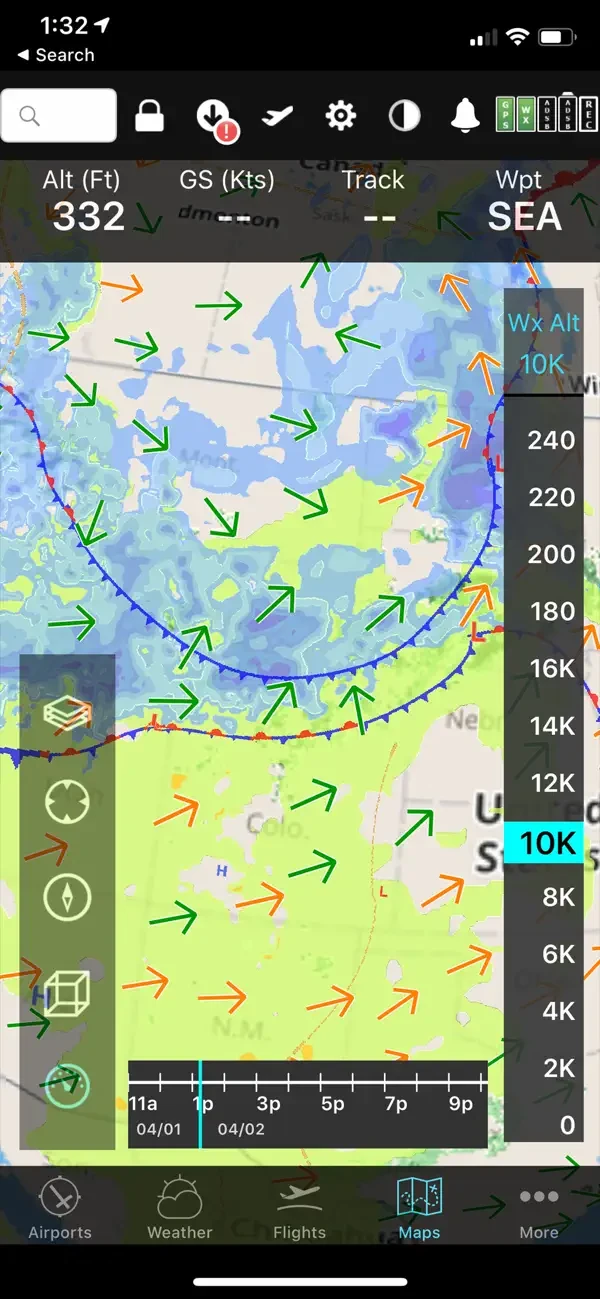 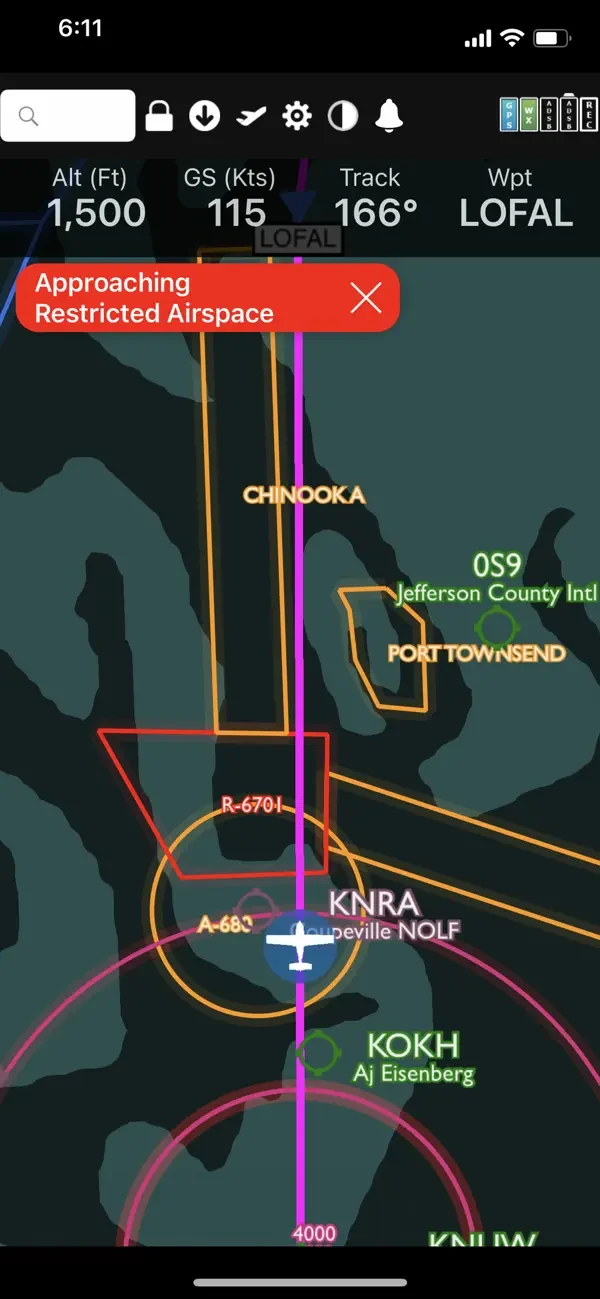 | |
|
Best for: North American pilots who want weather-focused planning on an iPad |
Best for: Pilots planning flights on aeronautical charts in the browser |
|
Paid Paid, with a 30-day free trial and a CFI and student offer. |
Free Free to use and supported by advertising. |
| iOS | Web |
All 3 strengths for FlyQ EFB
|
All 4 strengths for SkyVector
|
|
|
| Downloadable app | Web application |
| Not open source | Not open source |
| License not stated | License not stated |
| Not stated if an account is needed | No account needed |
| Not stated if it works offline | Needs internet |
Sources for FlyQ EFBCatalog checked September 23, 2026 |
Sources for SkyVectorCatalog checked September 23, 2026 |
“Not stated” means we have not confirmed it. Features can vary by device and plan.
Copy comparison link