

Compare software
 Google Slides Google Slides |  Pitch Pitch |
|---|---|
No screenshots available | Screenshots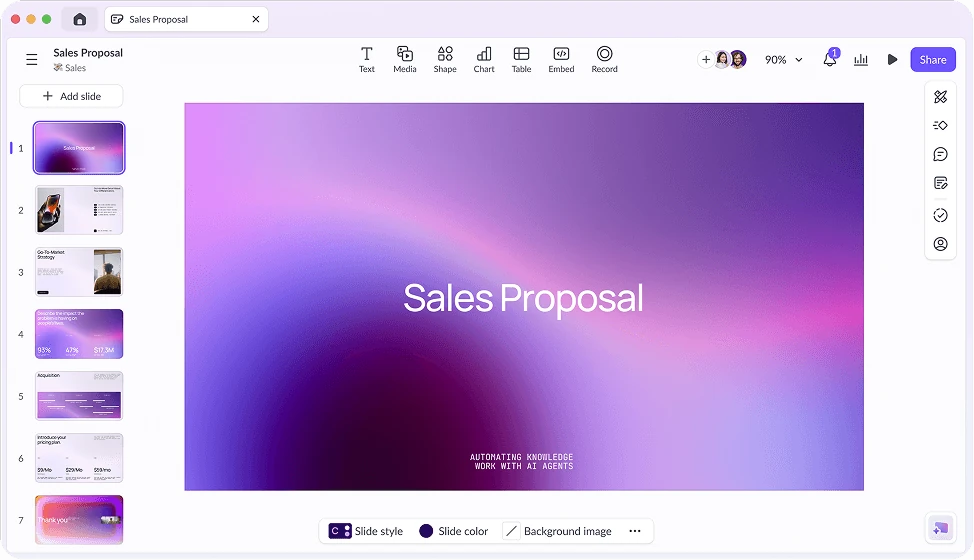 |
|
Best for: Building and sharing presentations with a team from any device |
Best for: Teams building and sharing presentations together online |
|
Free + paid options Free with a Google account; business use is offered through paid Google Workspace plans. |
Free + paid options Check the website for current plans and pricing. |
| Android, iOS, Web | Web |
All 3 strengths for Google Slides
|
All 3 strengths for Pitch
|
All 3 limitations for Google Slides
|
|
| Downloadable app, Web application | Web application, Hosted service |
| Not open source | Not open source |
| License not stated | License: Proprietary |
| Account needed | Account needed |
| Not stated if it works offline | Not stated if it works offline |
Sources for Google SlidesCatalog checked October 1, 2026 |
Sources for PitchCatalog checked September 23, 2026 |
“Not stated” means we have not confirmed it. Features can vary by device and plan.
Copy comparison link