

Compare software
 LibreOffice Writer LibreOffice Writer |  Bean Bean |
|---|---|
Screenshots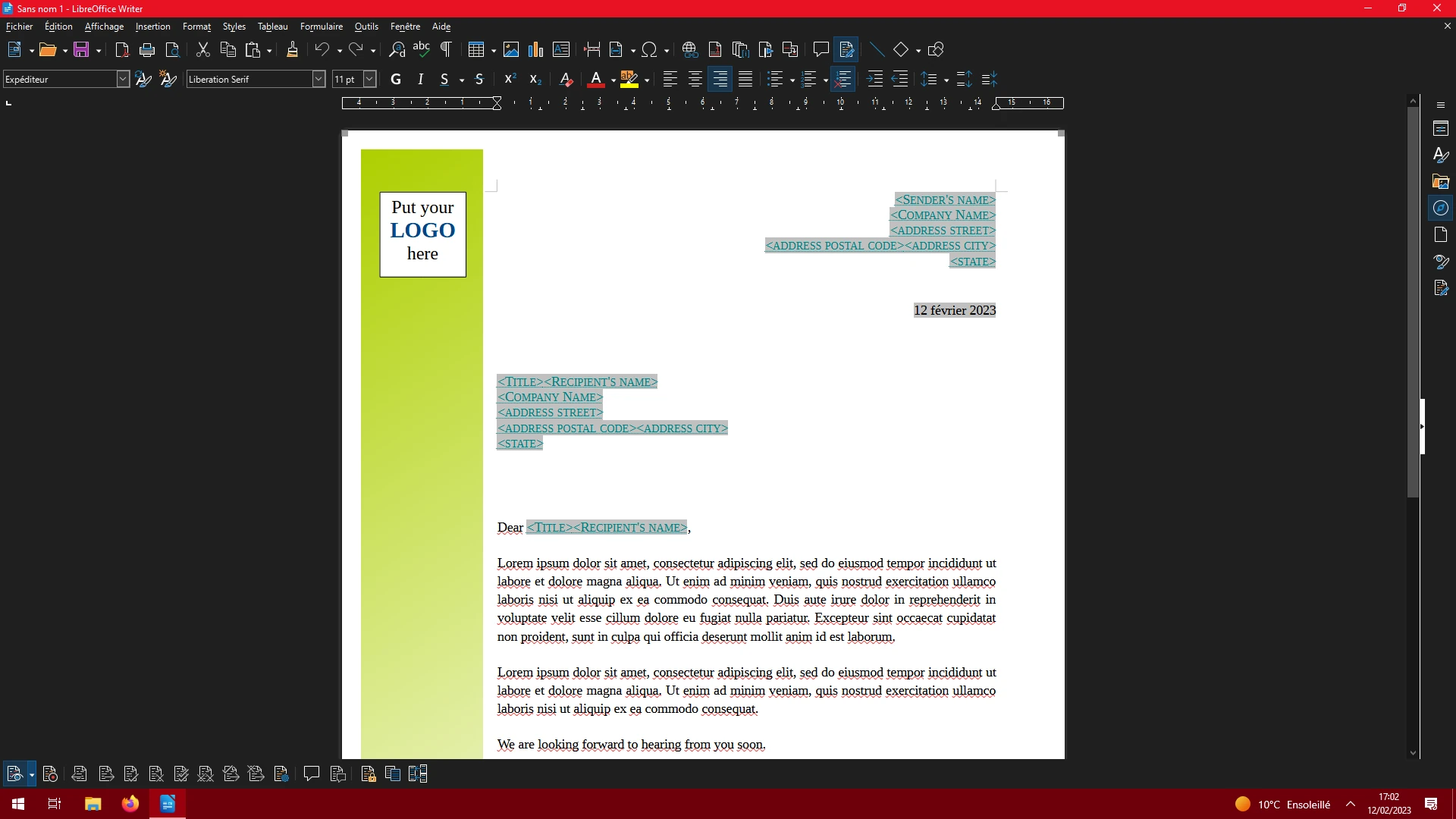 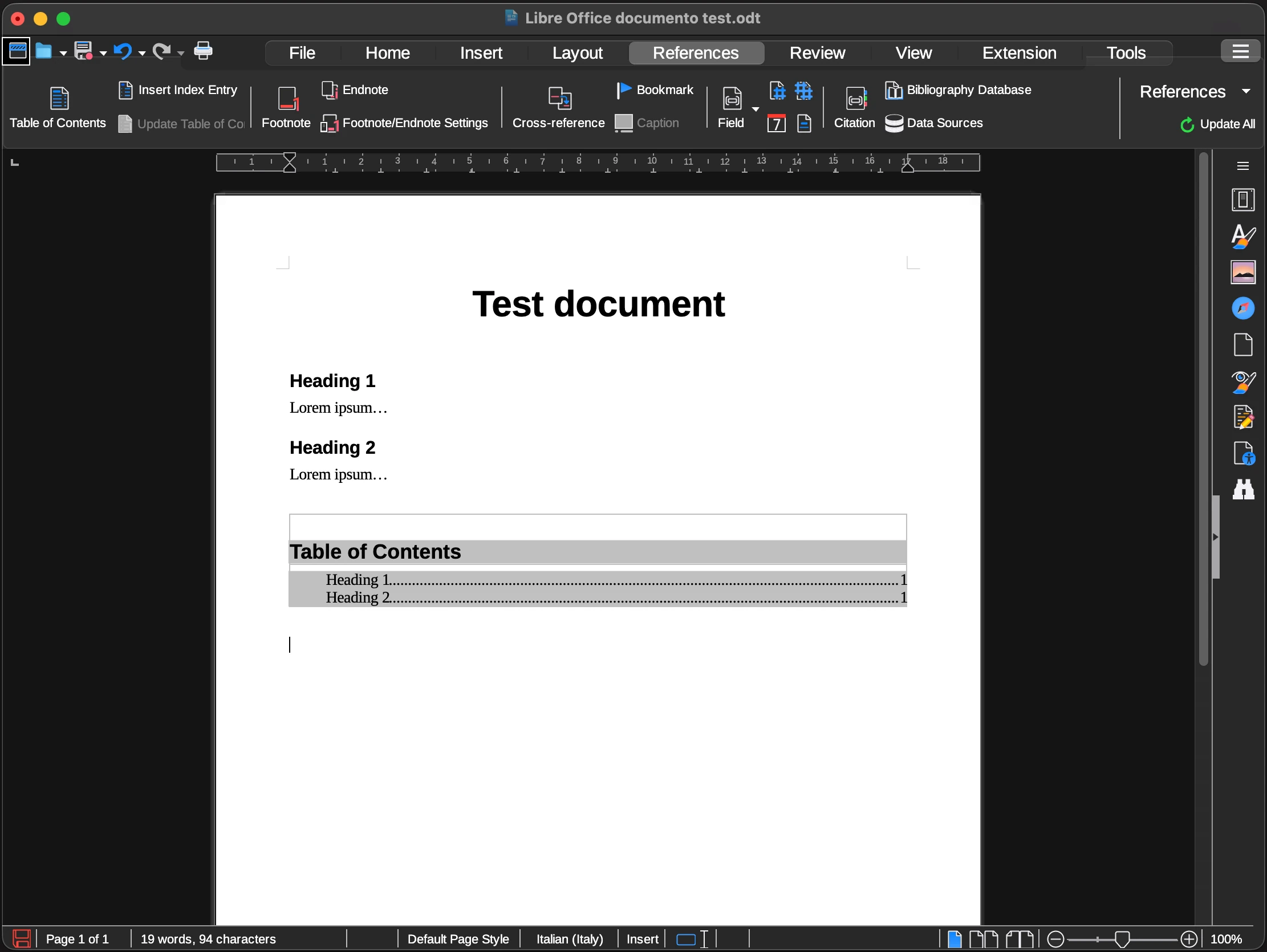 | No screenshots available |
|
Best for: Writing letters, reports and books in a free desktop word processor |
Best for: Writers on a Mac who want a simple word processor rather than a full office suite |
|
Free Free and open source, developed by The Document Foundation and community contributors. |
Free Available free of charge. |
| Windows, macOS, Linux | macOS |
All 4 strengths for LibreOffice Writer
|
All 4 strengths for Bean
|
|
All 3 limitations for Bean
|
| Downloadable app | Downloadable app |
| Open source | Not open source |
| License: MPL-2.0 | License not stated |
| No account needed | No account needed |
| Offline features available | Offline features available |
Sources for LibreOffice WriterCatalog checked October 1, 2026 |
Sources for BeanCatalog checked October 2, 2026 |
“Not stated” means we have not confirmed it. Features can vary by device and plan.
Copy comparison link