Compare software

OctoPrint vs Prusa Connect: catalog facts
OctoPrintPrusa Connect

Screenshots

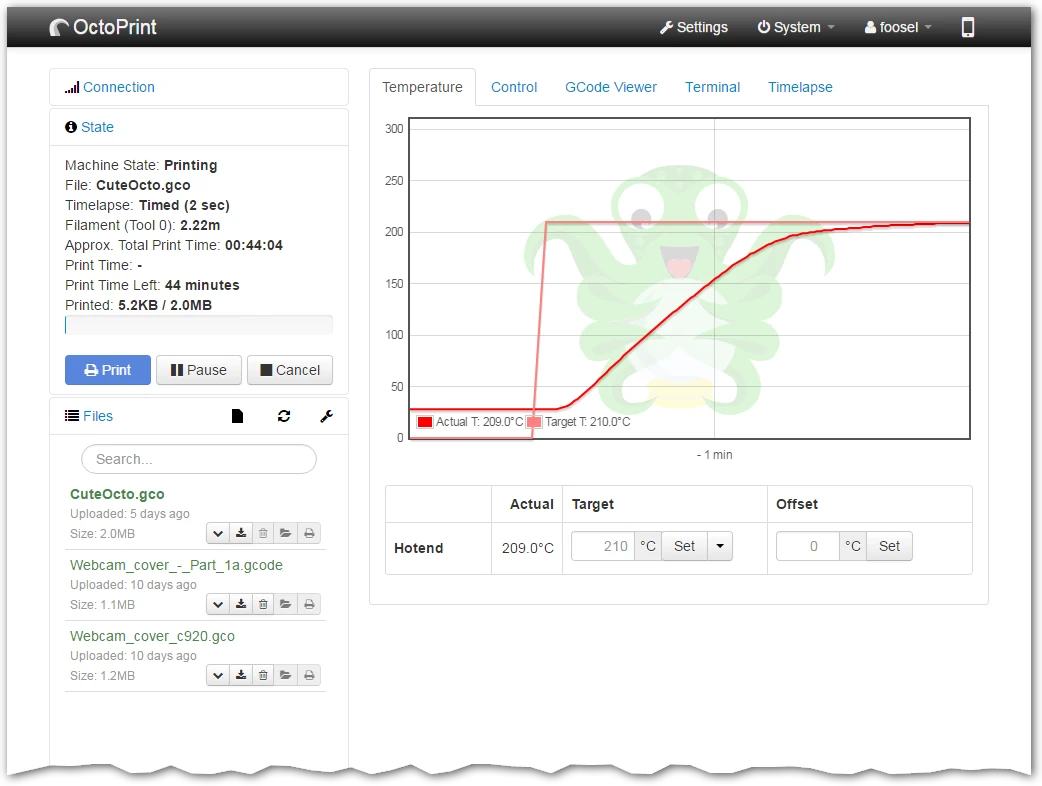
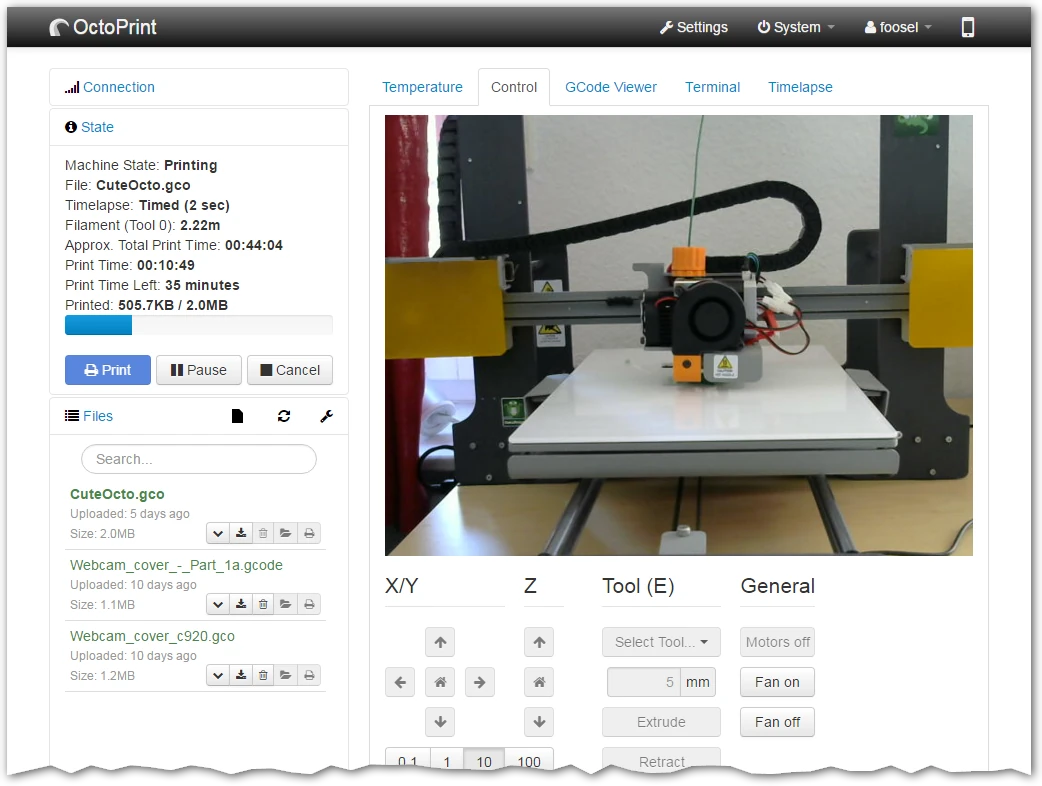
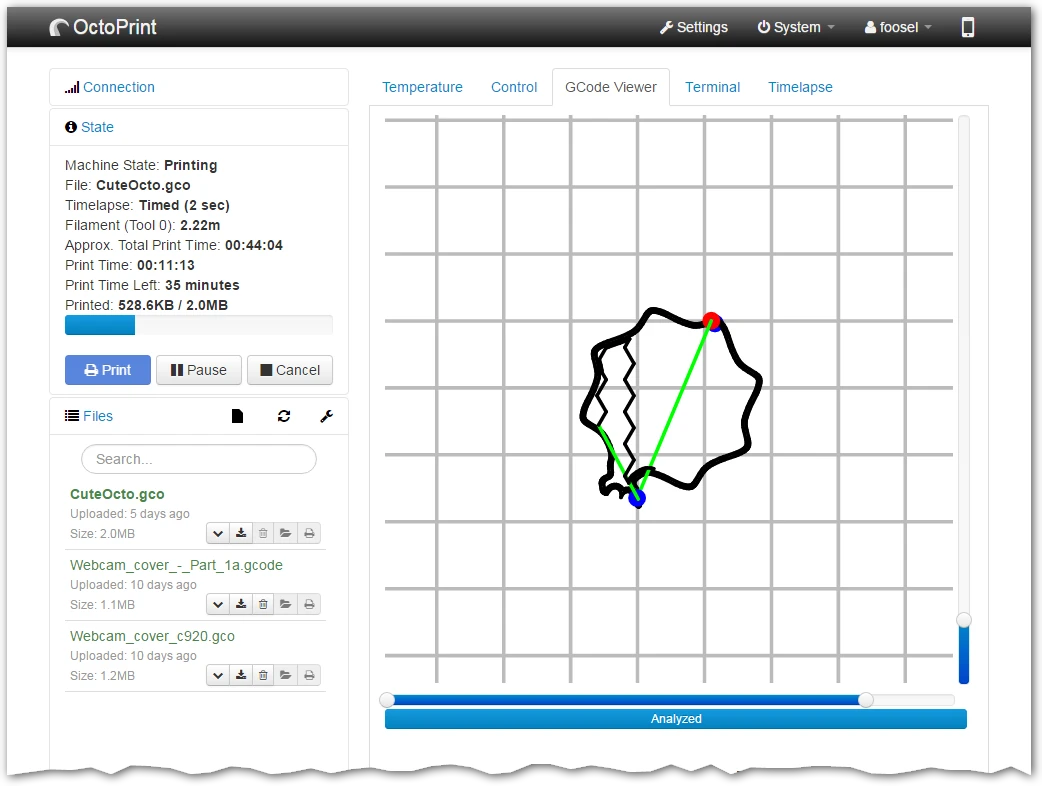
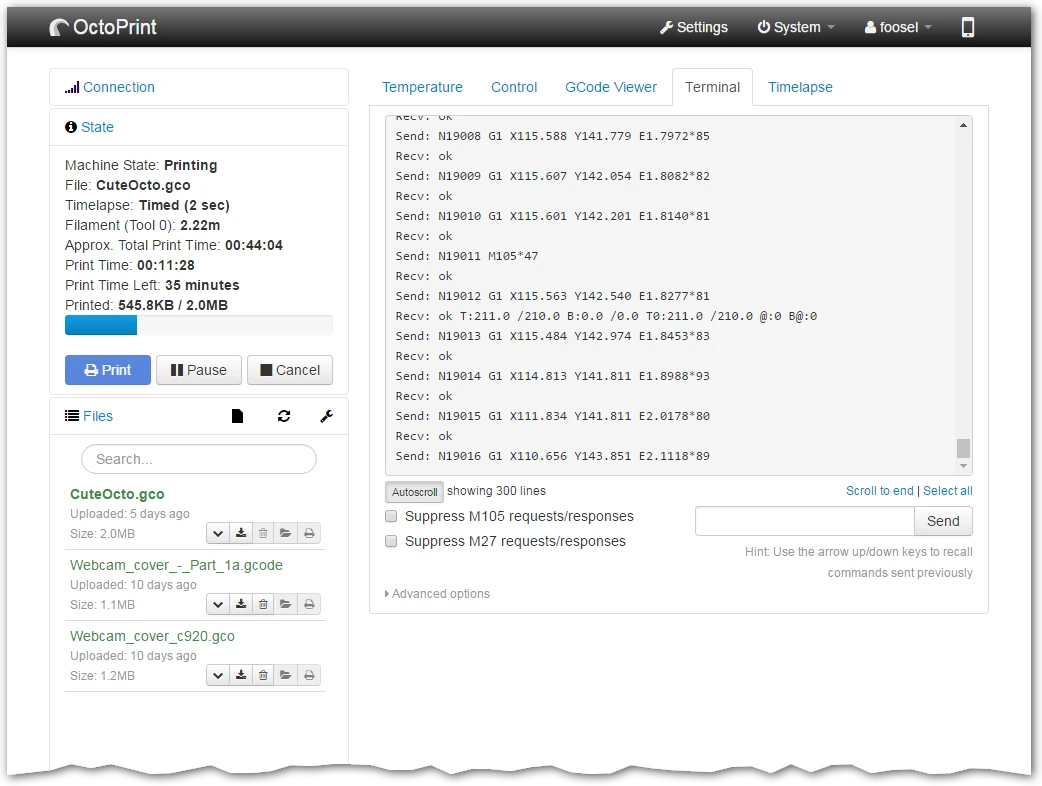
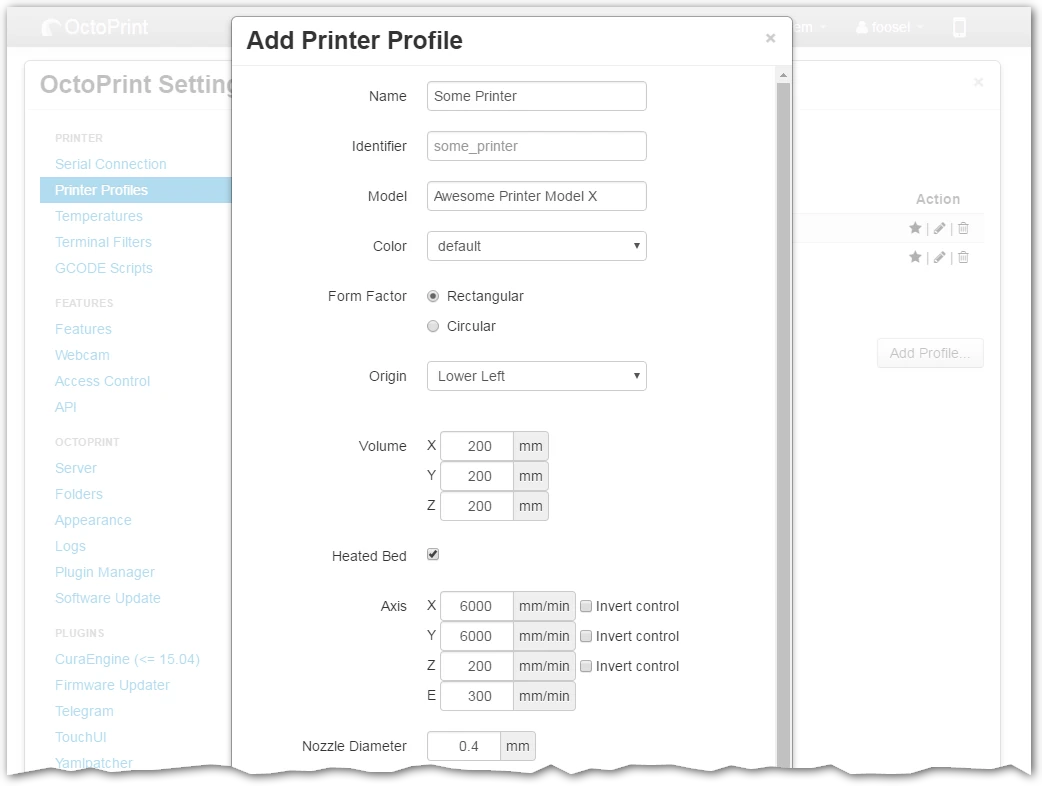
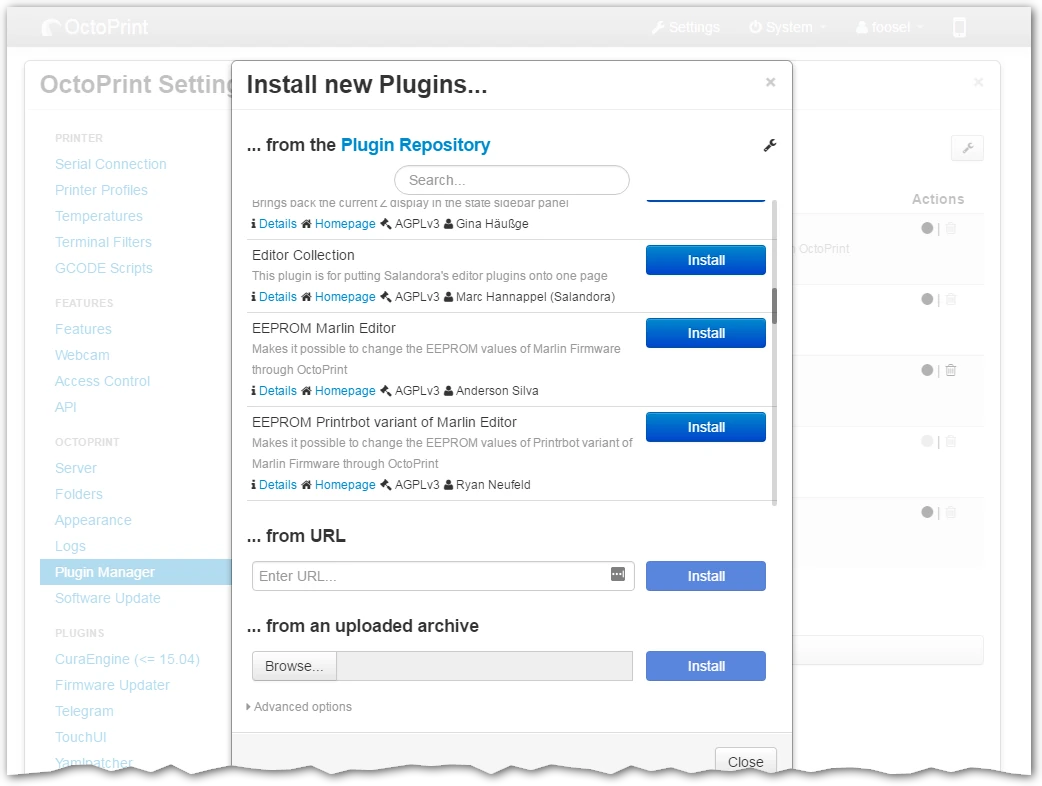
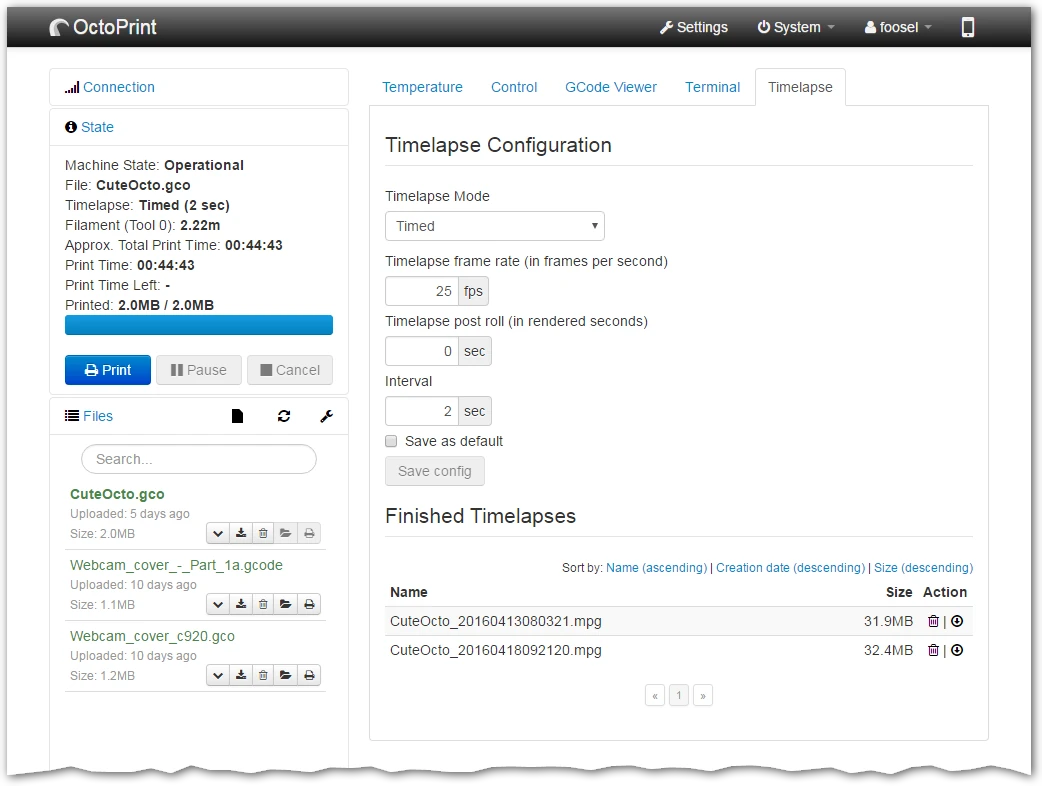
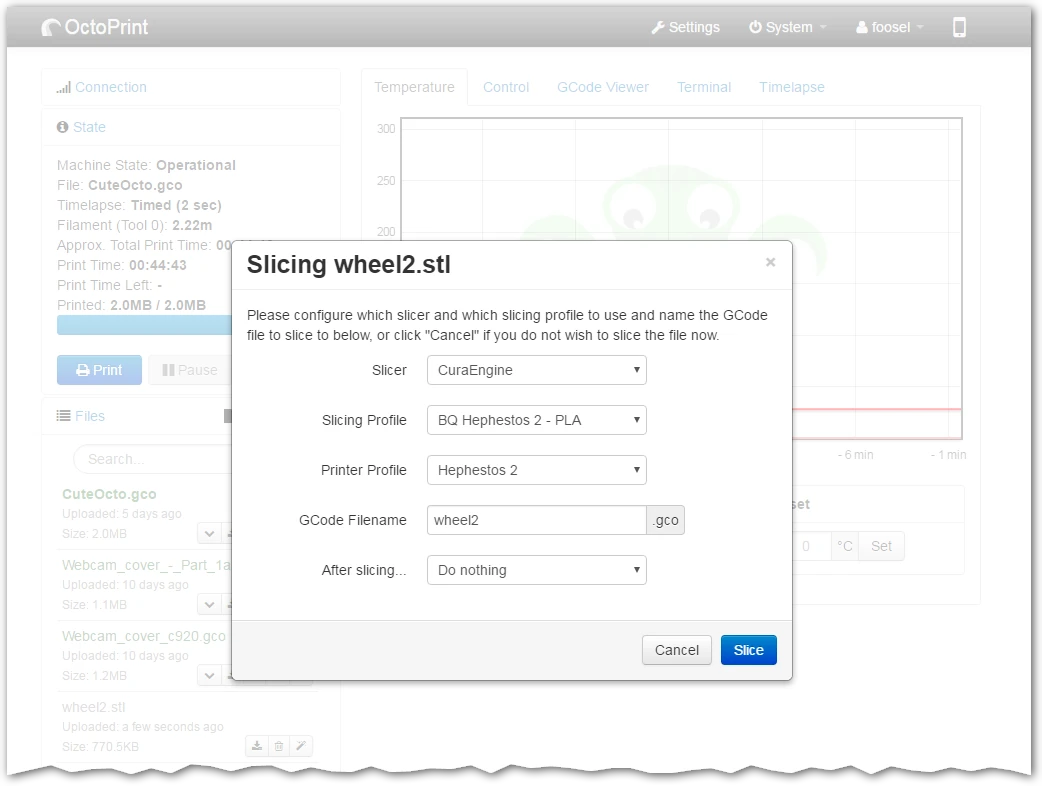
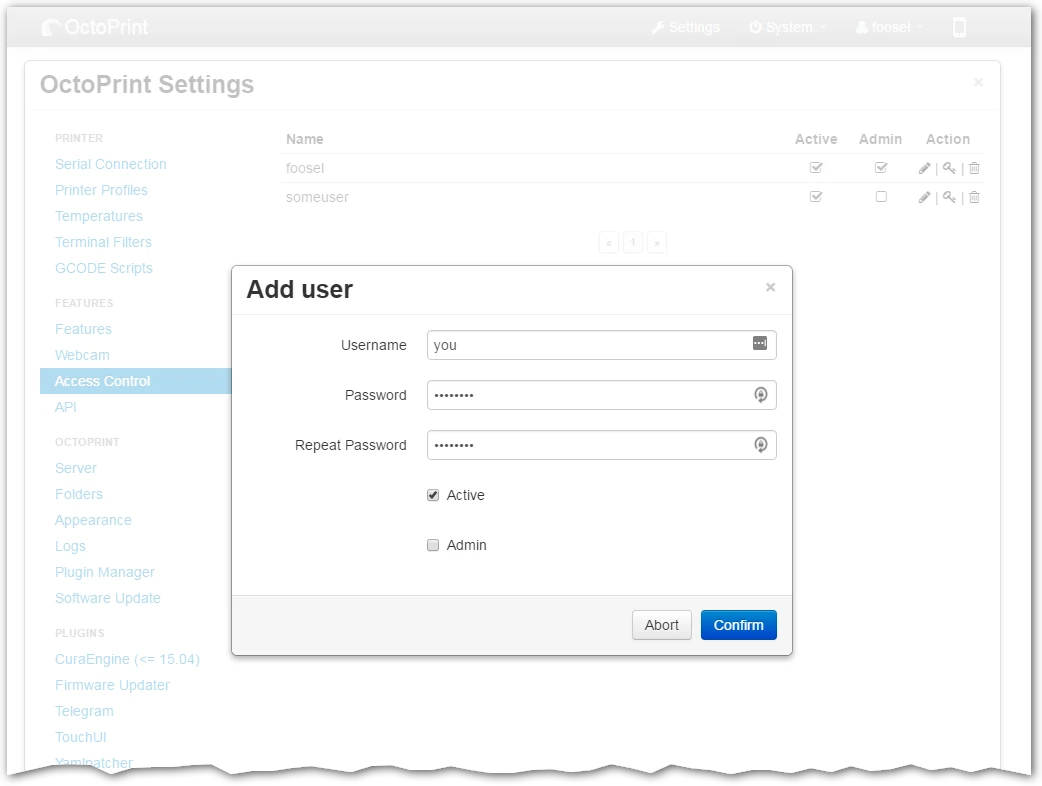
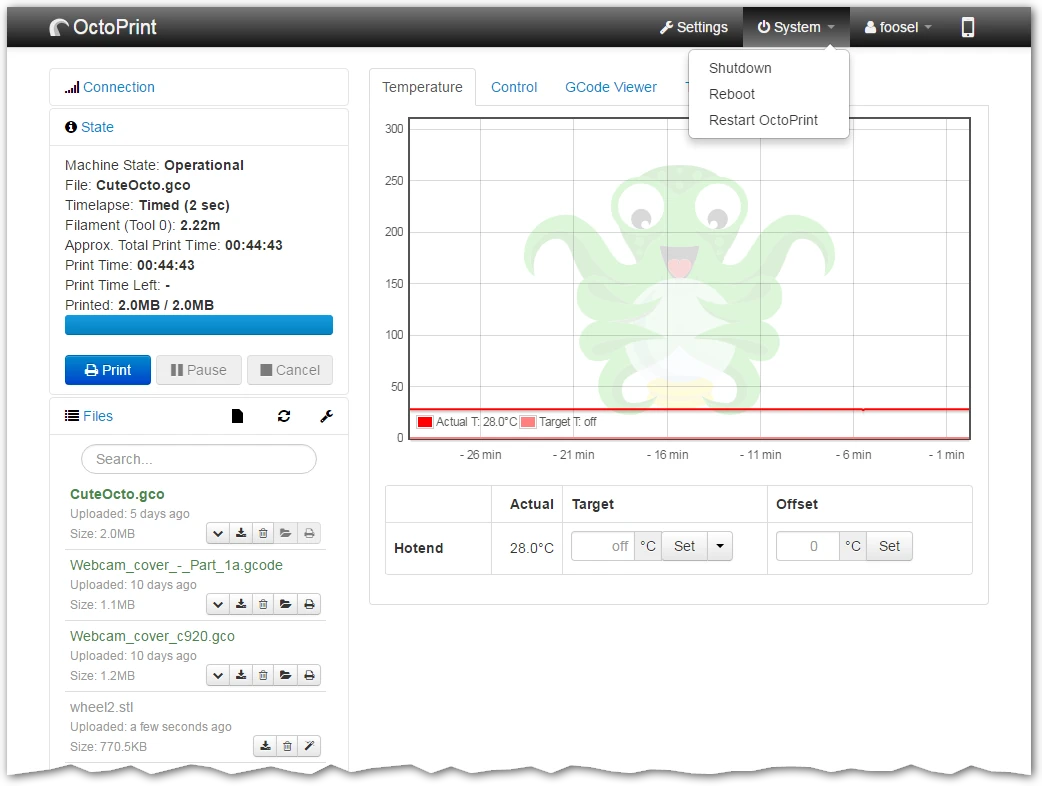
OctoPrint temperature tab with a hotend heating graph, print state panel and file listOctoPrint Control tab with printer webcam and movement controlsOctoPrint GCode Viewer showing a toolpath and layer controlsOctoPrint Terminal tab displaying printer commands and responsesOctoPrint Add Printer Profile dialog with dimensions and axis settingsOctoPrint plugin installation dialog listing plugins and installation sourcesOctoPrint Timelapse tab with recording settings and finished timelapsesOctoPrint slicing dialog for wheel2.stl with CuraEngine profileOctoPrint Add user dialog in Access Control settingsOctoPrint System menu with shutdown, reboot and restart actions

Best for: Control and monitor a 3D printer from a browser

Best for: Prusa printer owners who want to start and watch prints remotely

Free

Free and open source. Hosting, hardware and any external services are separate.

Free

Free to use with a Prusa account, including free cloud storage for G-code.

Linux, Self-hosted, Web Web
  • Manages uploaded print files and print jobs
  • Supports an extensive plugin system
  • Remote control and monitoring from any browser
  • Per-printer print queue and history
  • Manages several printers and spreads jobs between them
  • Filament statistics and real-time telemetry
  • Requires a host computer and a compatible printer connection.
  • Only works with supported Prusa printers
  • Requires an account and an internet connection
  • Timelapse support is not available yet
Self-hosted, Web application Web application, Hosted service
Open source Not open source
License: AGPL-3.0 License not stated
Not stated if an account is needed Account needed
Not stated if it works offline Needs internet

Sources for OctoPrint

Catalog checked September 22, 2026

Sources for Prusa Connect

Catalog checked September 24, 2026

“Not stated” means we have not confirmed it. Features can vary by device and plan.