Compare software

rekordbox vs SideDeck: catalog facts
rekordboxSideDeck

Screenshots

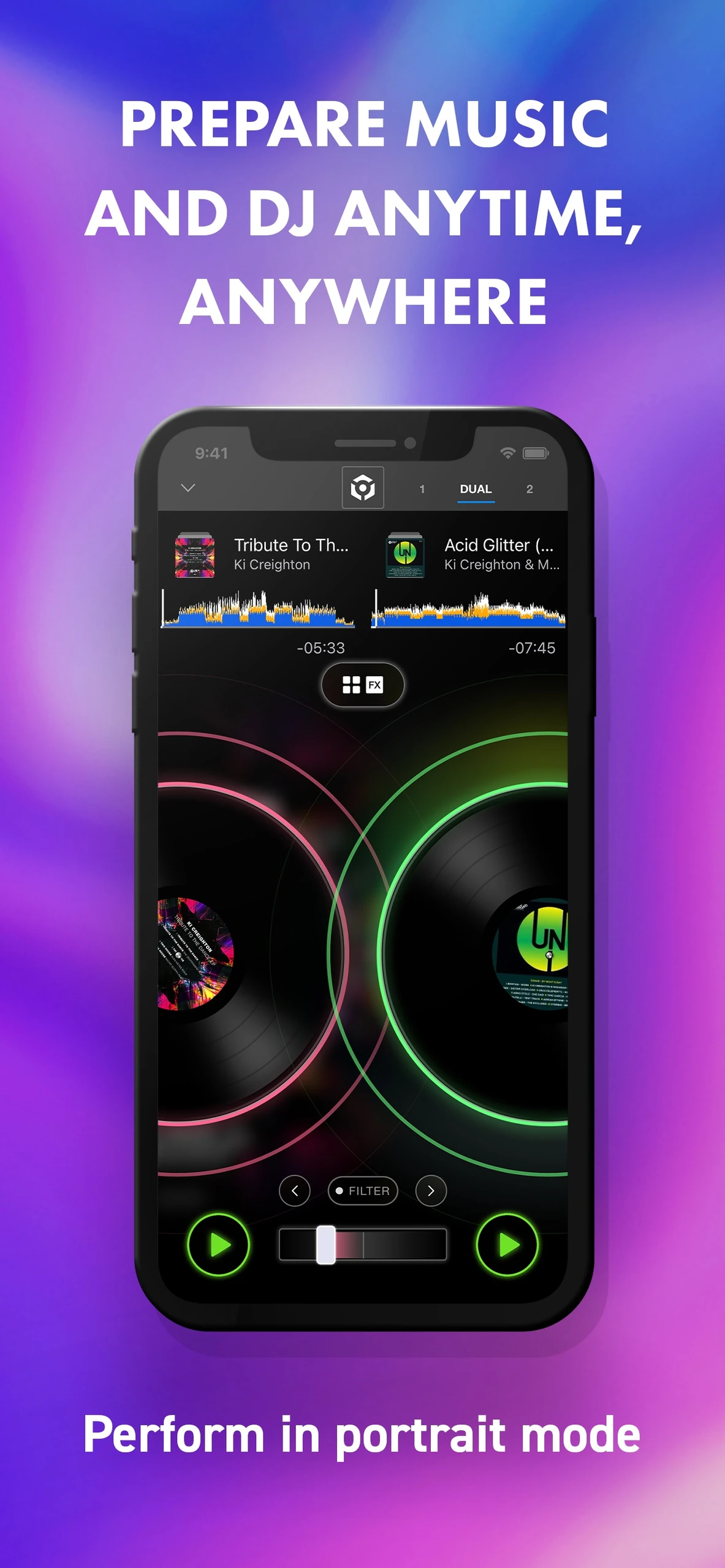
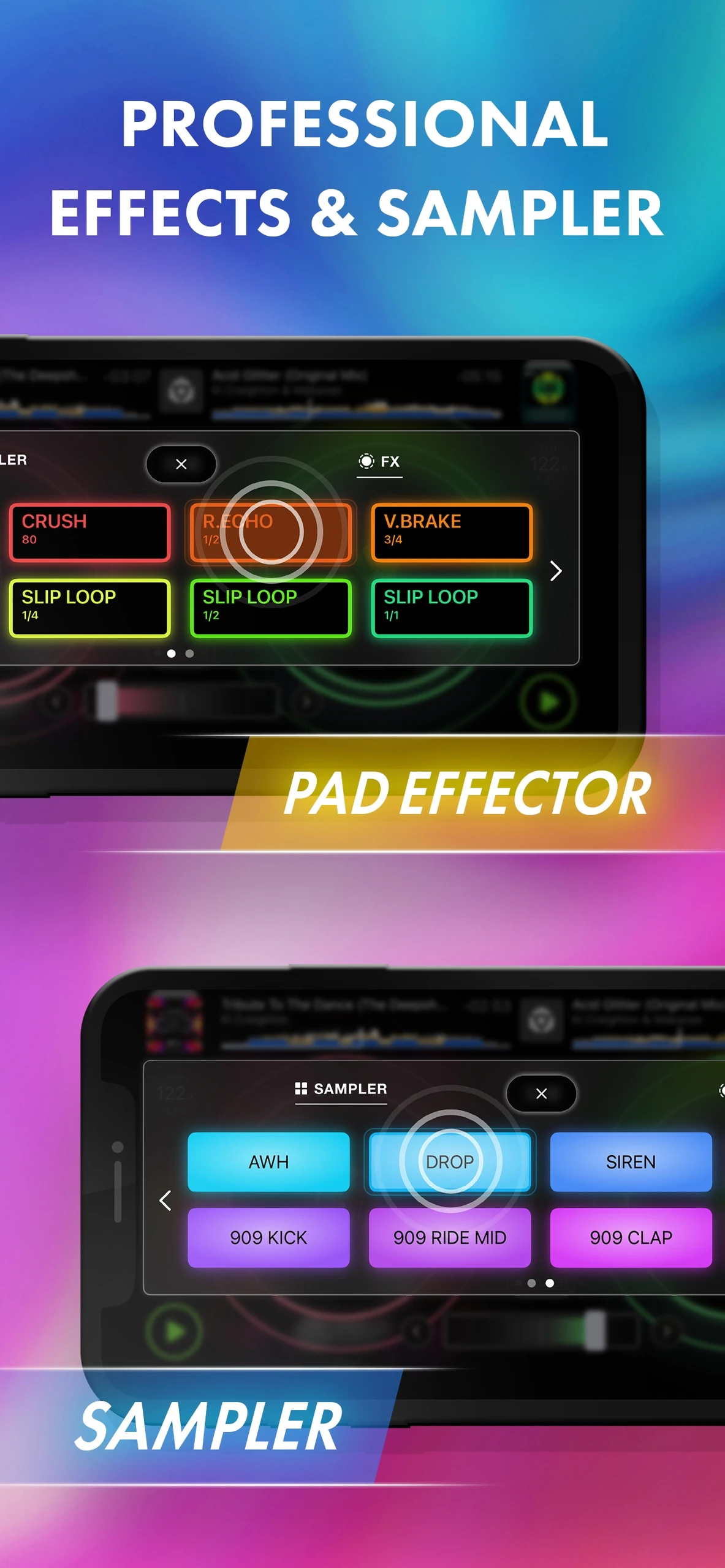
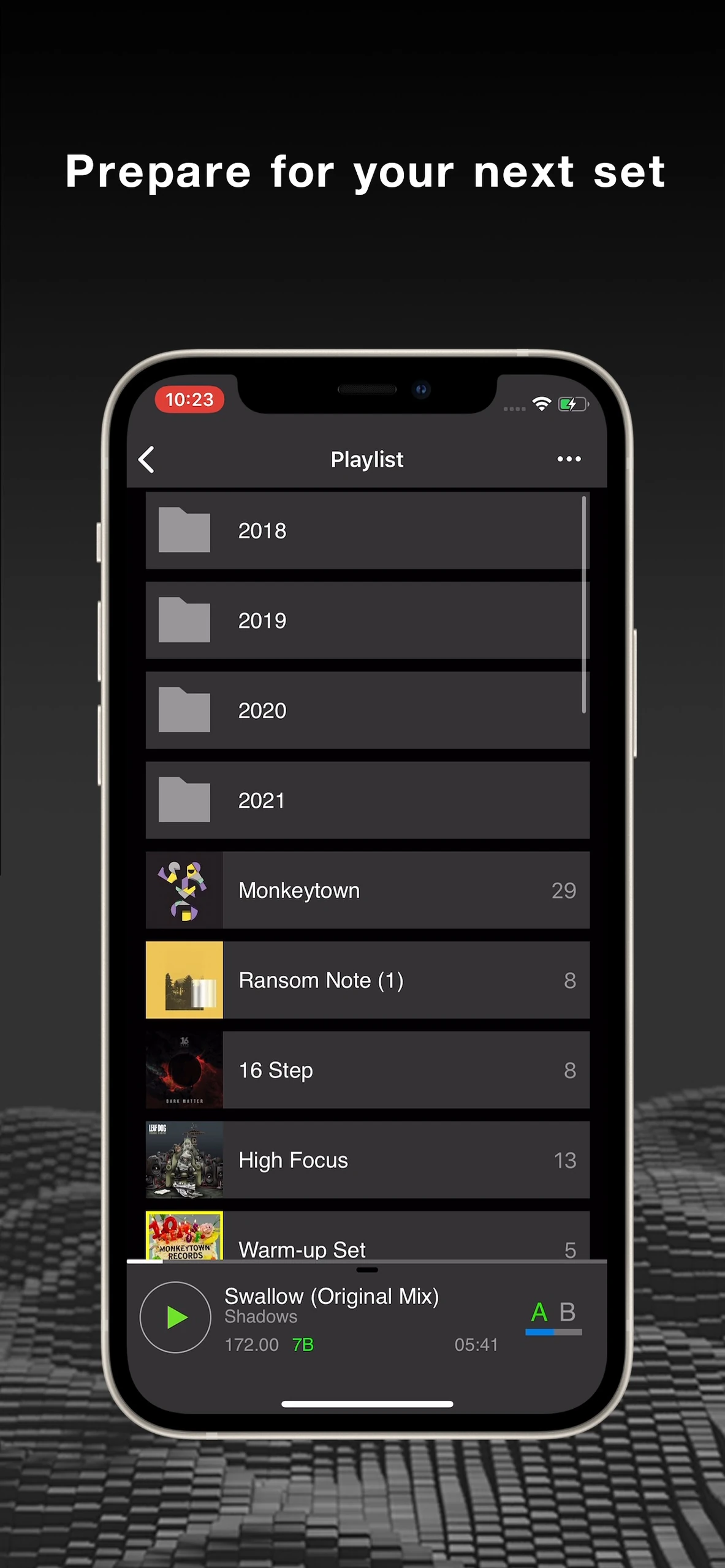
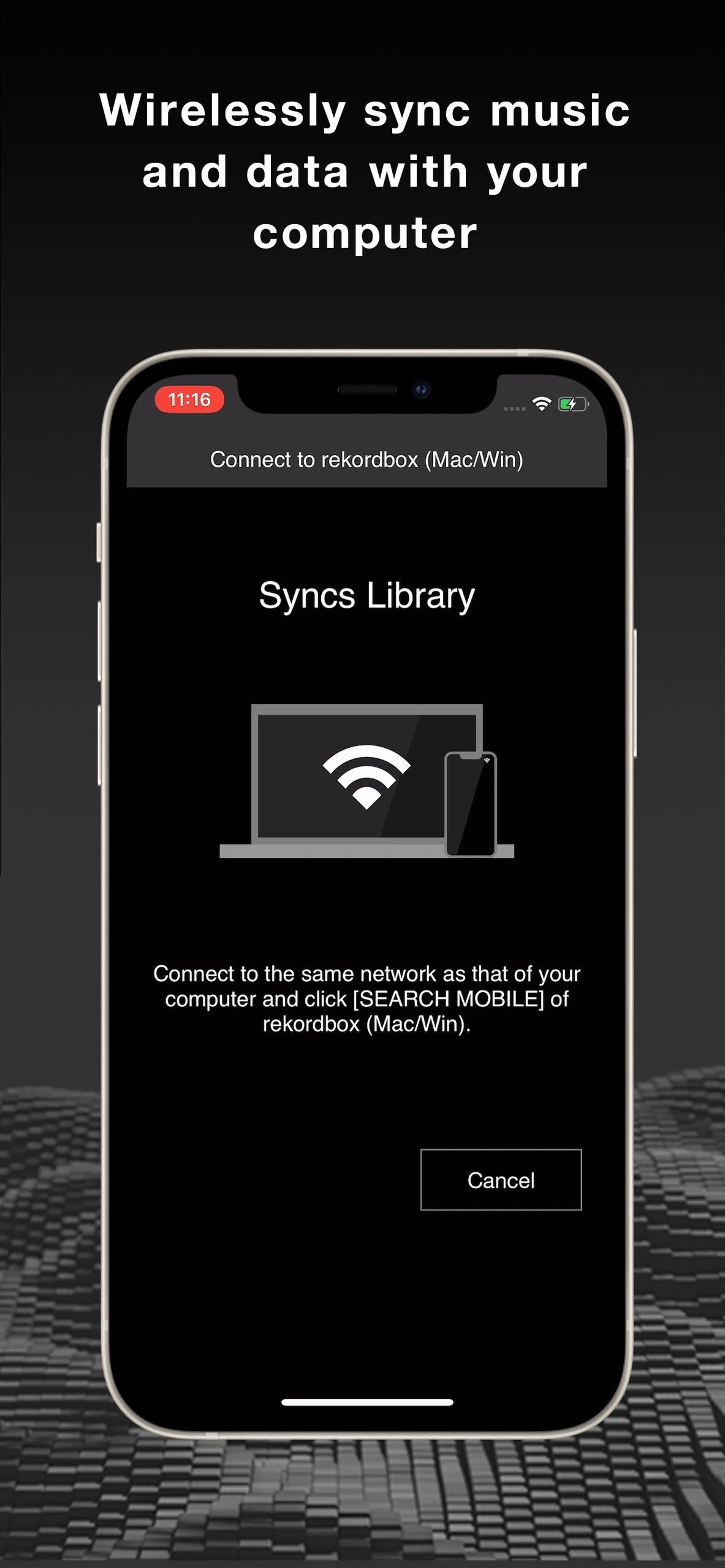
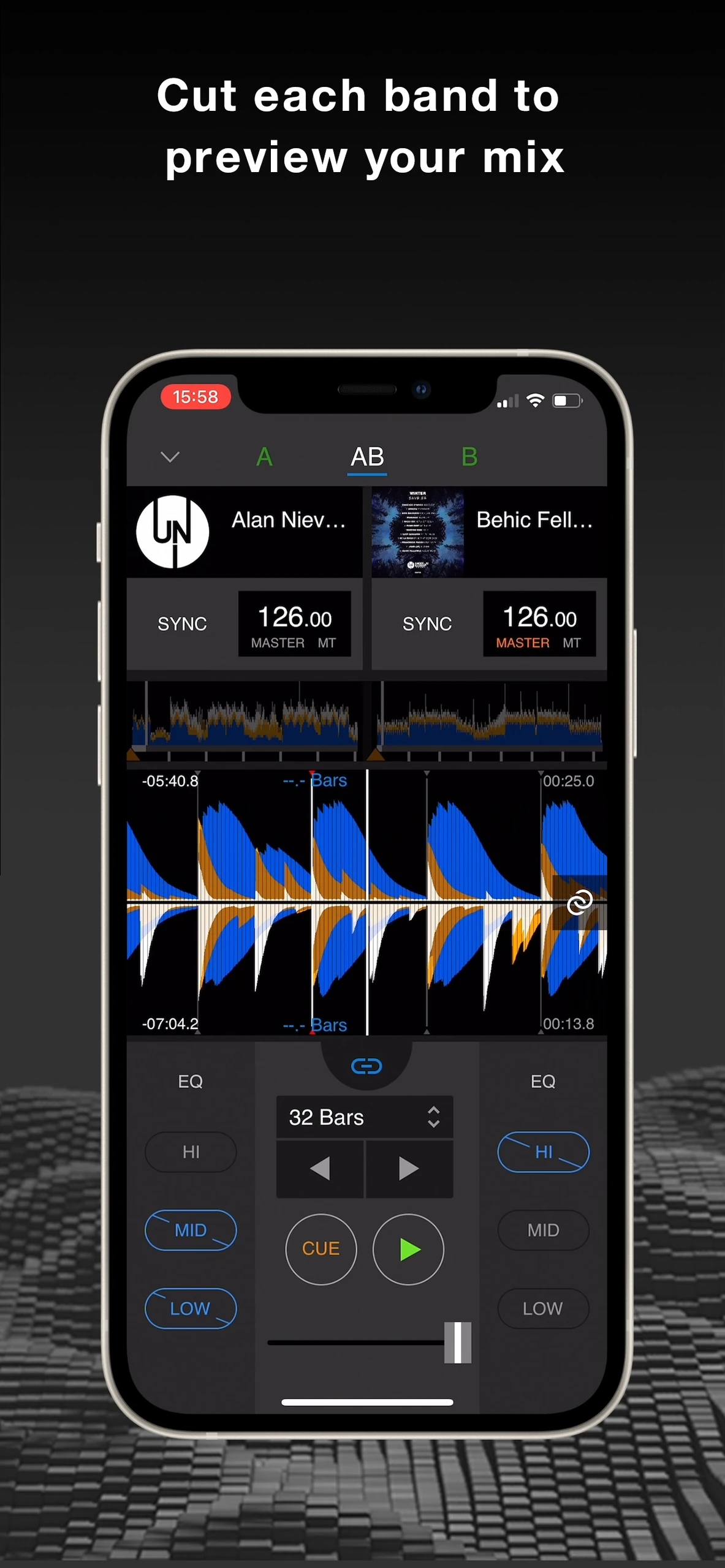
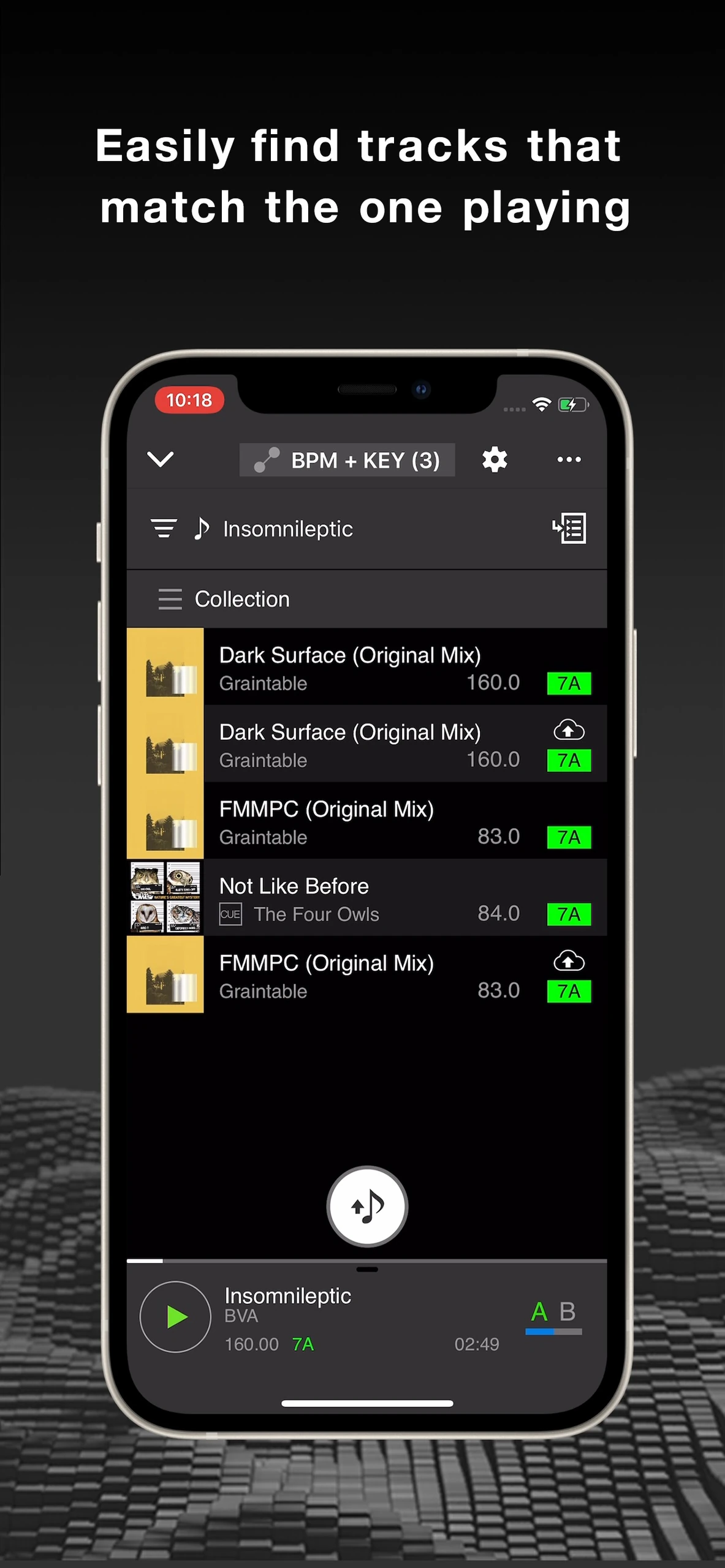
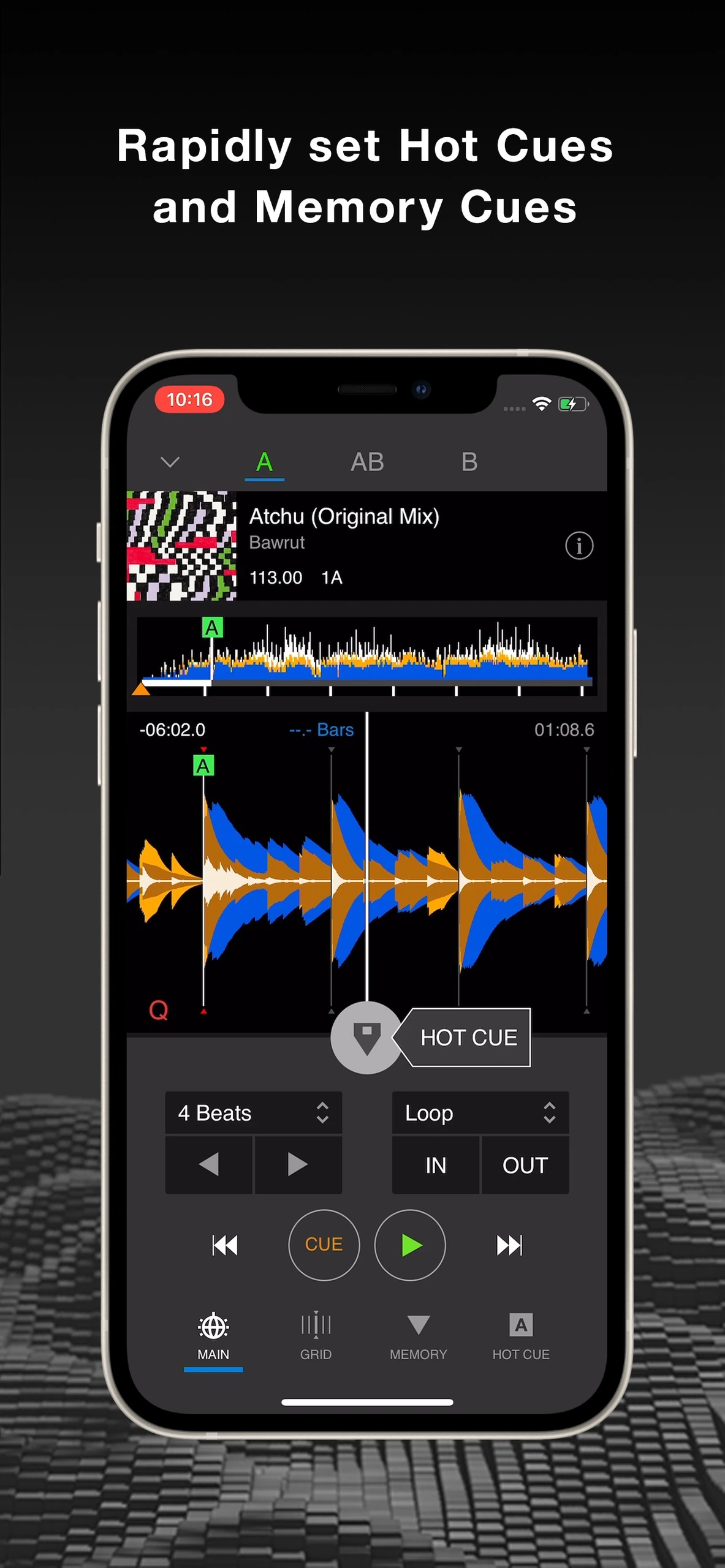
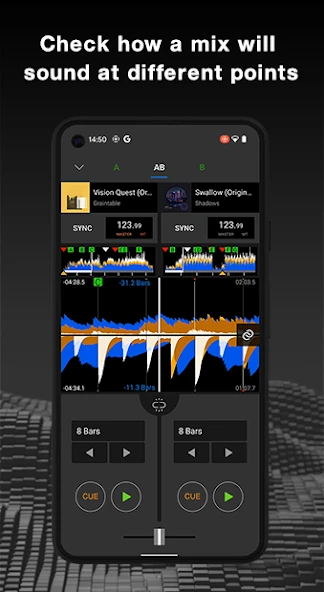
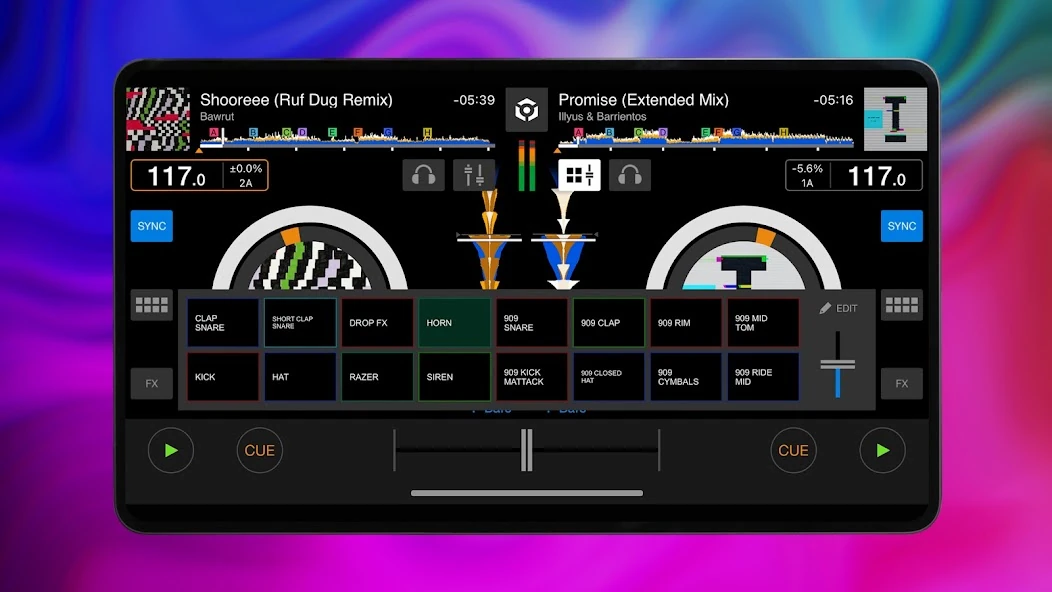
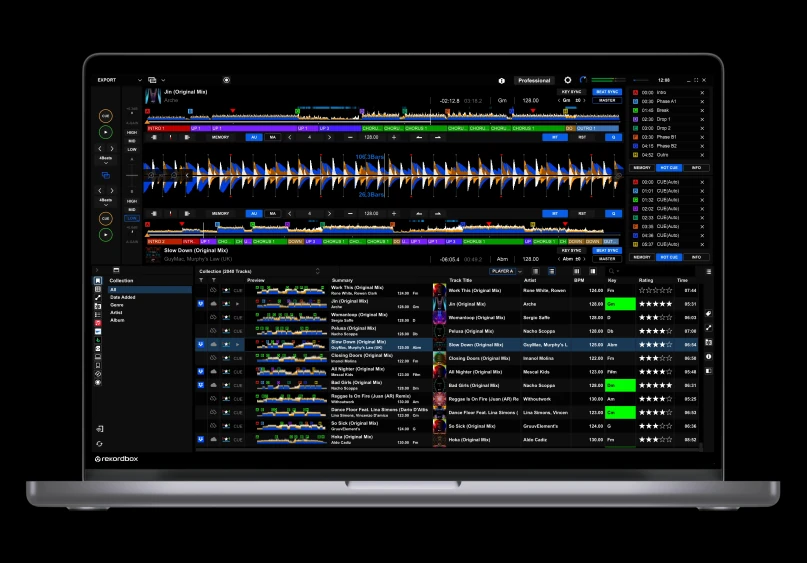
rekordbox portrait dual DJ decks with waveforms and crossfaderrekordbox Pad Effector and Sampler controlsrekordbox playlist browser with folders, track artwork and playback striprekordbox Syncs Library connection screen for Mac or Windowsrekordbox dual waveform mixer with EQ band controls and crossfaderrekordbox related tracks list filtered by BPM and keyrekordbox hot cue and memory cue controls below a track waveformrekordbox Android dual waveform deck with loop length and transport controlsrekordbox tablet dual decks with an open effects control panelrekordbox desktop Export workspace with dual waveforms, hot cues and track collection

Best for: DJs preparing sets for Pioneer DJ equipment

Best for: Hobby DJs mixing on an Android phone or a small USB mixer

Free + paid options

Free to download, with paid plans that add cloud sync and other features.

Free

Free and open source with no subscription or premium tier.

Windows, macOS, Android, iOS Android
  • Track analysis for BPM and key with USB export to DJ units
  • Library sync across up to eight devices on the Professional plan
  • Supports streaming services including Spotify and Apple Music
  • Dual decks for mixing local files
  • Streams from a Subsonic music server
  • Works with USB mixers such as the EP-136 K.O. Sidekick
  • No paywall or subscription
  • Cloud features require a paid plan
  • Built mainly around Pioneer DJ hardware
  • Android only
  • Young project with a small user base
Downloadable app Downloadable app
Not open source Open source
License not stated License: GPL-3.0-or-later
Not stated if an account is needed No account needed
Not stated if it works offline Not stated if it works offline

Sources for rekordbox

Catalog checked October 1, 2026

Sources for SideDeck

Catalog checked October 2, 2026

“Not stated” means we have not confirmed it. Features can vary by device and plan.