Compare software

x64dbg vs Binary Ninja: catalog facts
x64dbgBinary Ninja

Screenshots

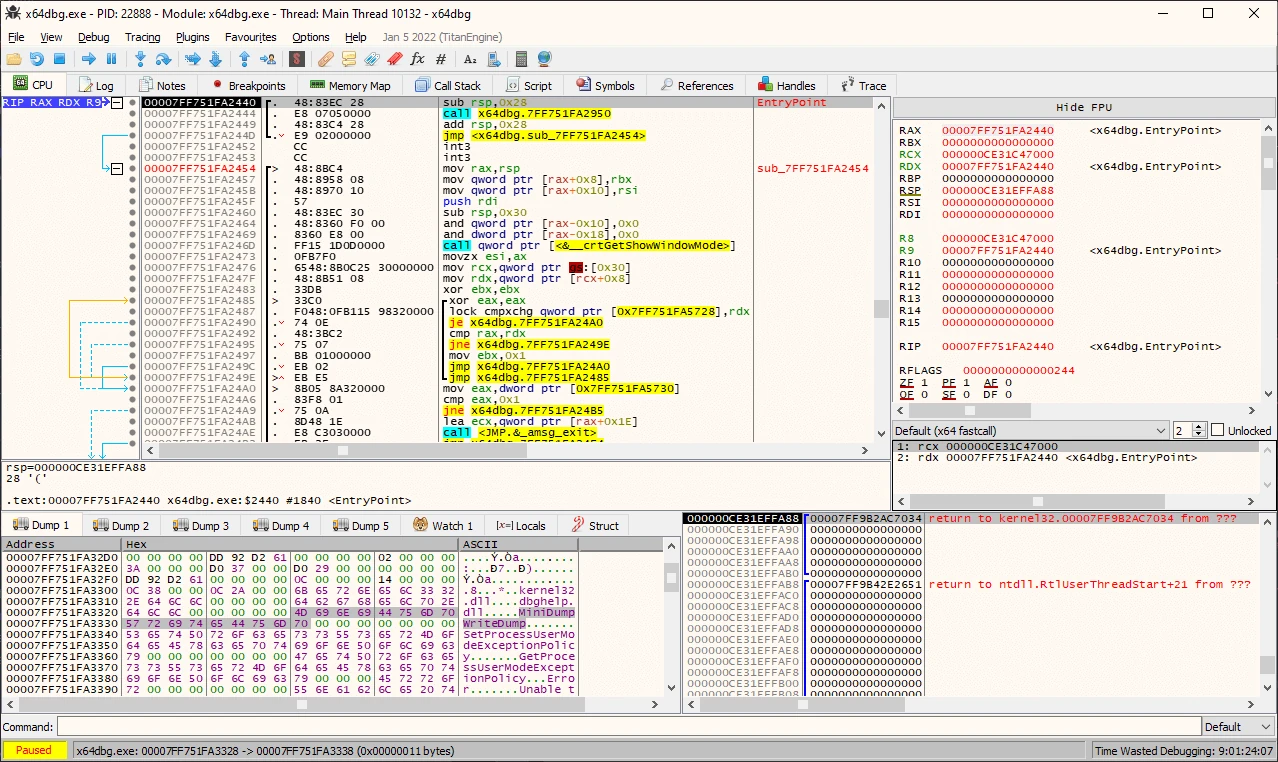
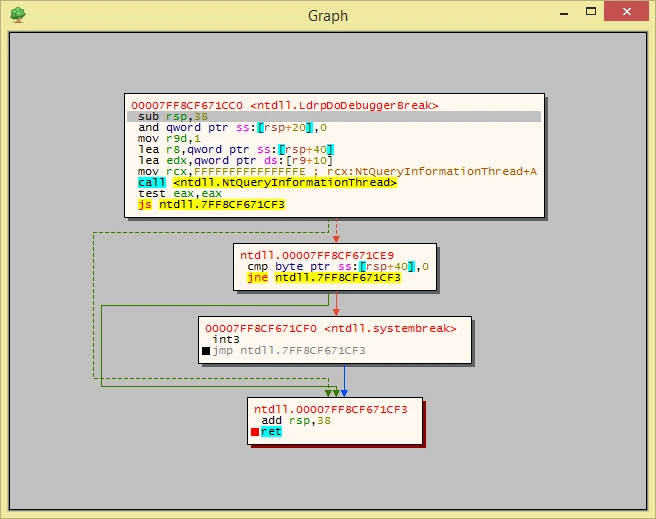
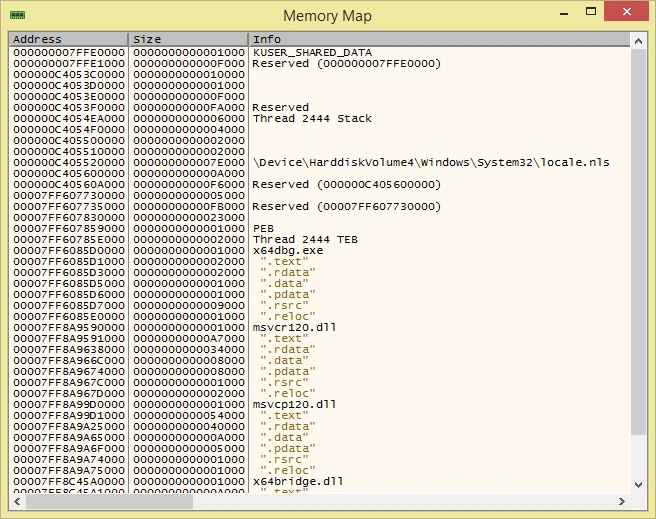
x64dbg debugging workspacex64dbg control flow graphx64dbg memory map

Screenshots

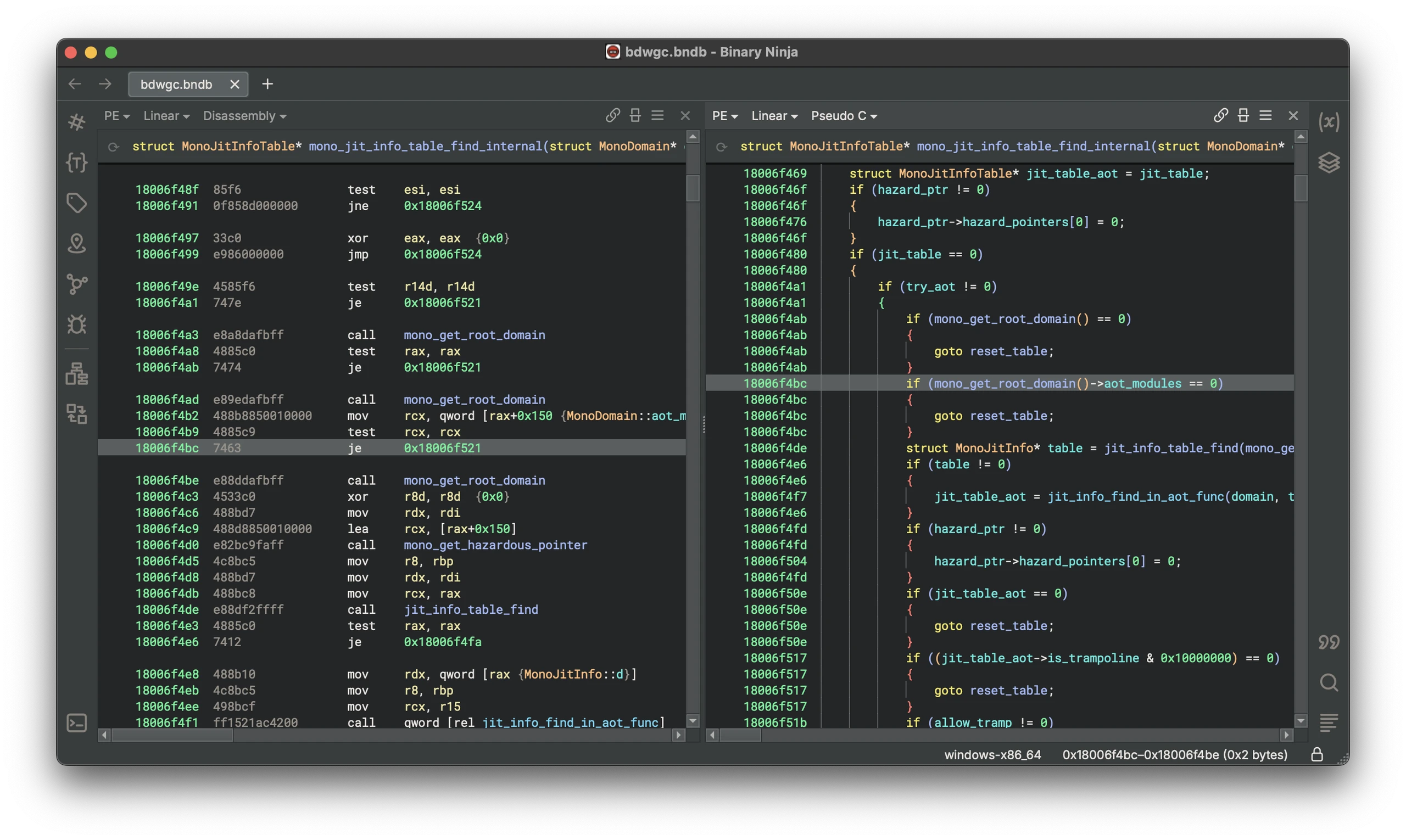
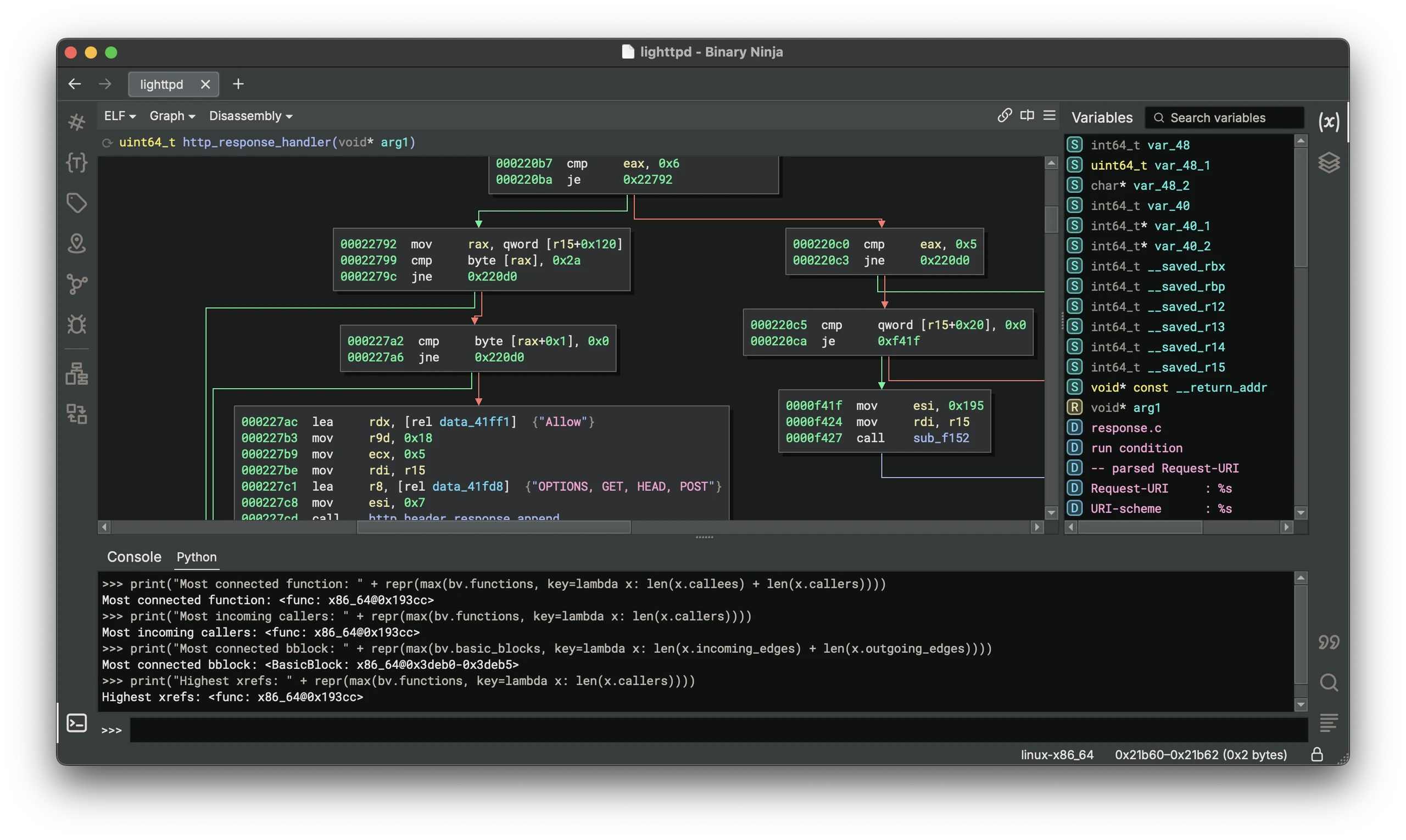
Binary Ninja disassembly and decompiled code side by side with instruction addresses and navigation sidebarBinary Ninja control-flow graph with disassembly and Python console

Best for: Debugging and patching Windows binaries during reverse engineering

Best for: Reverse engineers and malware analysts who want a scriptable decompiler

Free

Free and open source under the GPLv3.

Free + paid options

A free edition and a free cloud version exist; full features need a paid license.

Windows Web
  • IDA-like sidebar, jump arrows and token highlighting make it immediately readable
  • Import reconstruction with Scylla and a built-in assembler for patching
  • Yara pattern matching and a Snowman decompiler included
  • A scriptable, debuggable automation language plus a growing plugin API
  • Decompiles to readable C or the BNIL intermediate language
  • Scriptable through C++, Python and Rust APIs
  • Local and remote debugging built in
  • Can be tried quickly through the cloud version
  • Windows only
  • Antivirus software frequently flags it and the things it is used on
  • PDB symbol support is basic compared with a commercial debugger
  • The decompiler is far weaker than Ghidra's or IDA's
  • Commercial license needed beyond the free edition
  • Real-time collaboration requires the Enterprise server
Downloadable app Downloadable app, Web application
Open source Not open source
License: GPL-3.0 License: Proprietary
No account needed Not stated if an account is needed
Offline features available Not stated if it works offline

Sources for x64dbg

Catalog checked September 21, 2026

Sources for Binary Ninja

Catalog checked September 23, 2026

“Not stated” means we have not confirmed it. Features can vary by device and plan.