Compare software

Bambu Connect vs Bambu Studio: catalog facts
Bambu ConnectBambu Studio

Screenshots
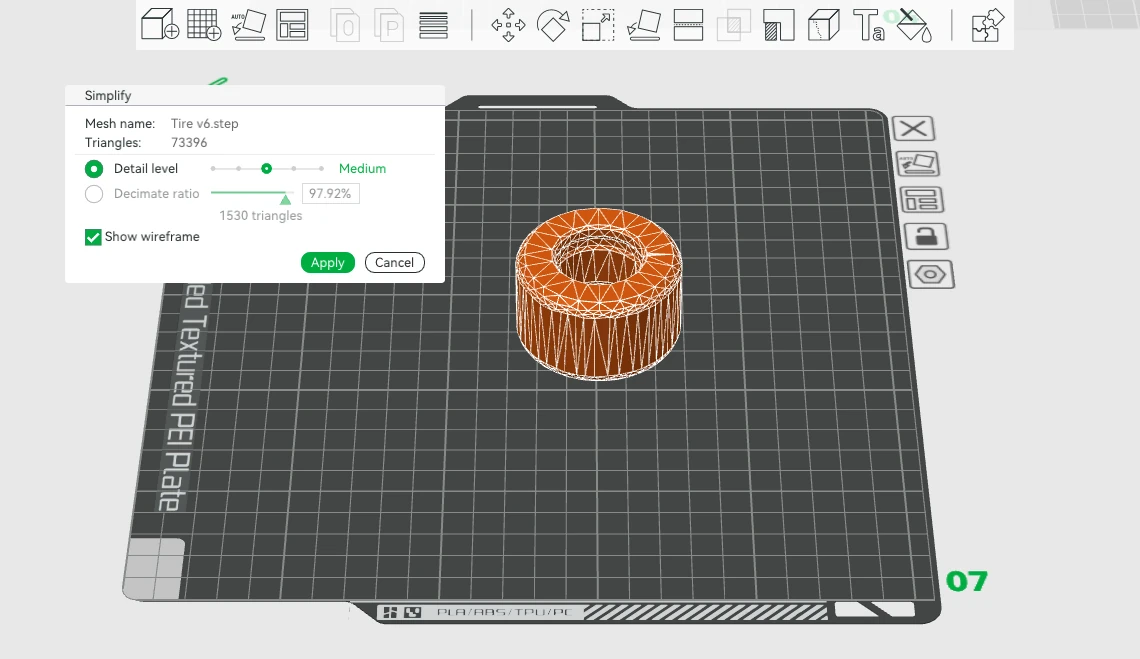
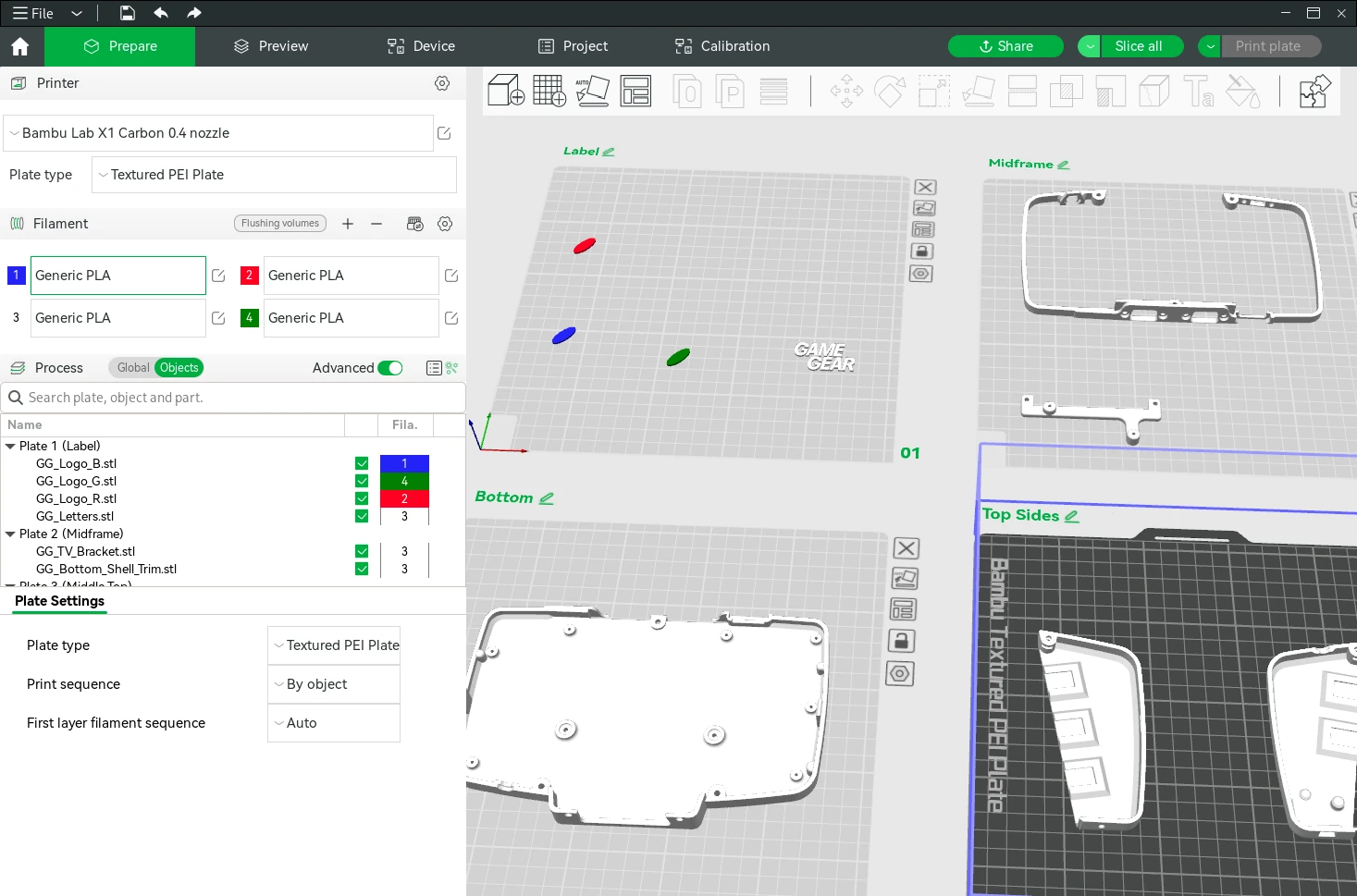
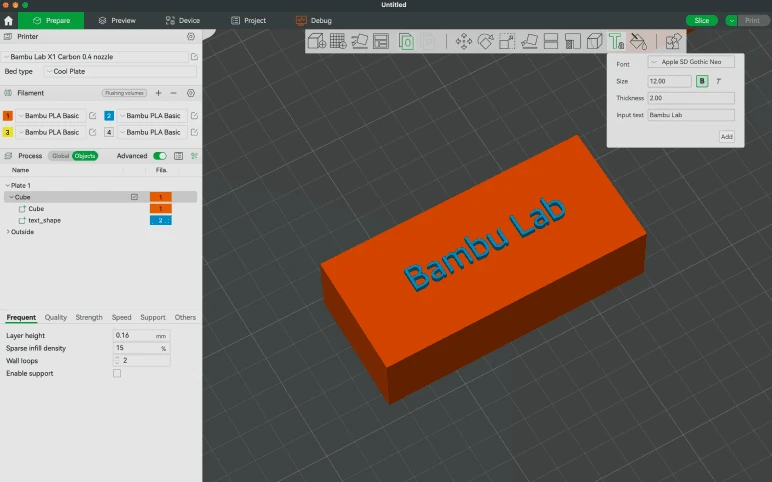
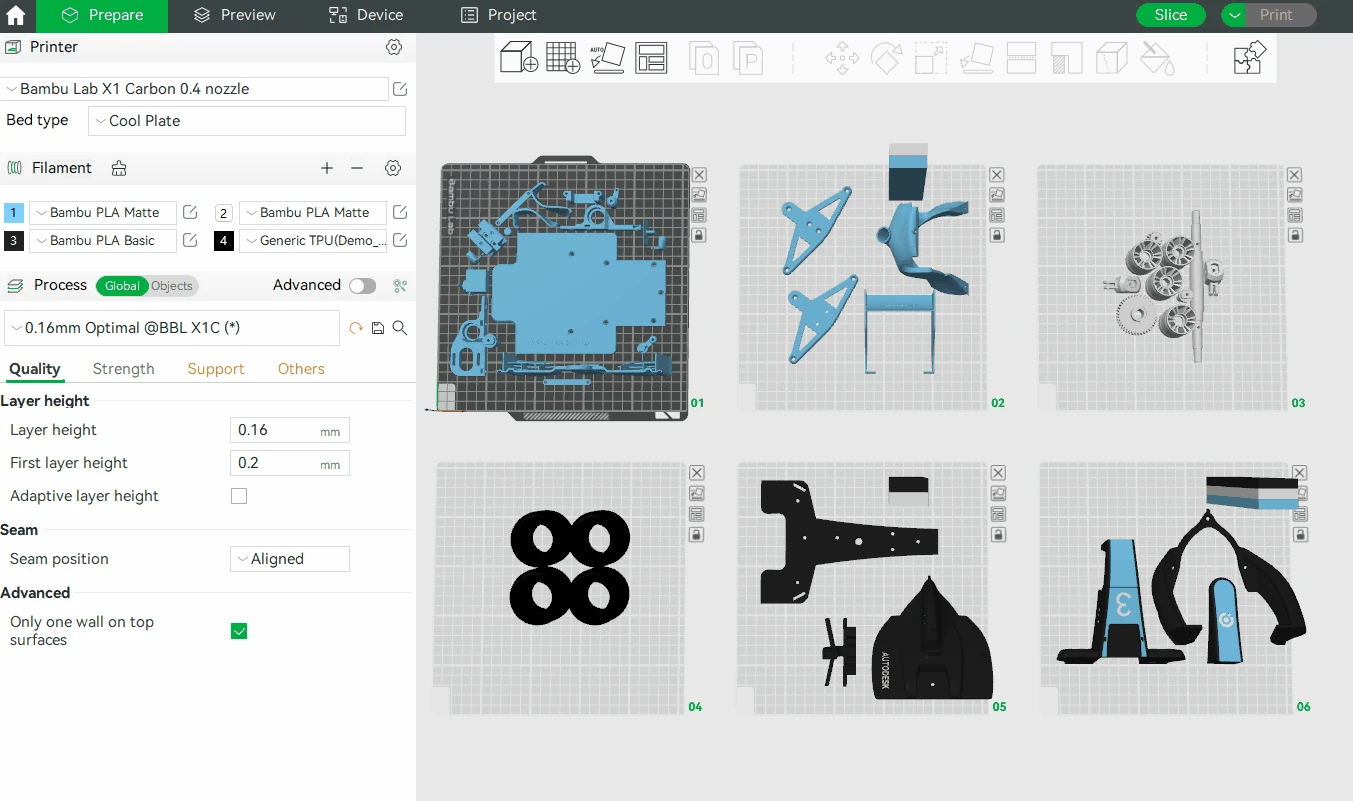
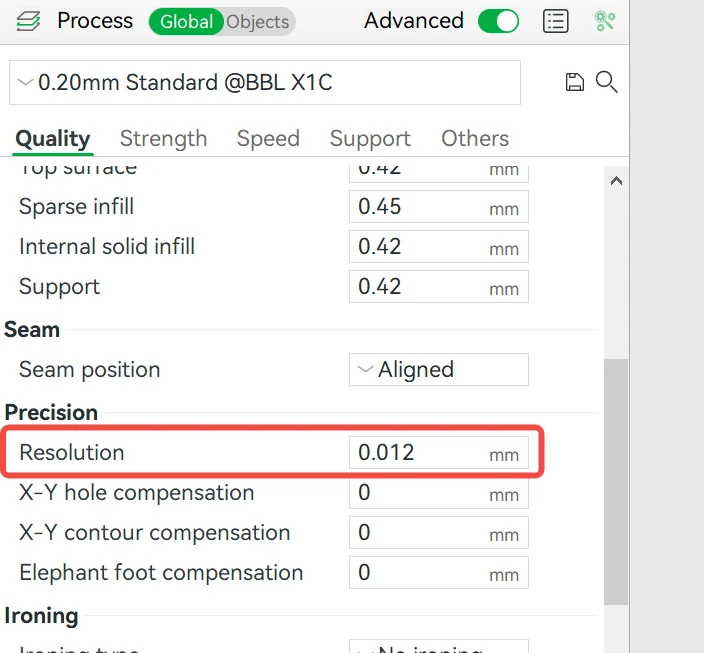
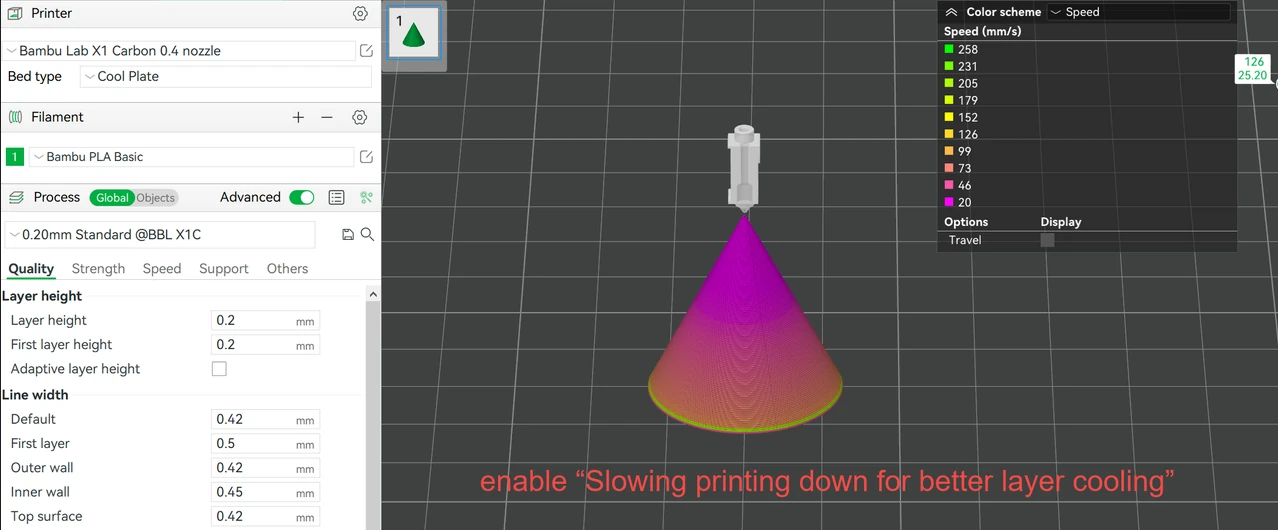
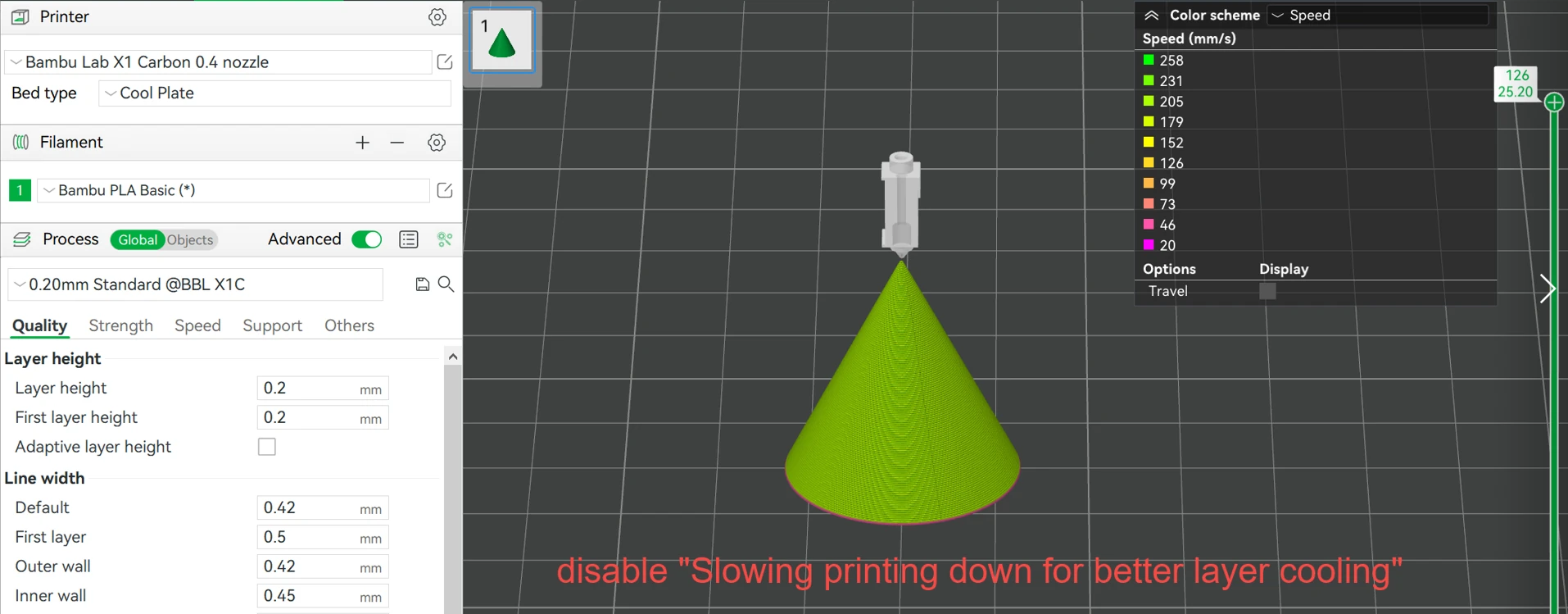
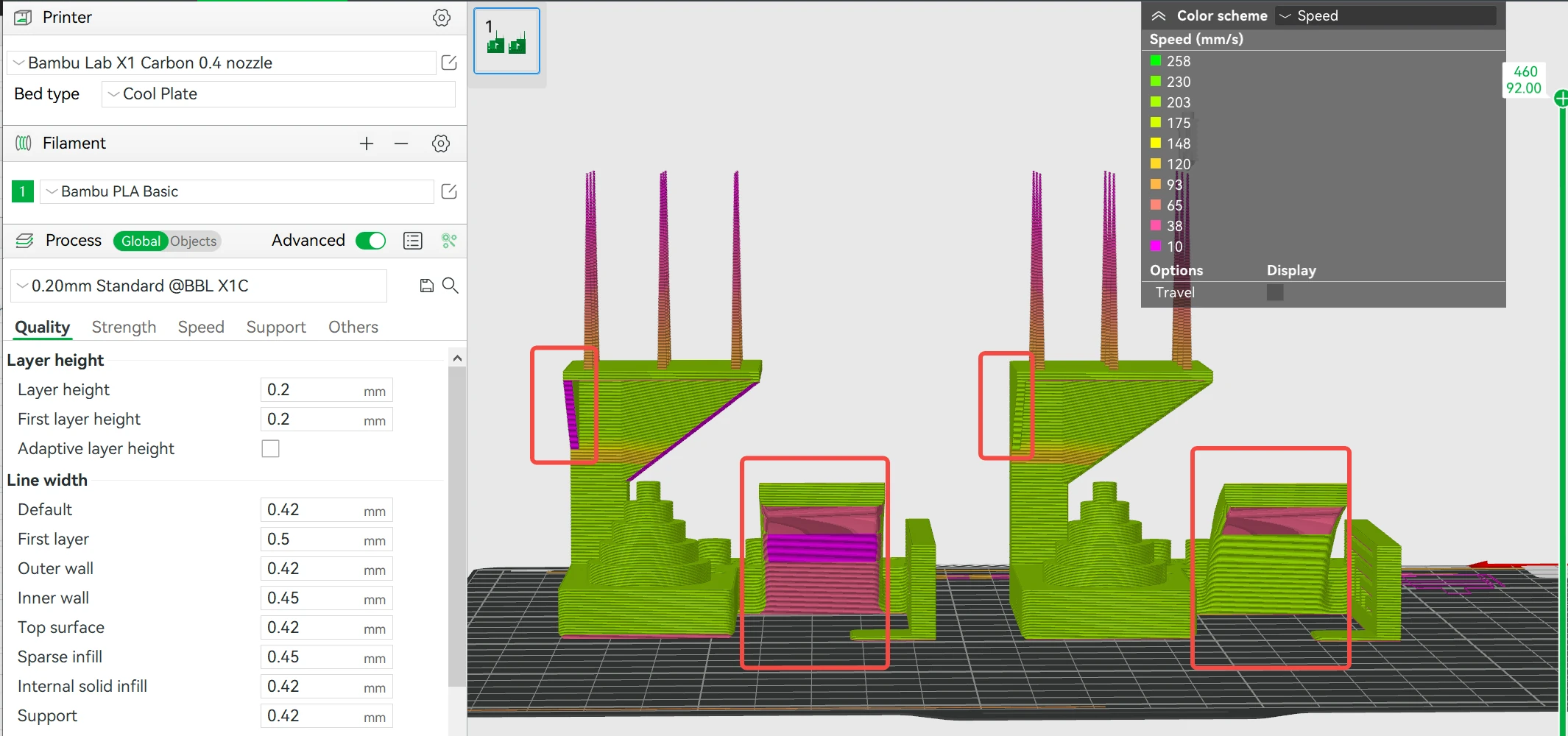
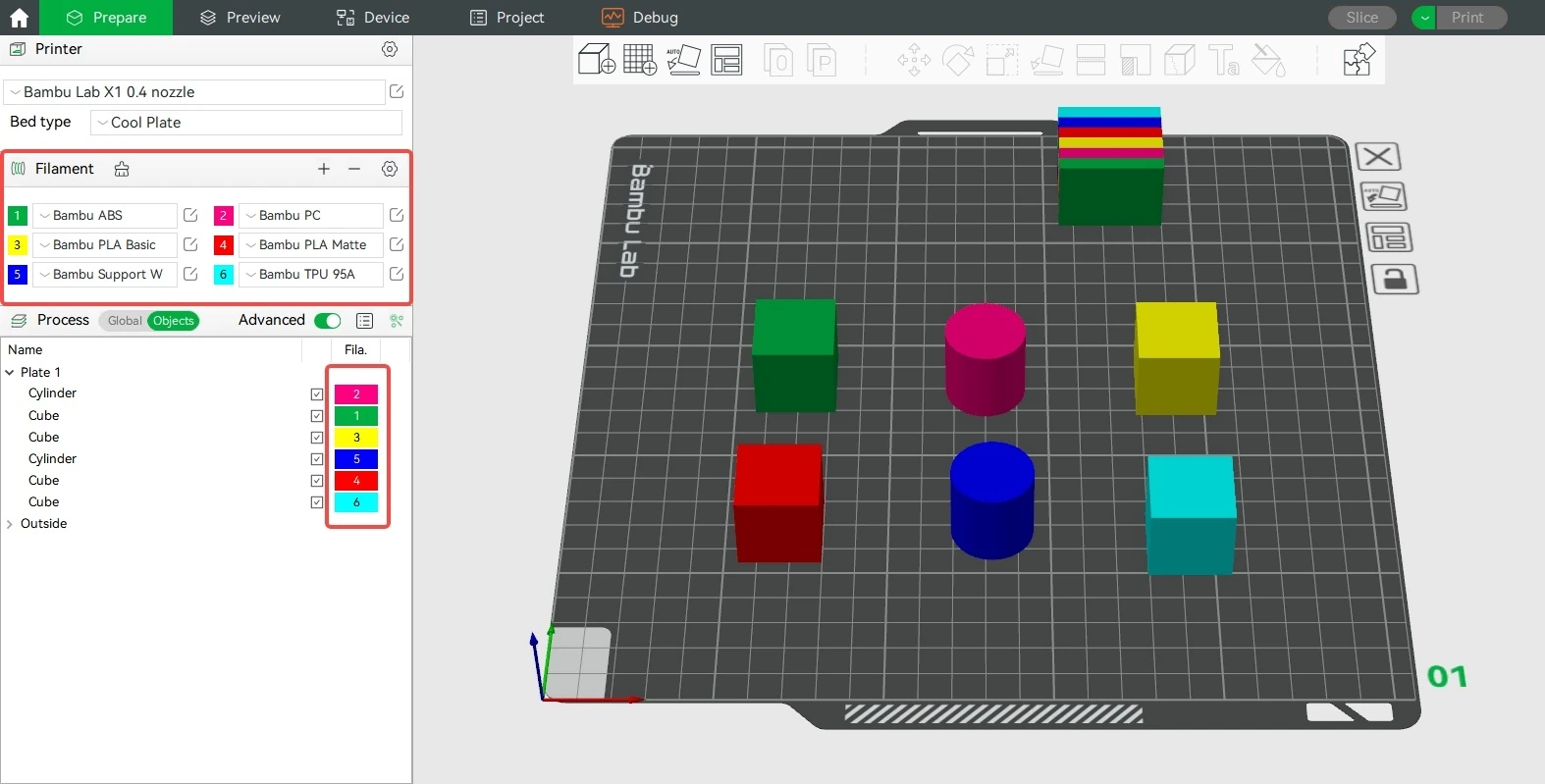
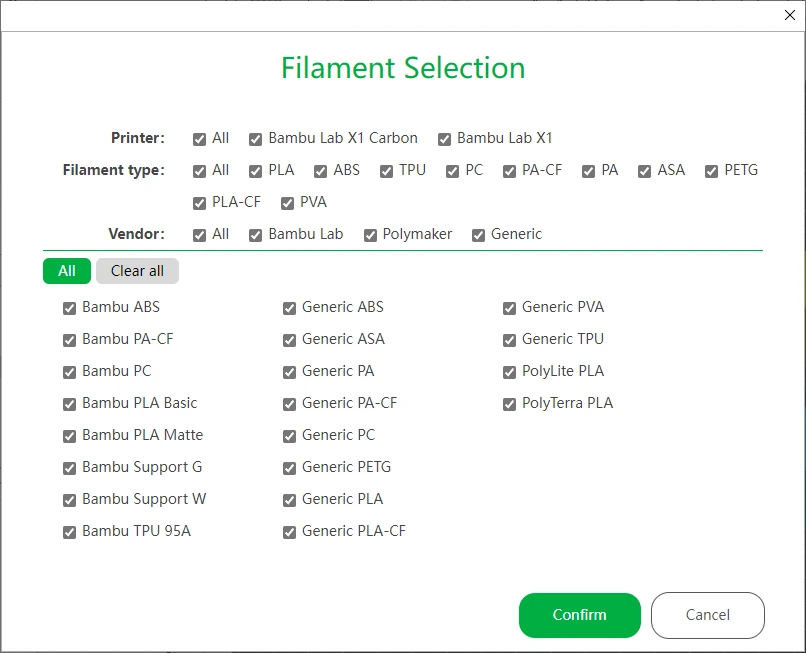
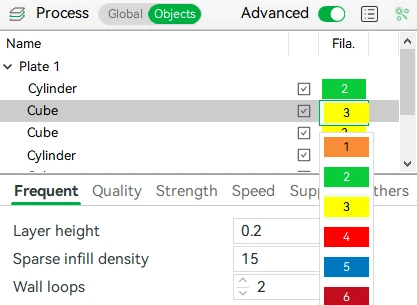
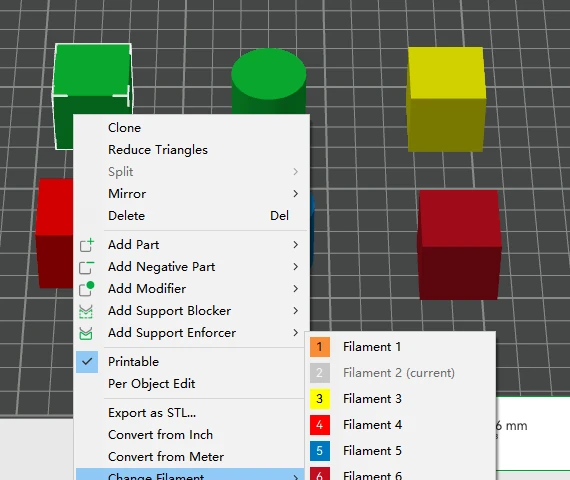
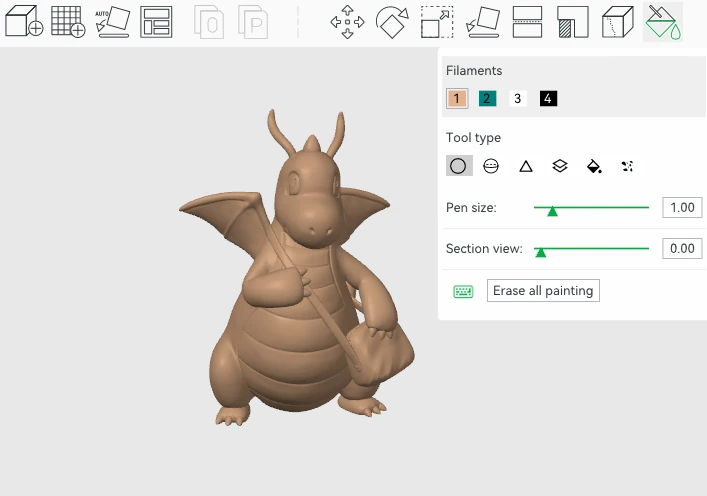
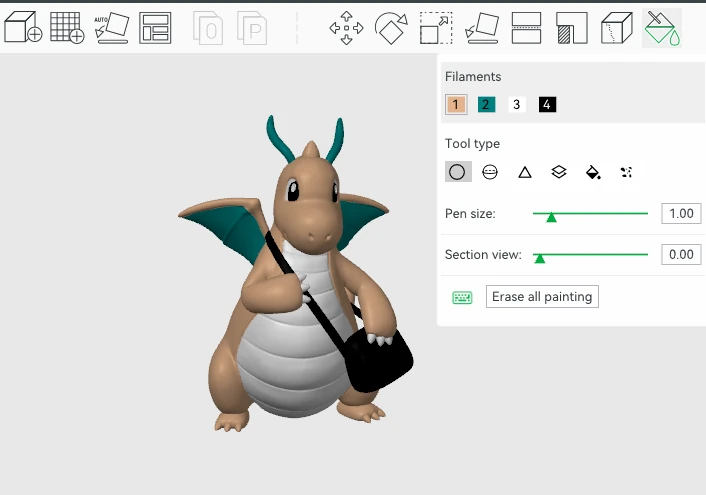
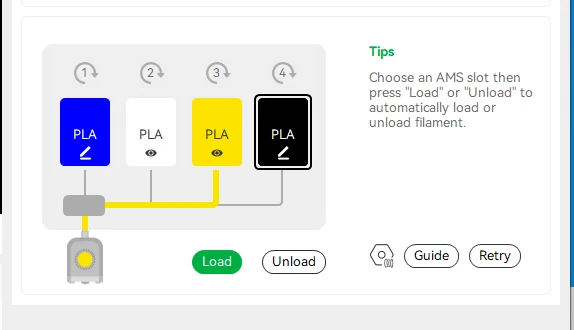
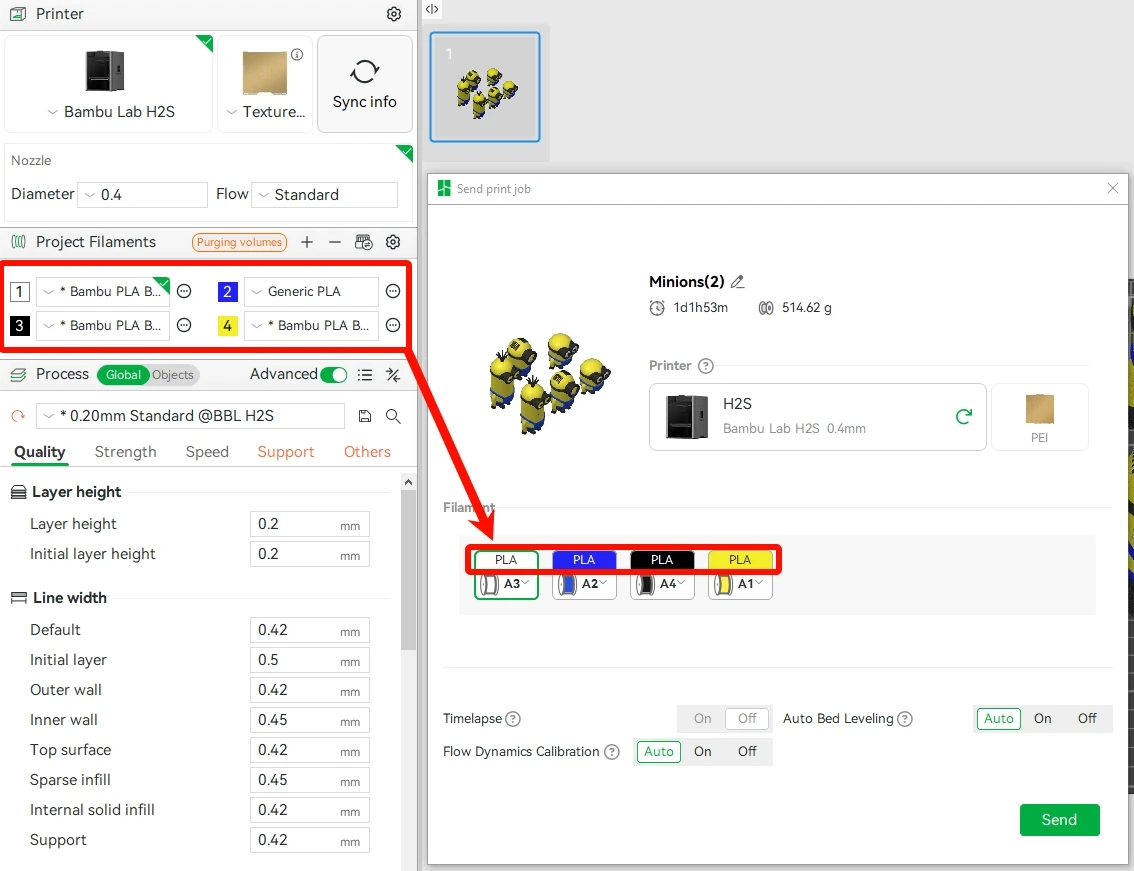
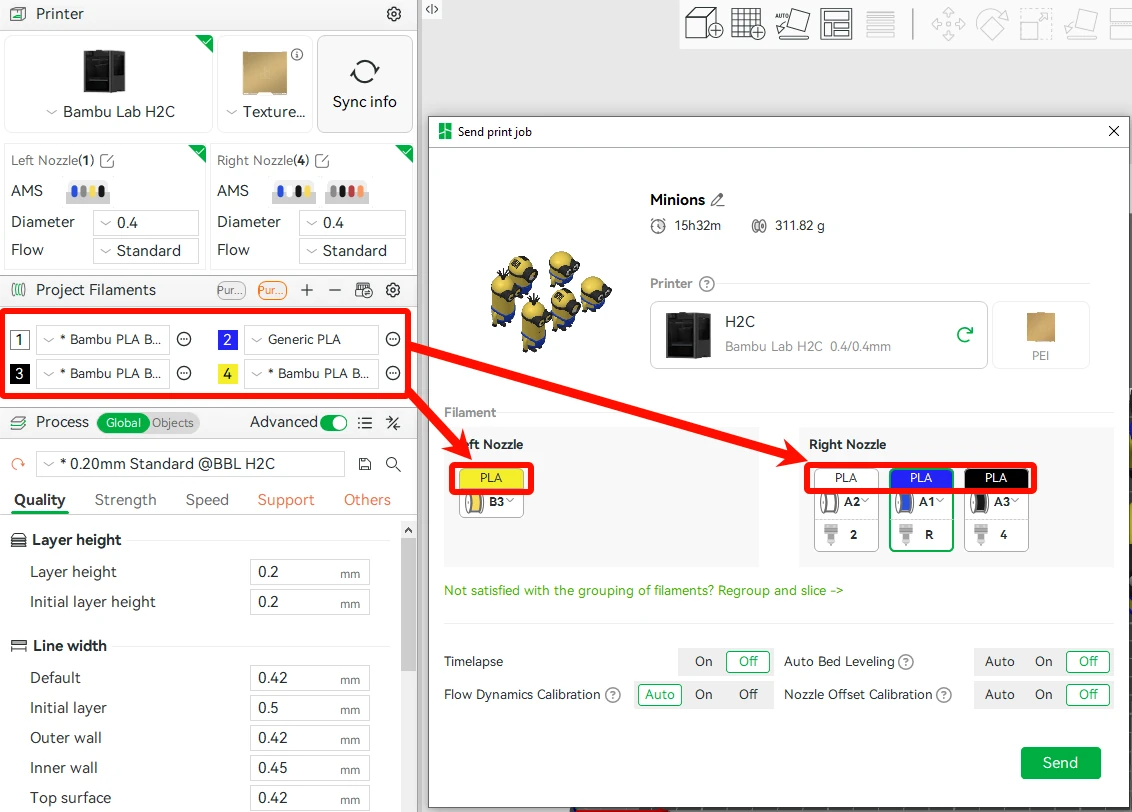
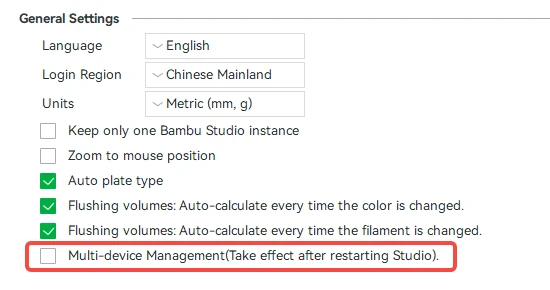
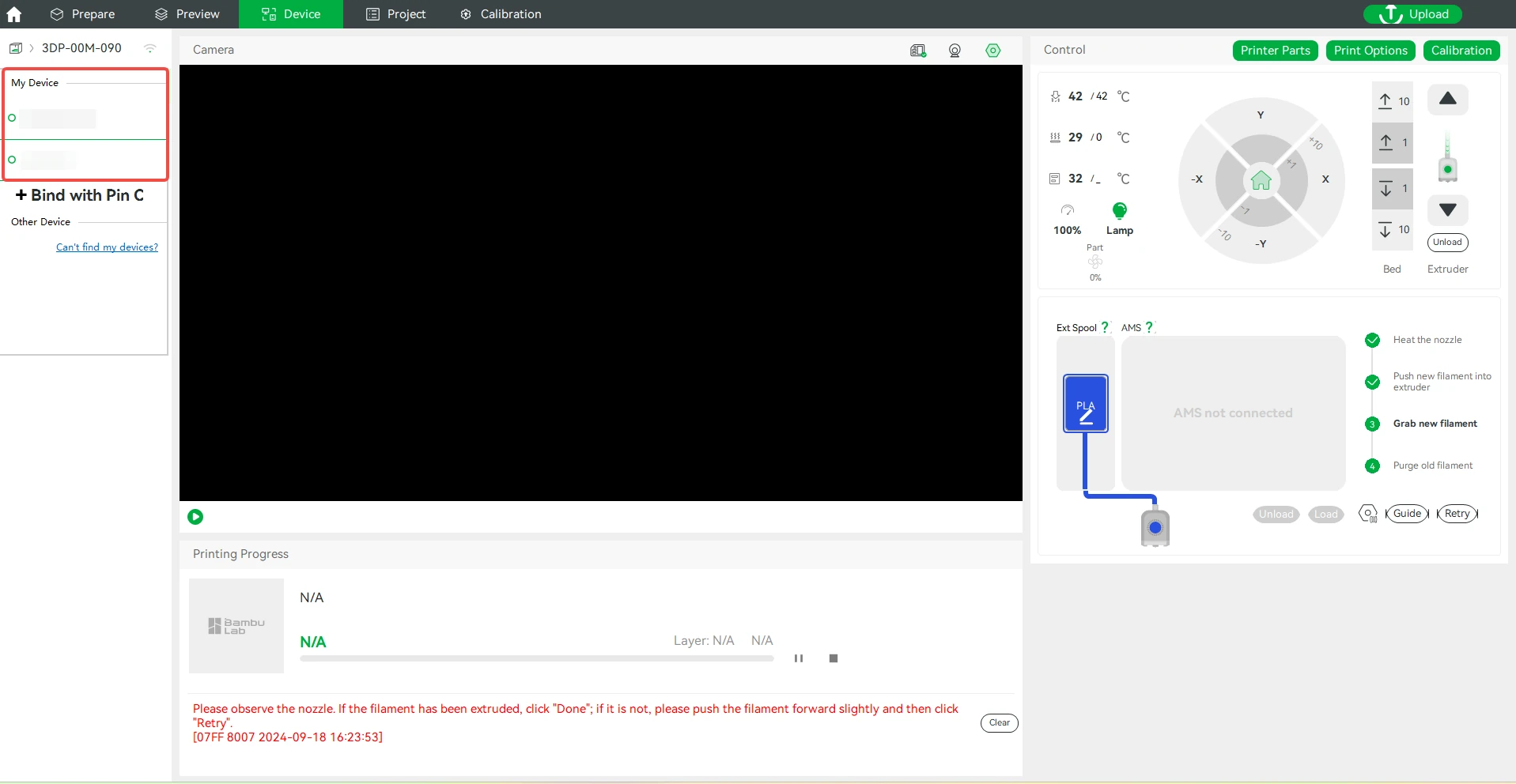
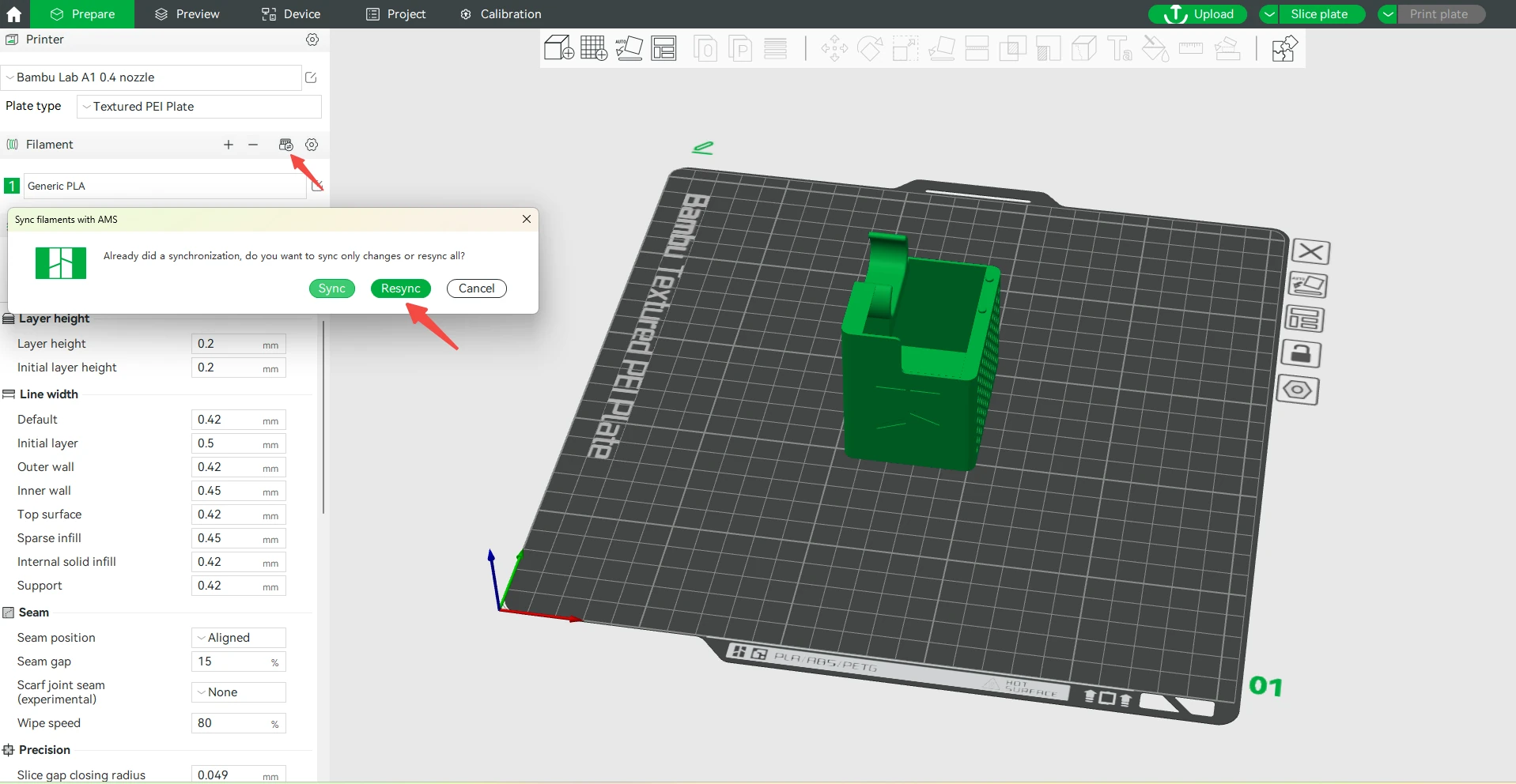
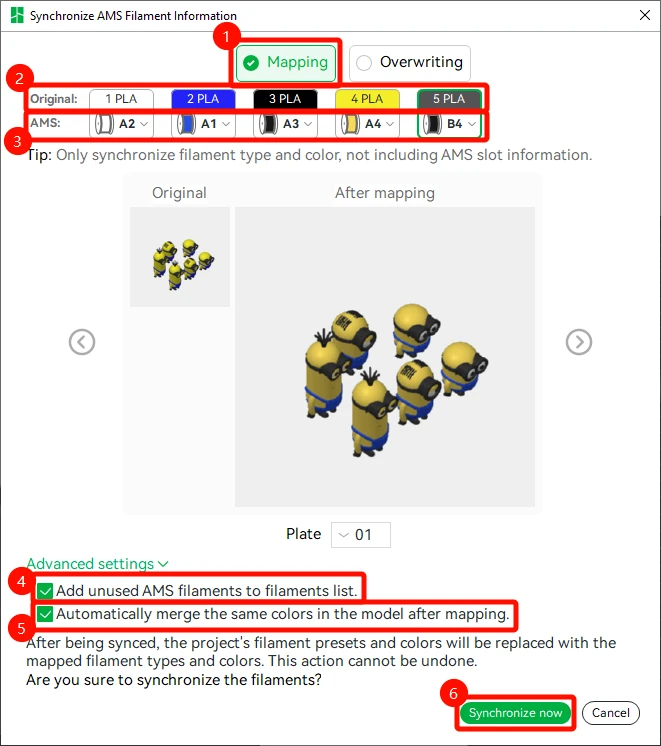
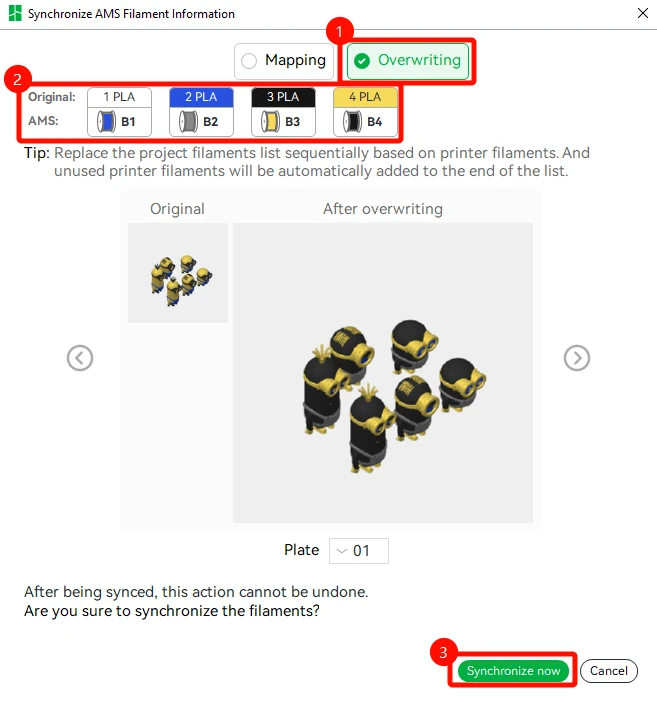
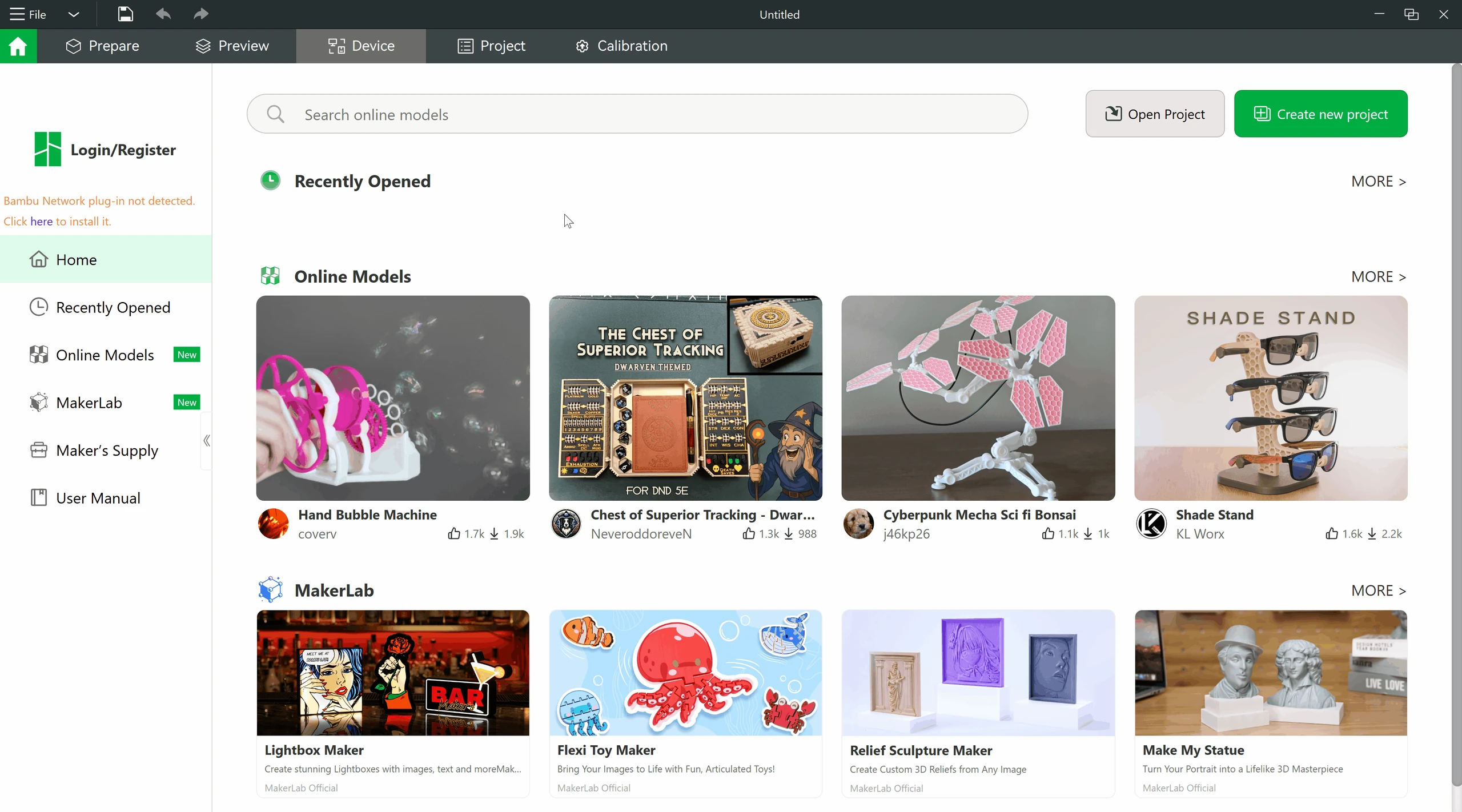
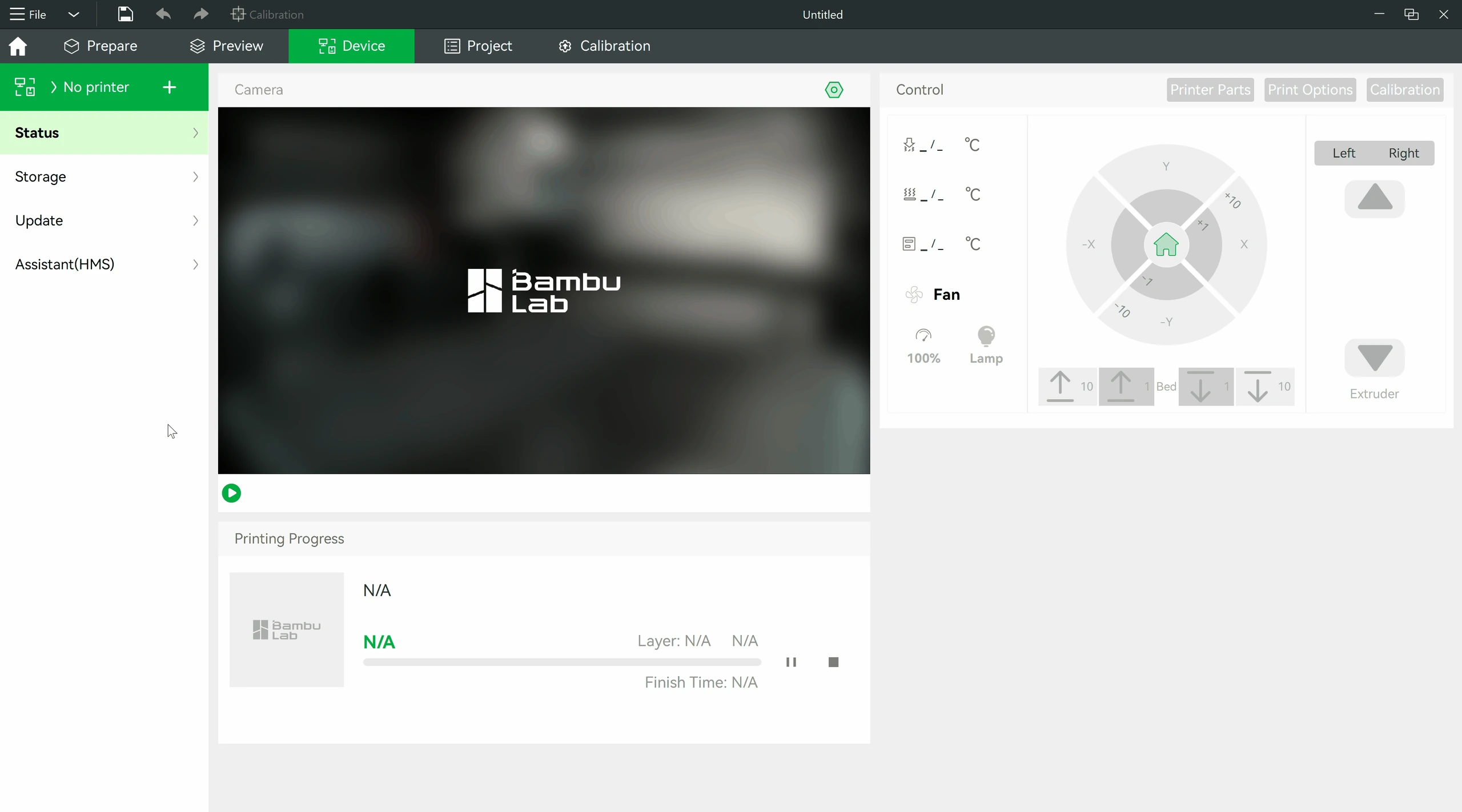
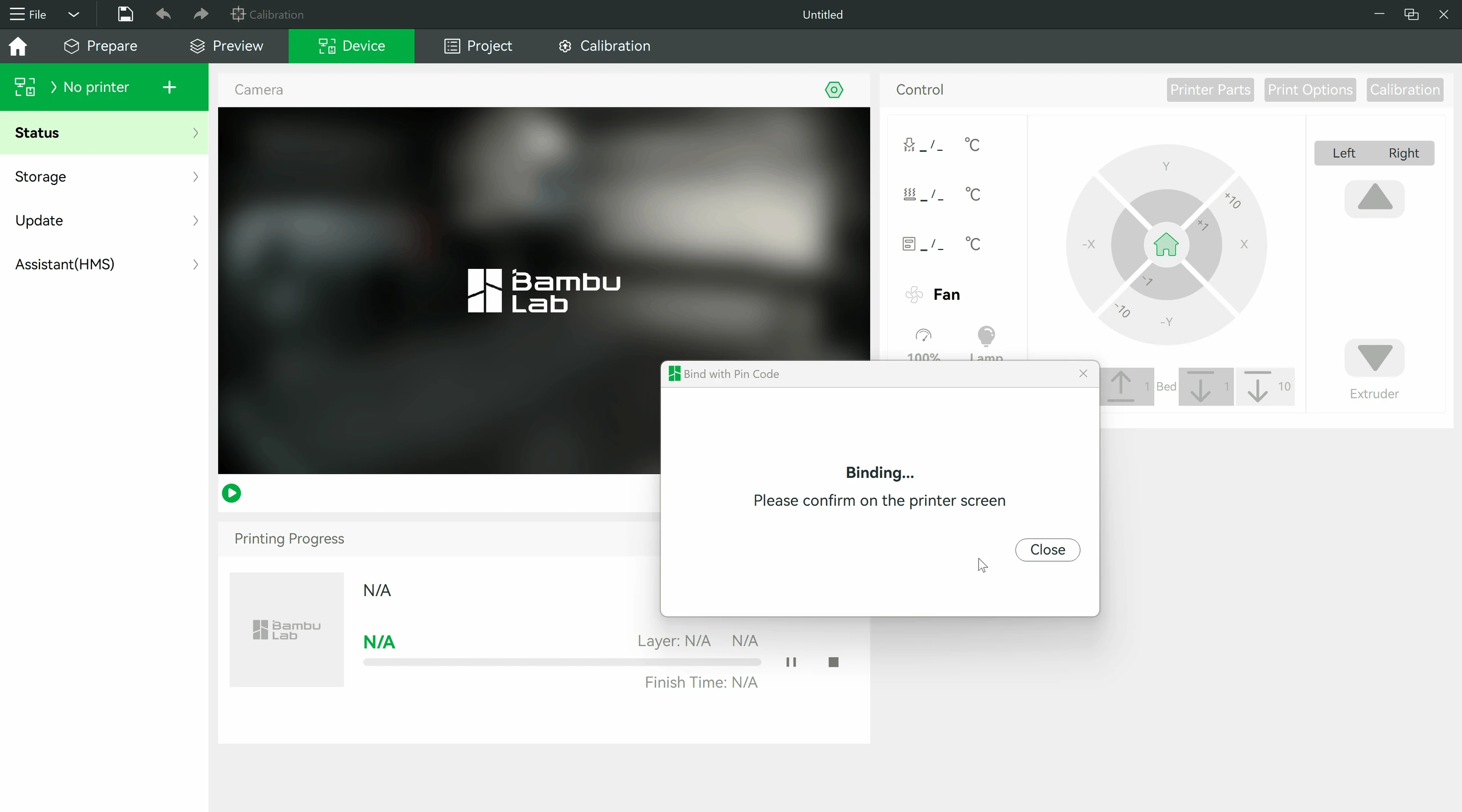
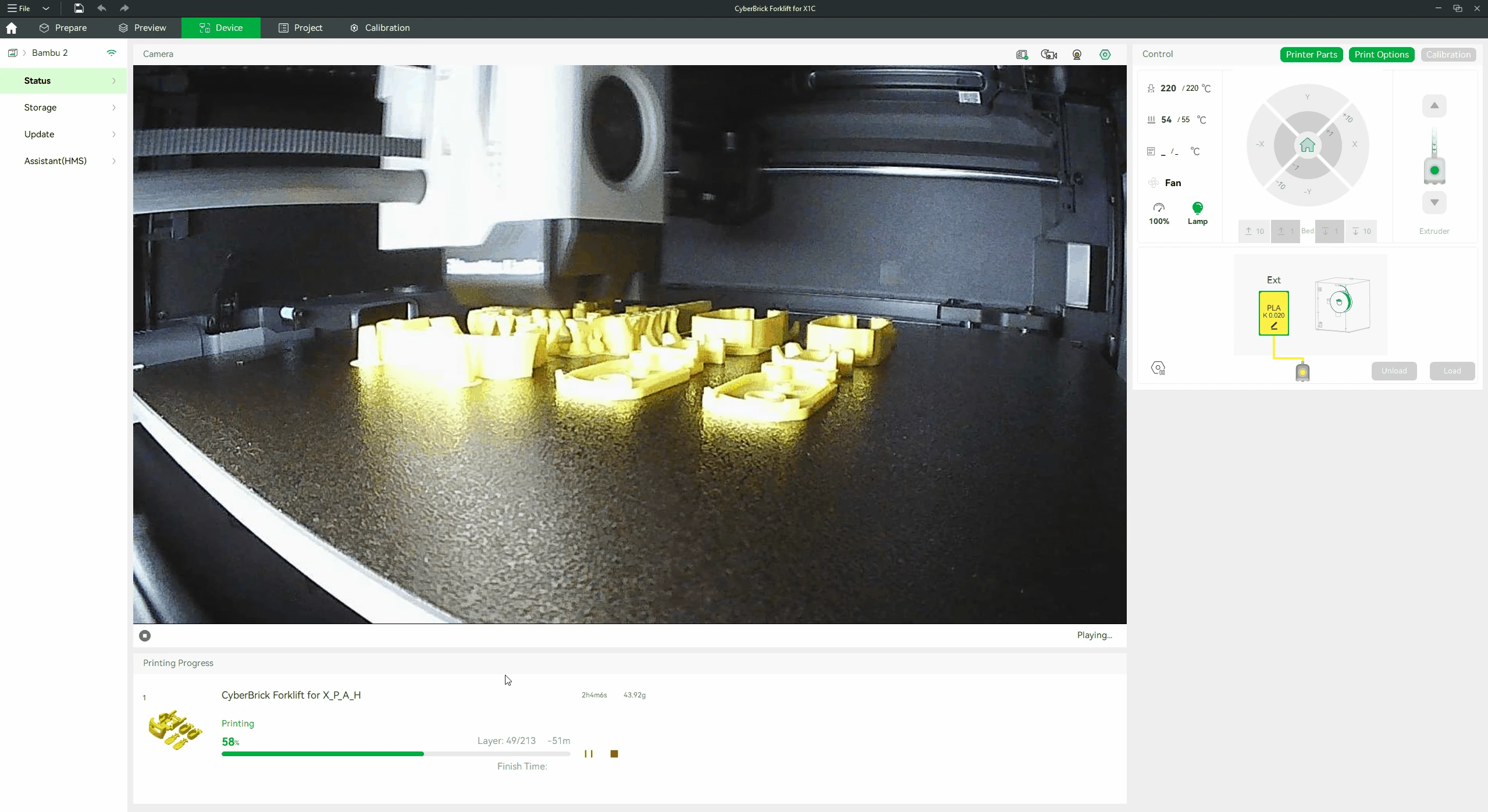
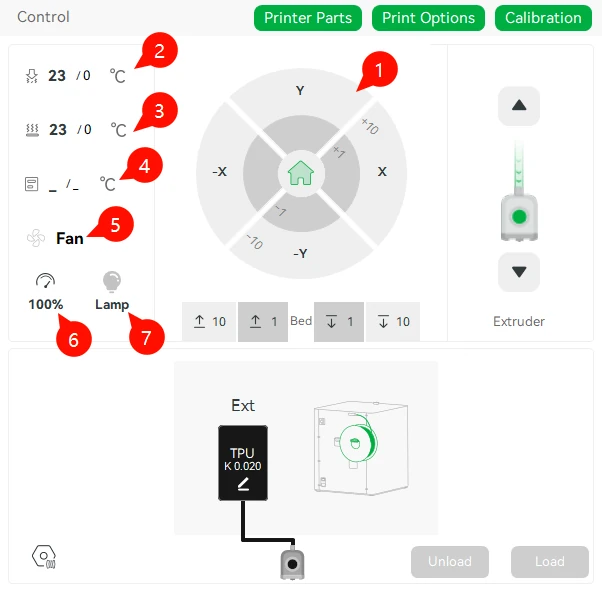
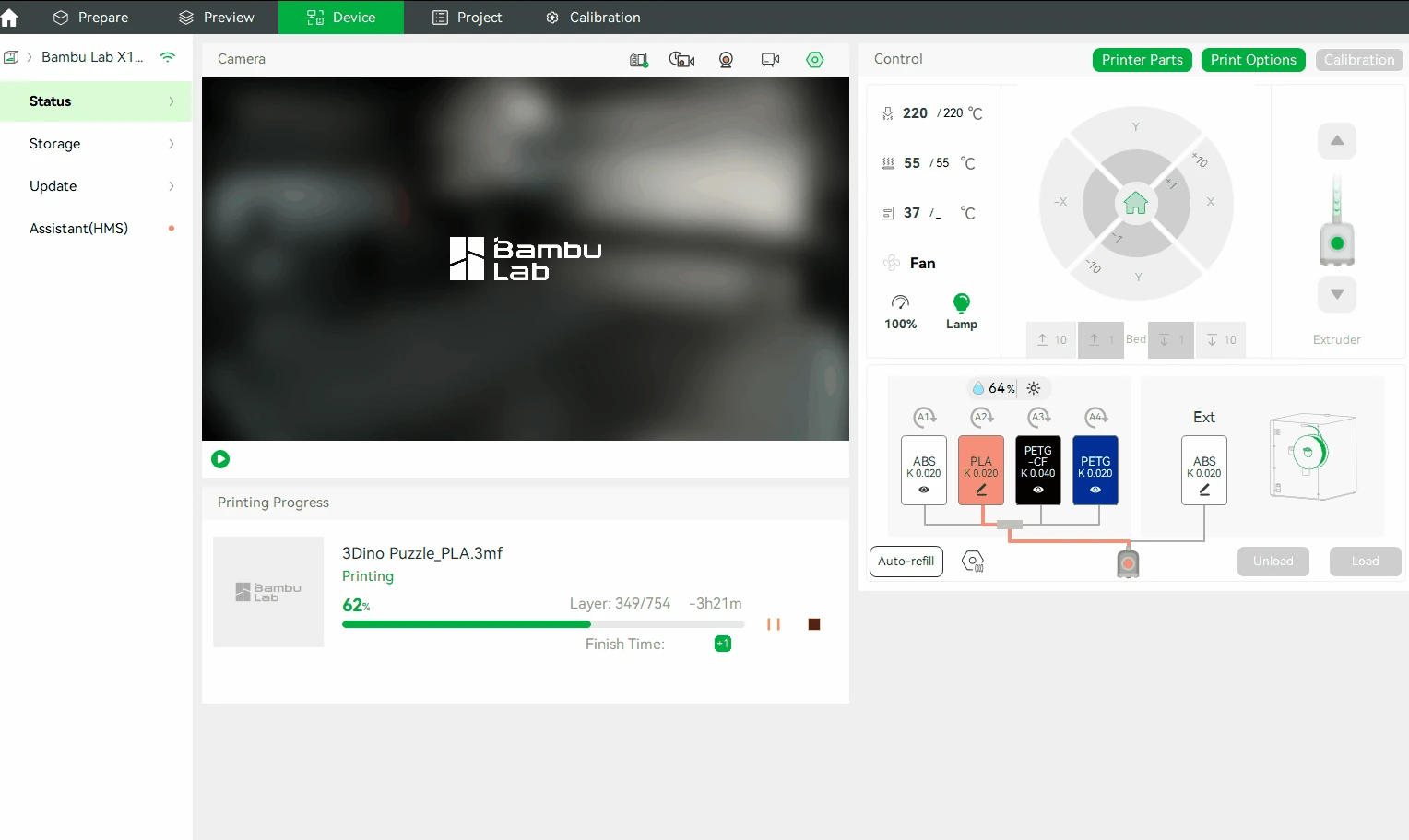
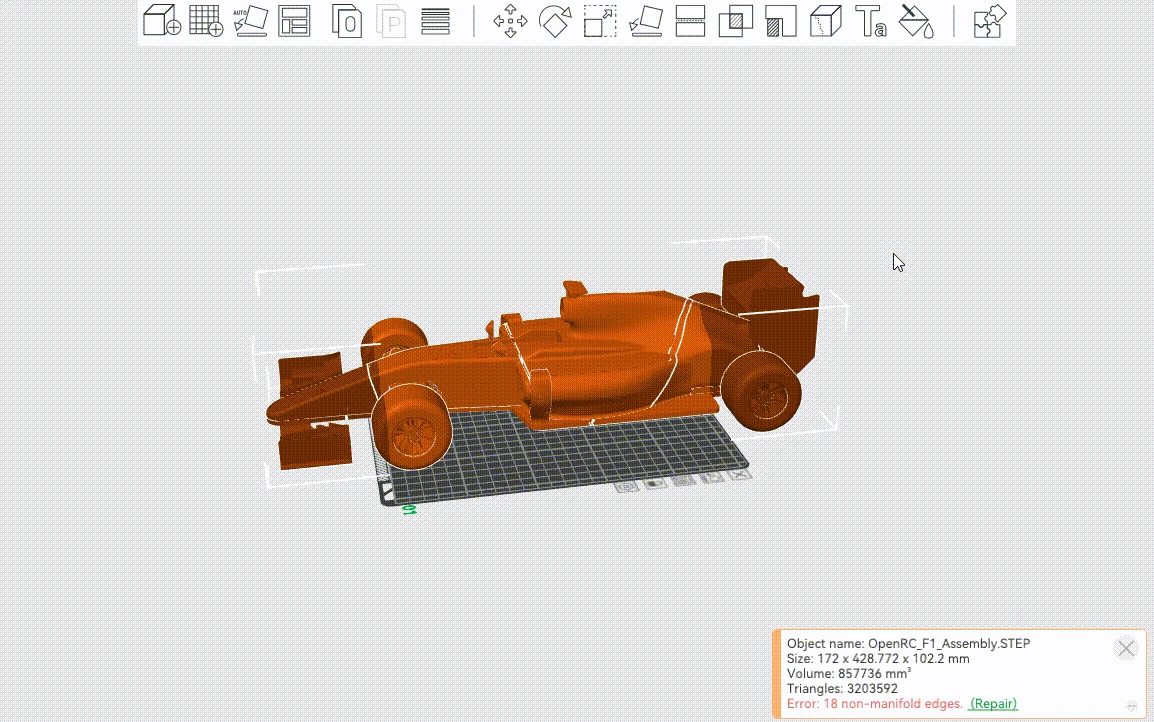
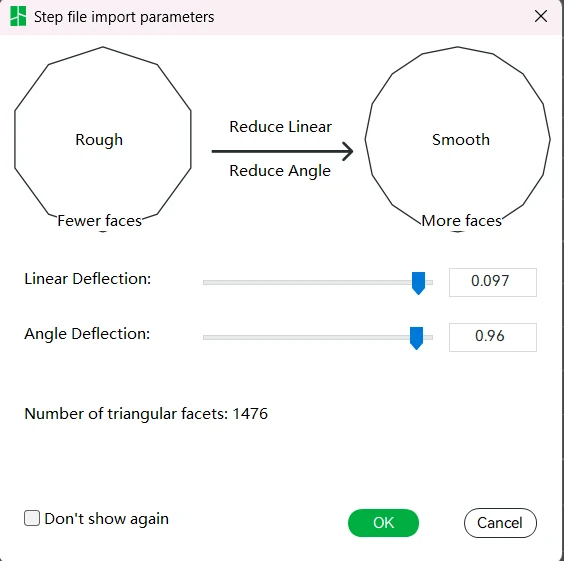
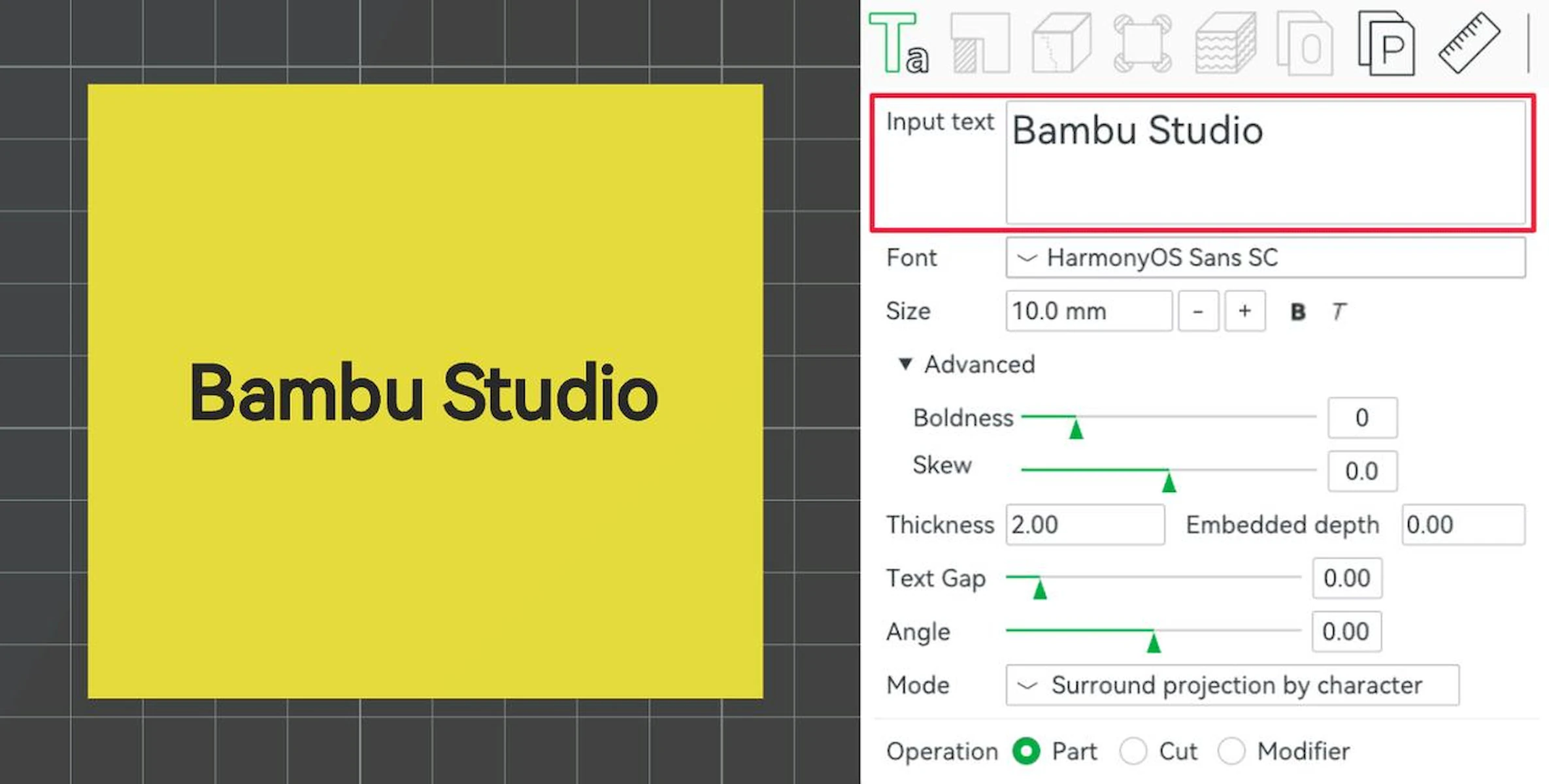
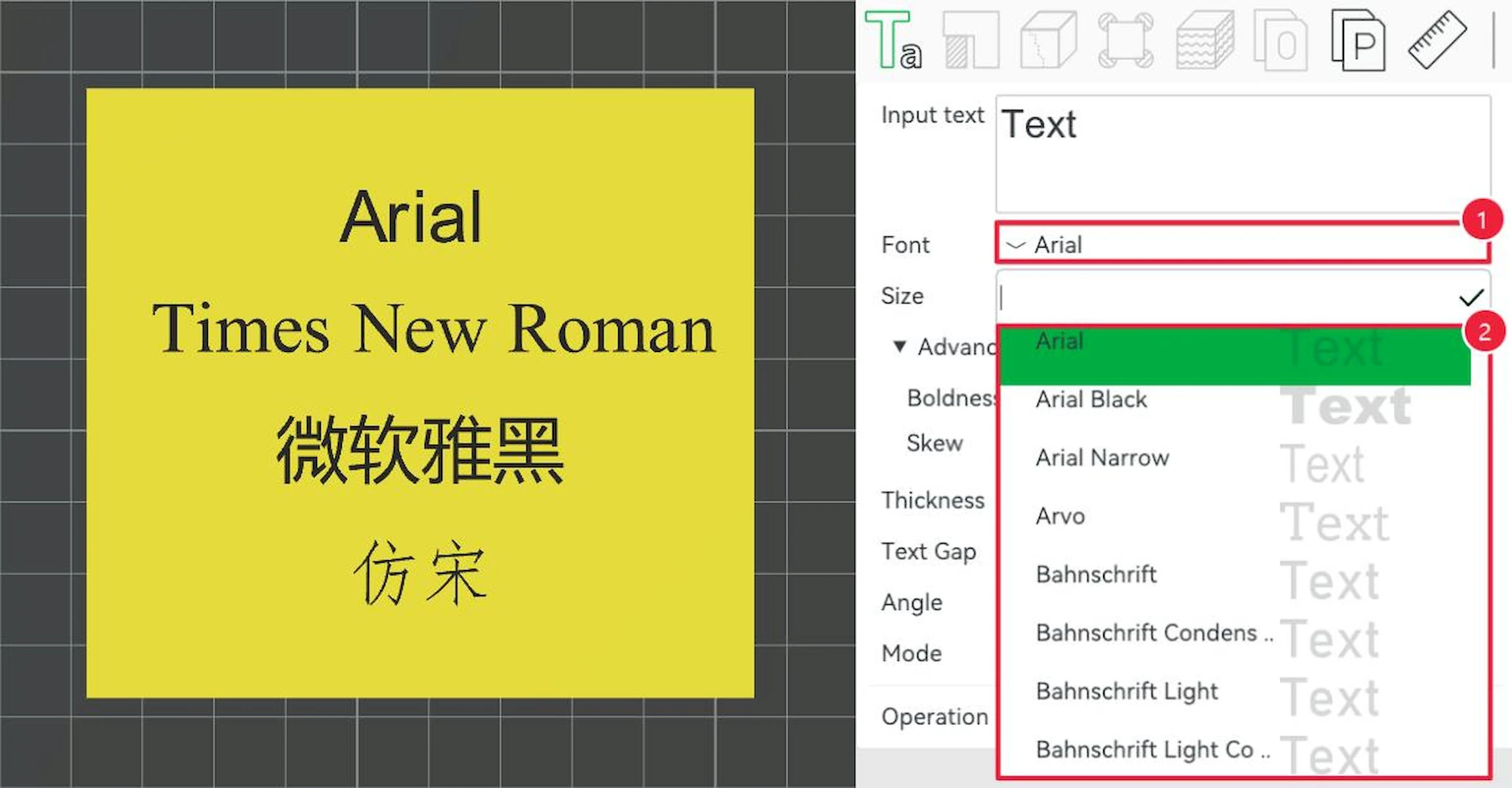
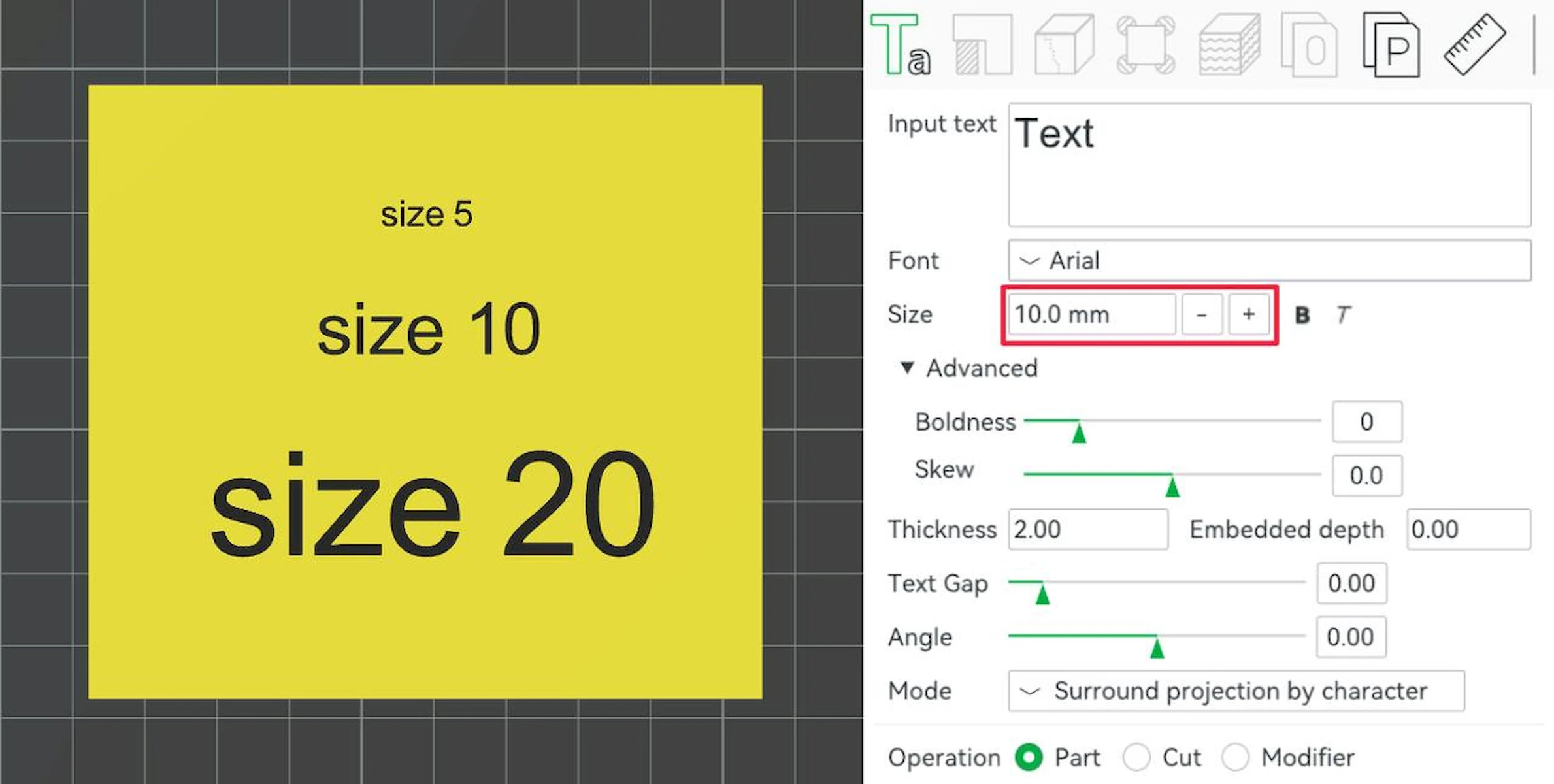
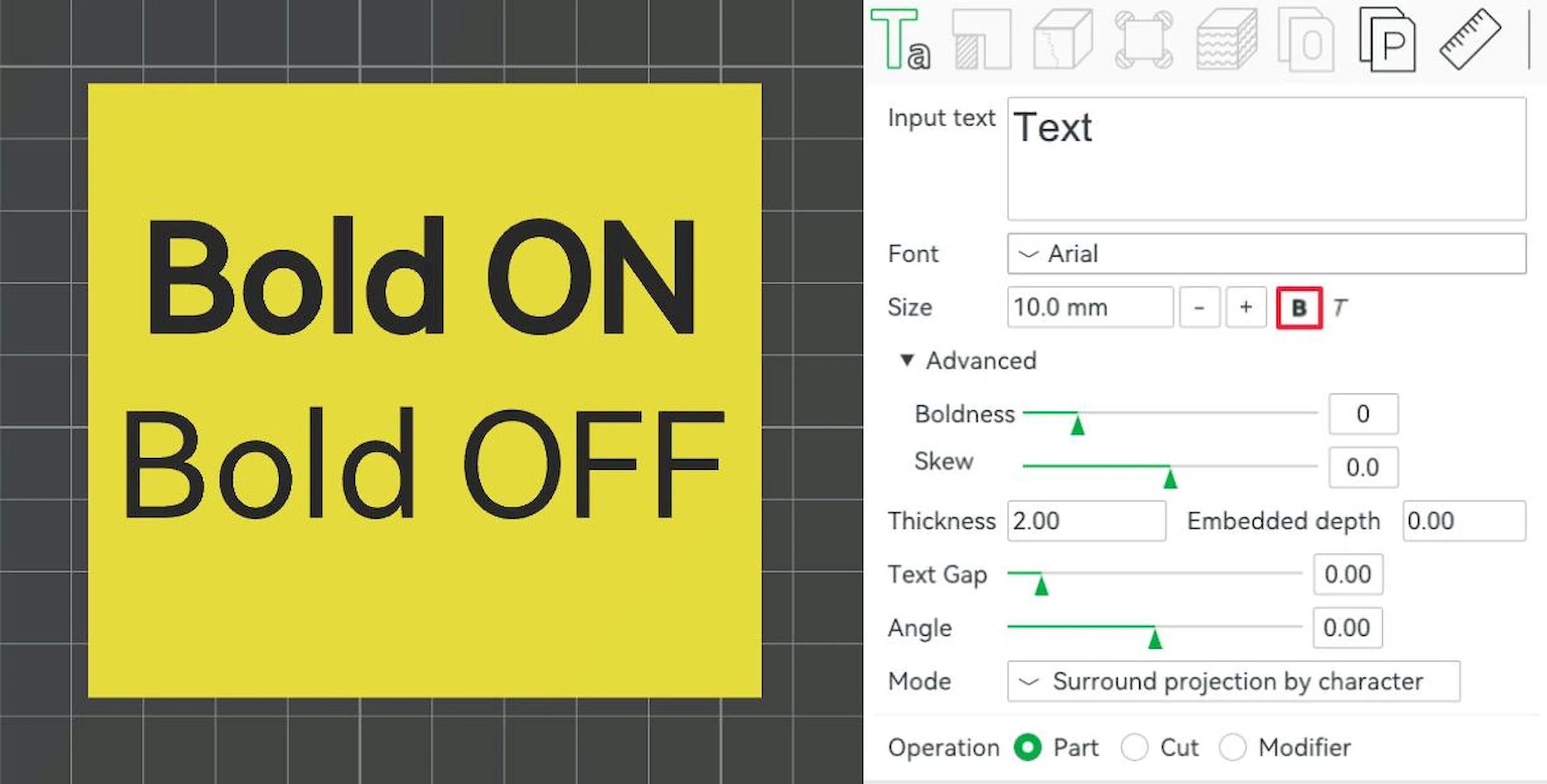
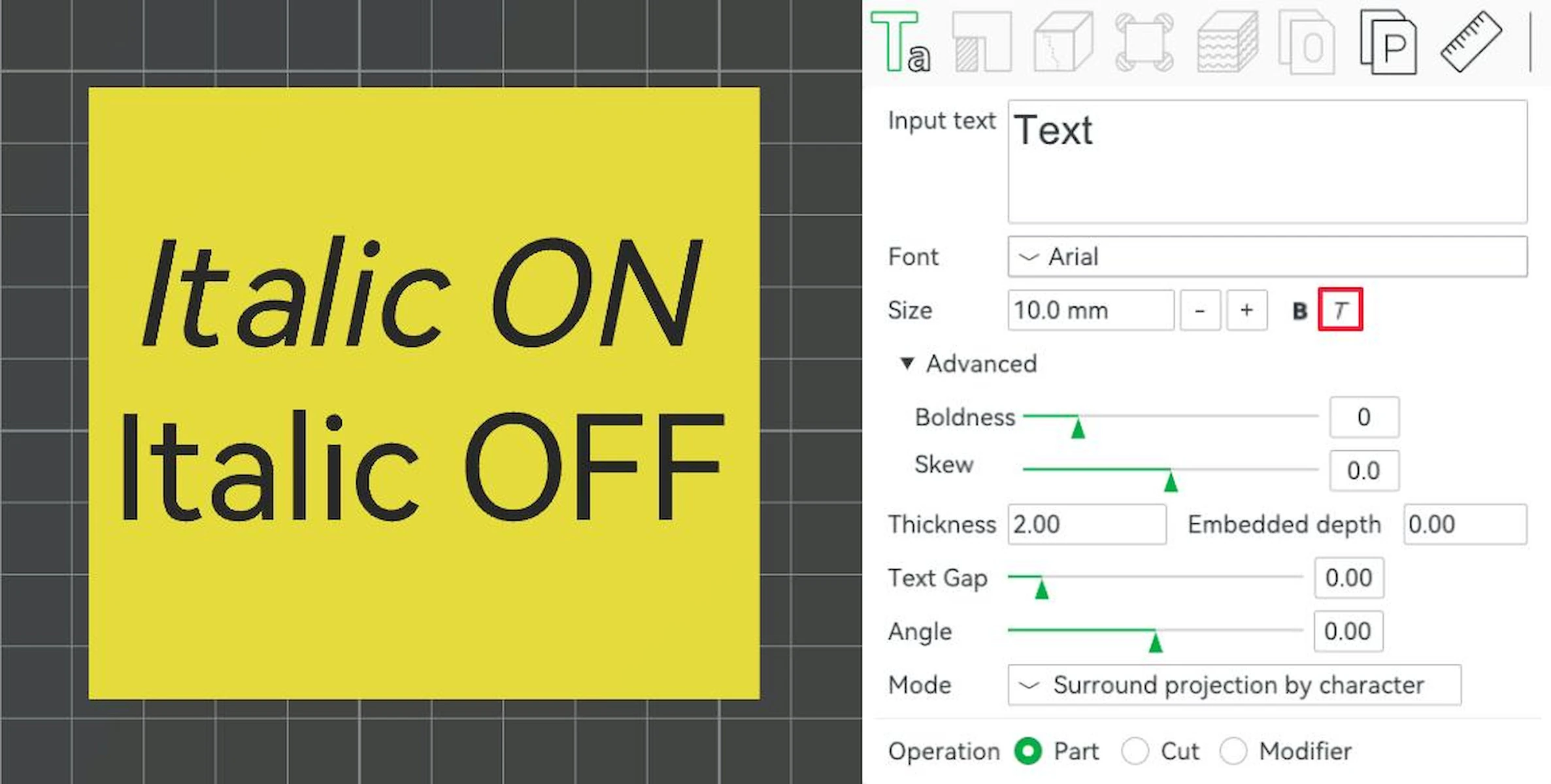
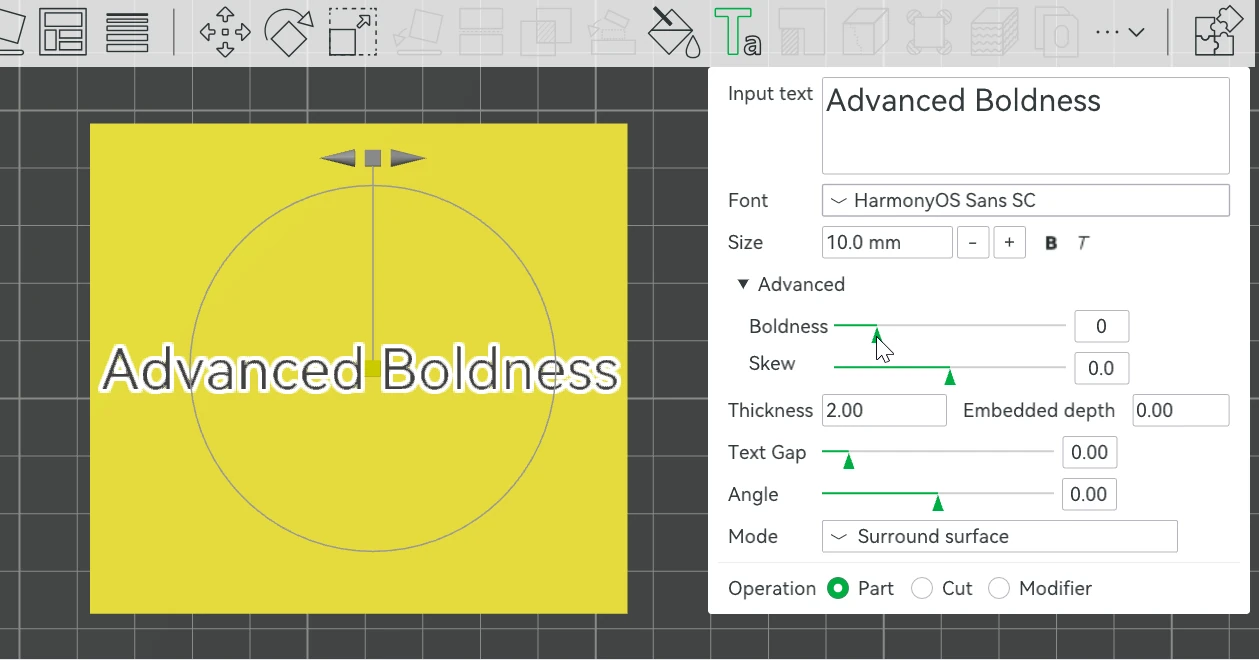
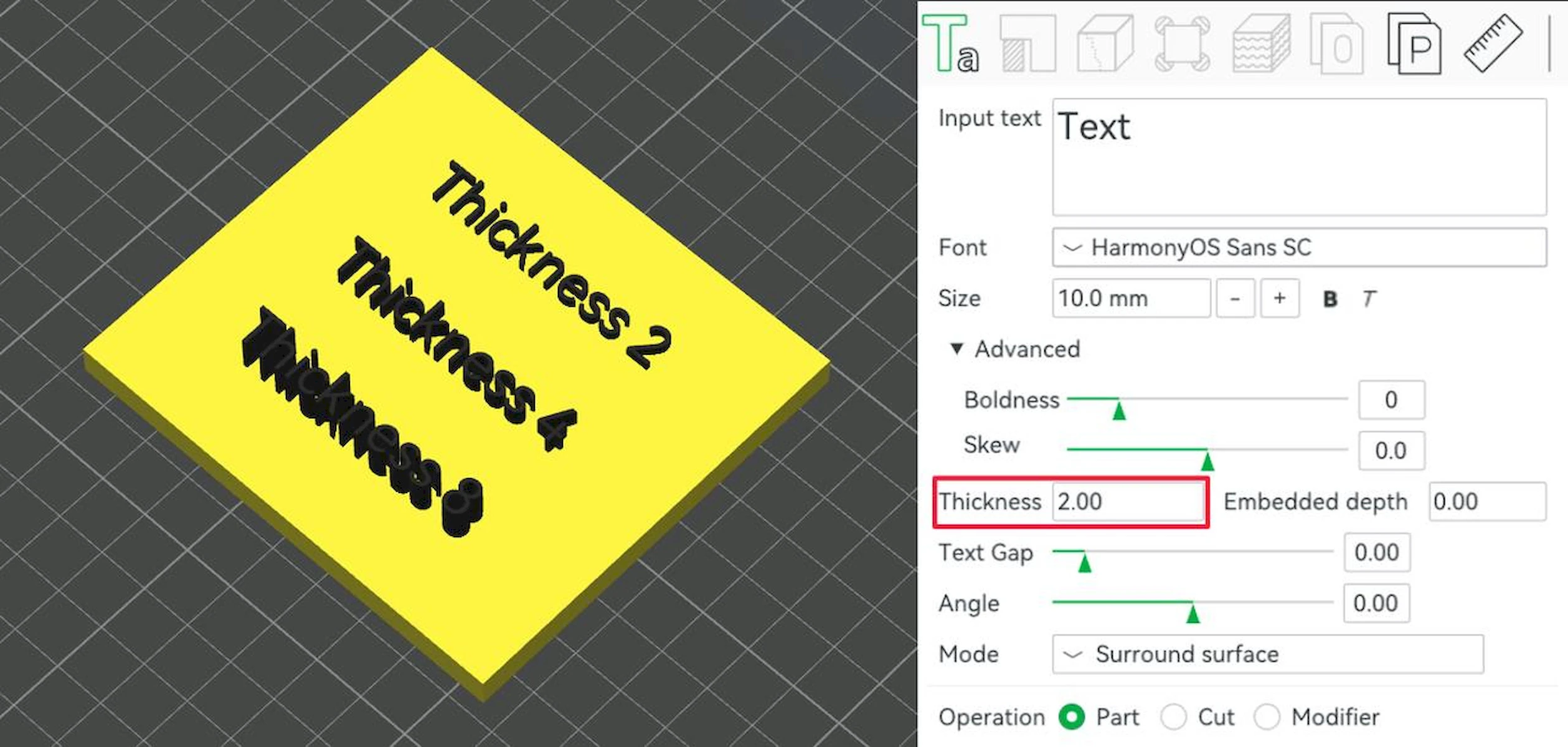
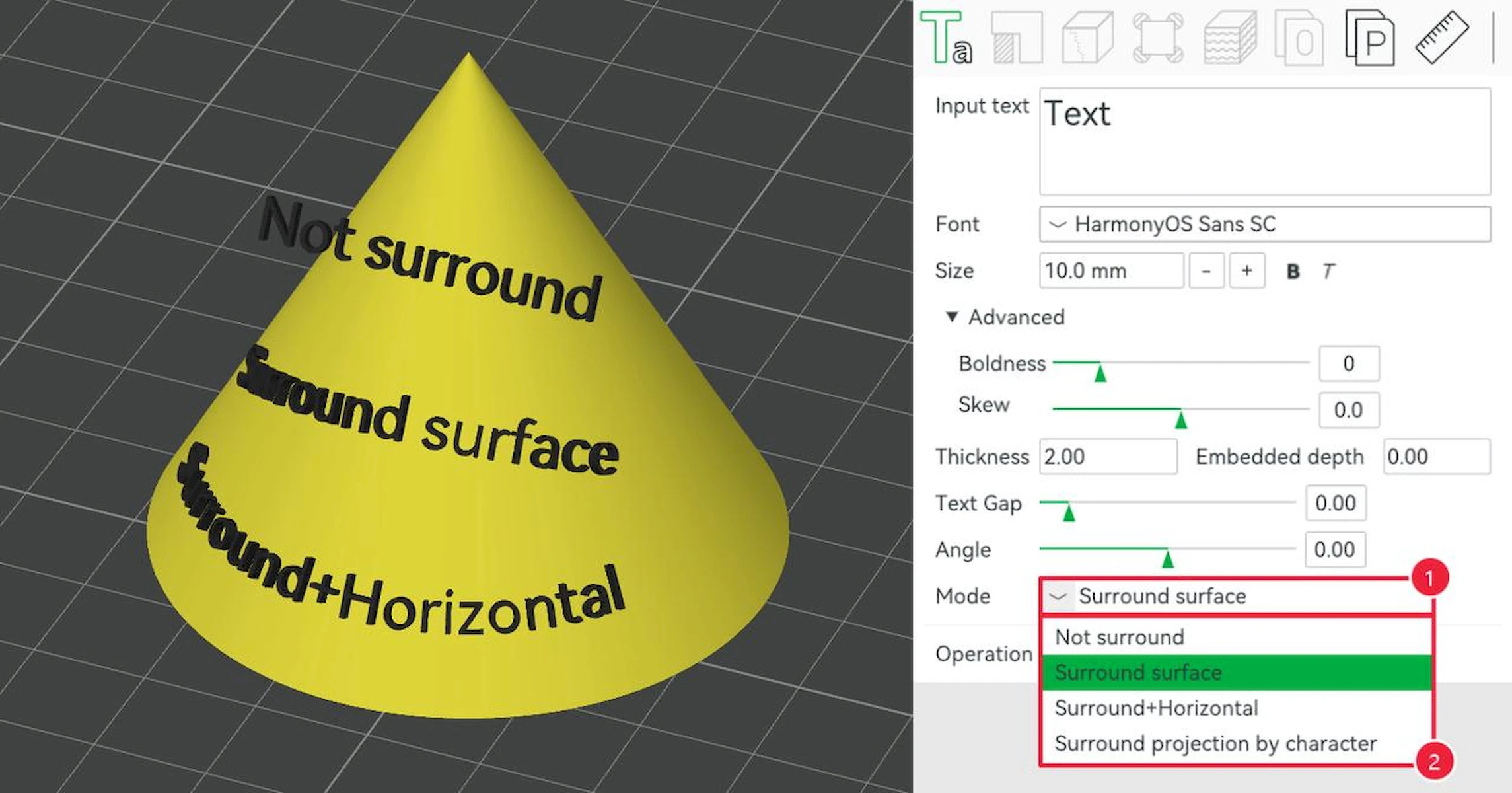
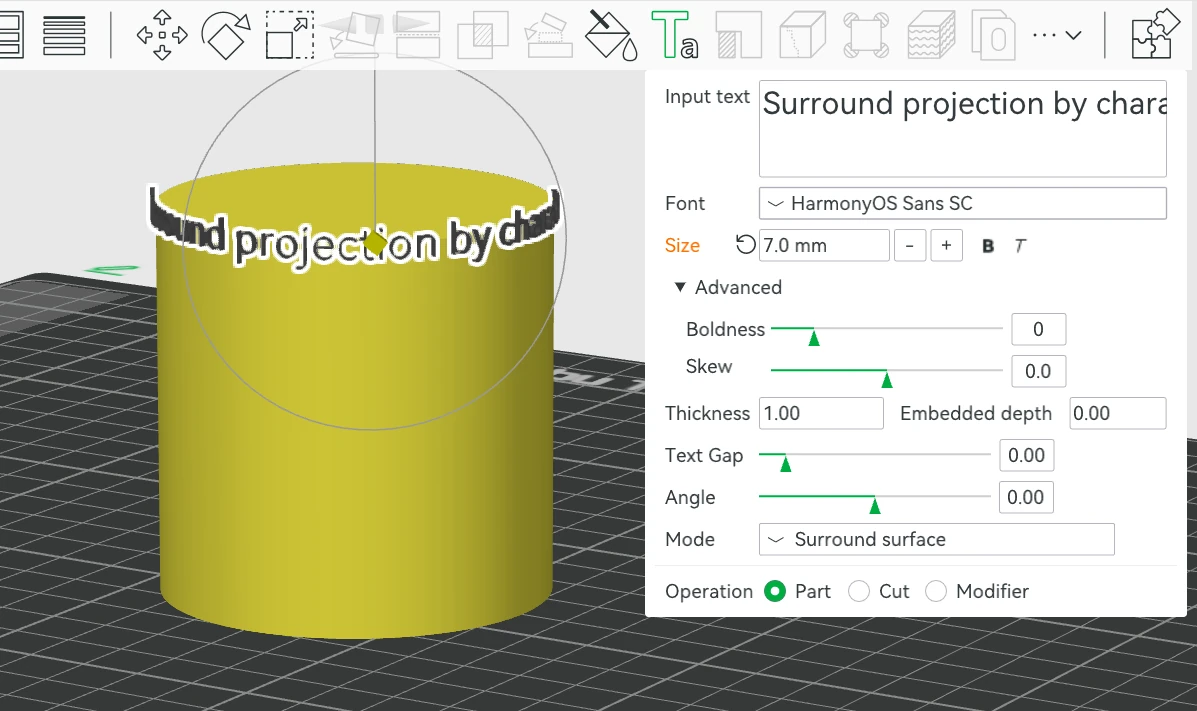
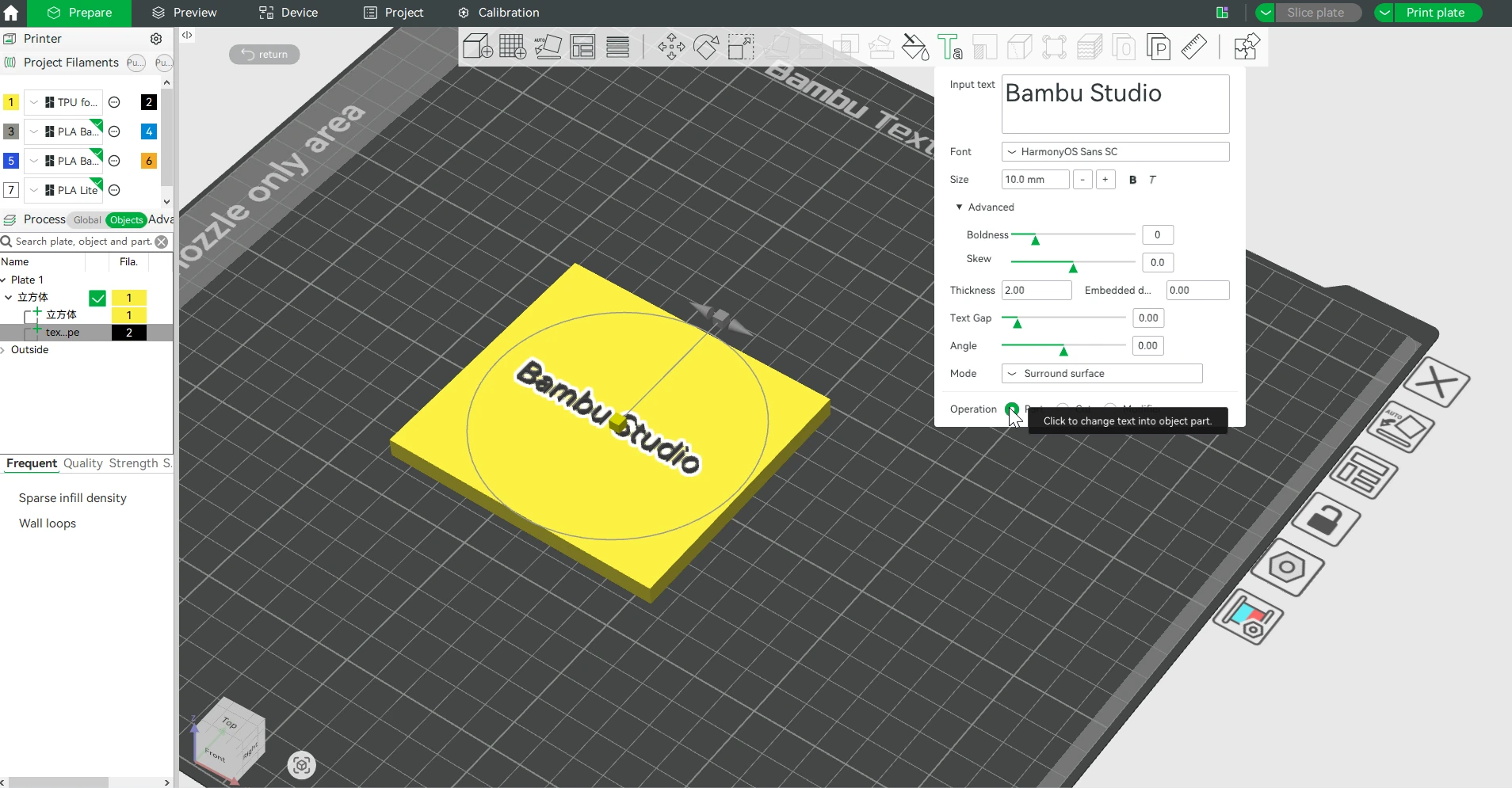
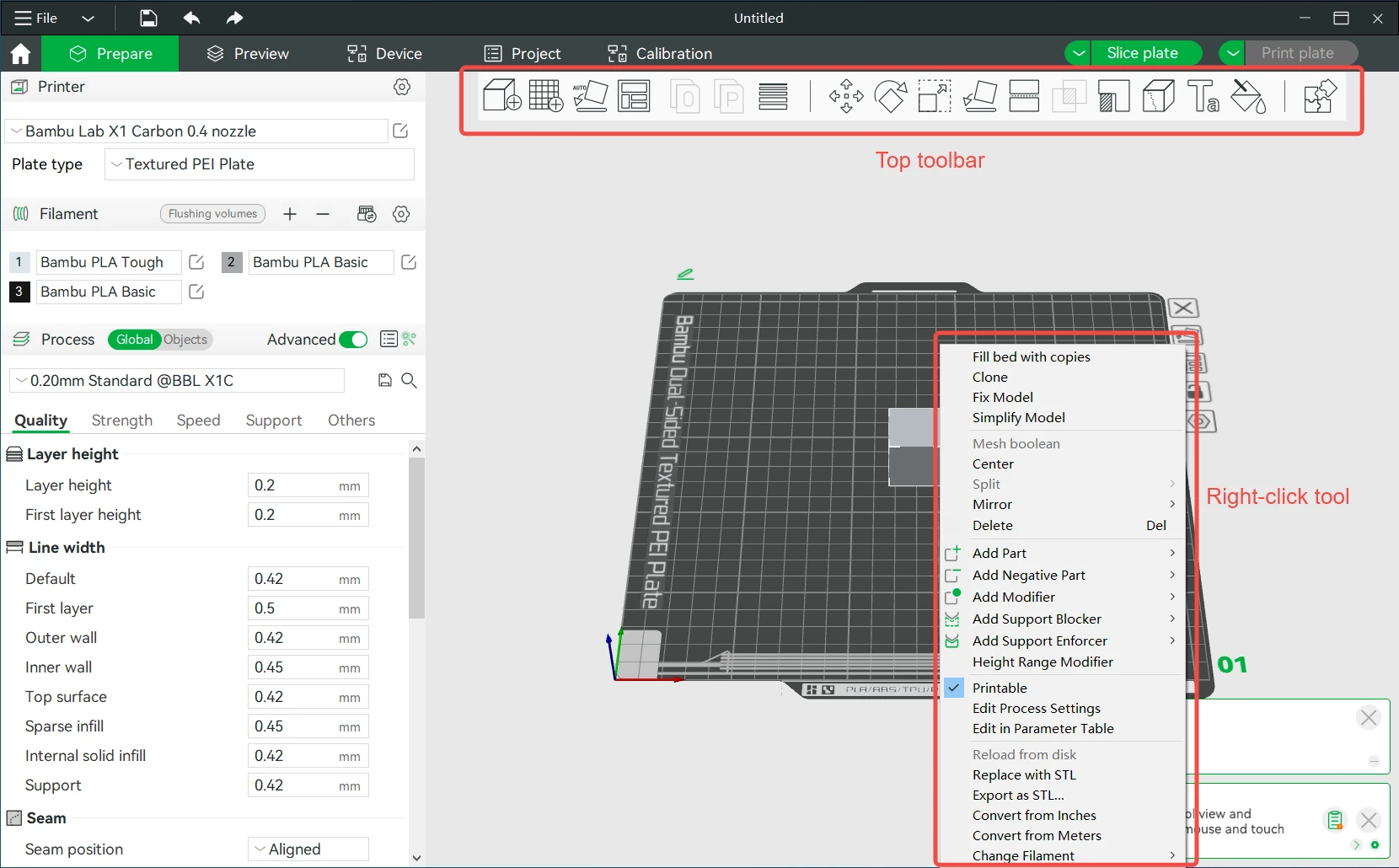
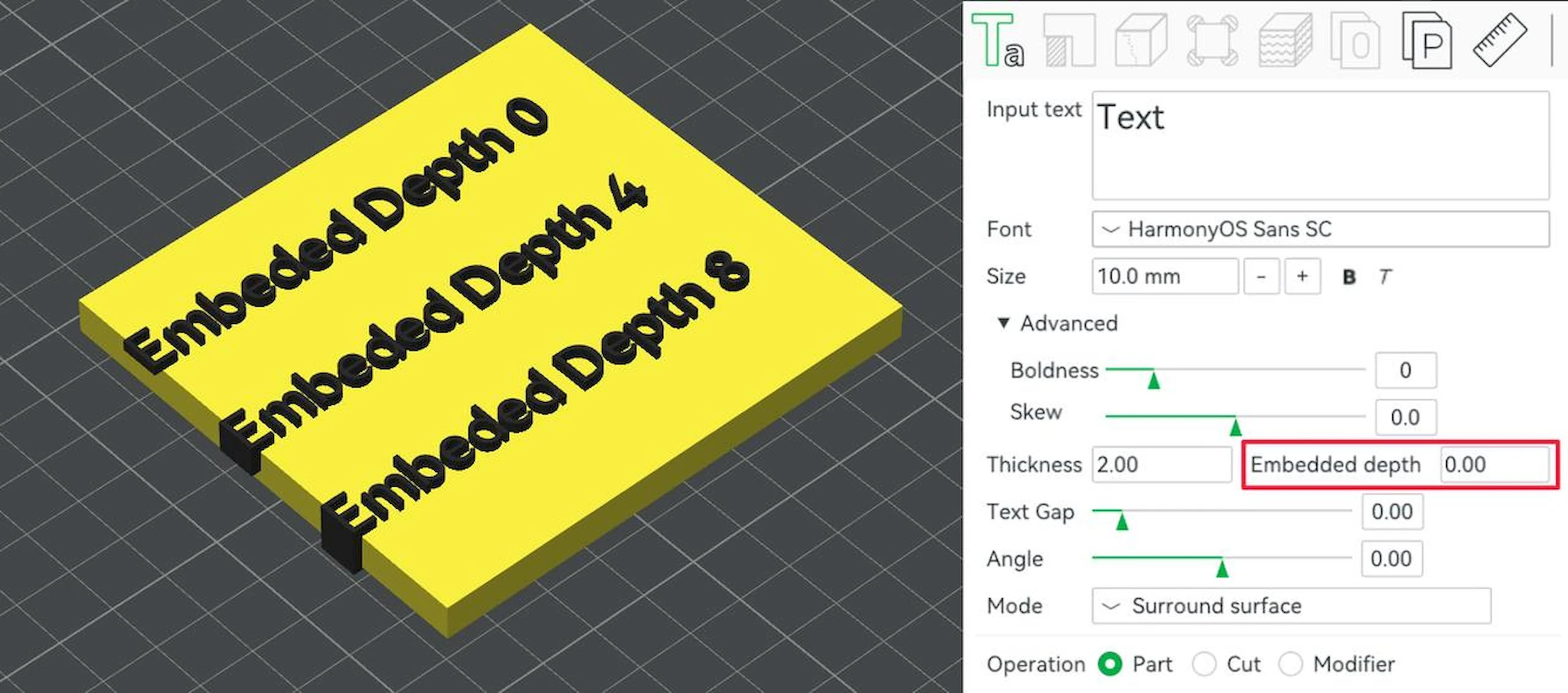
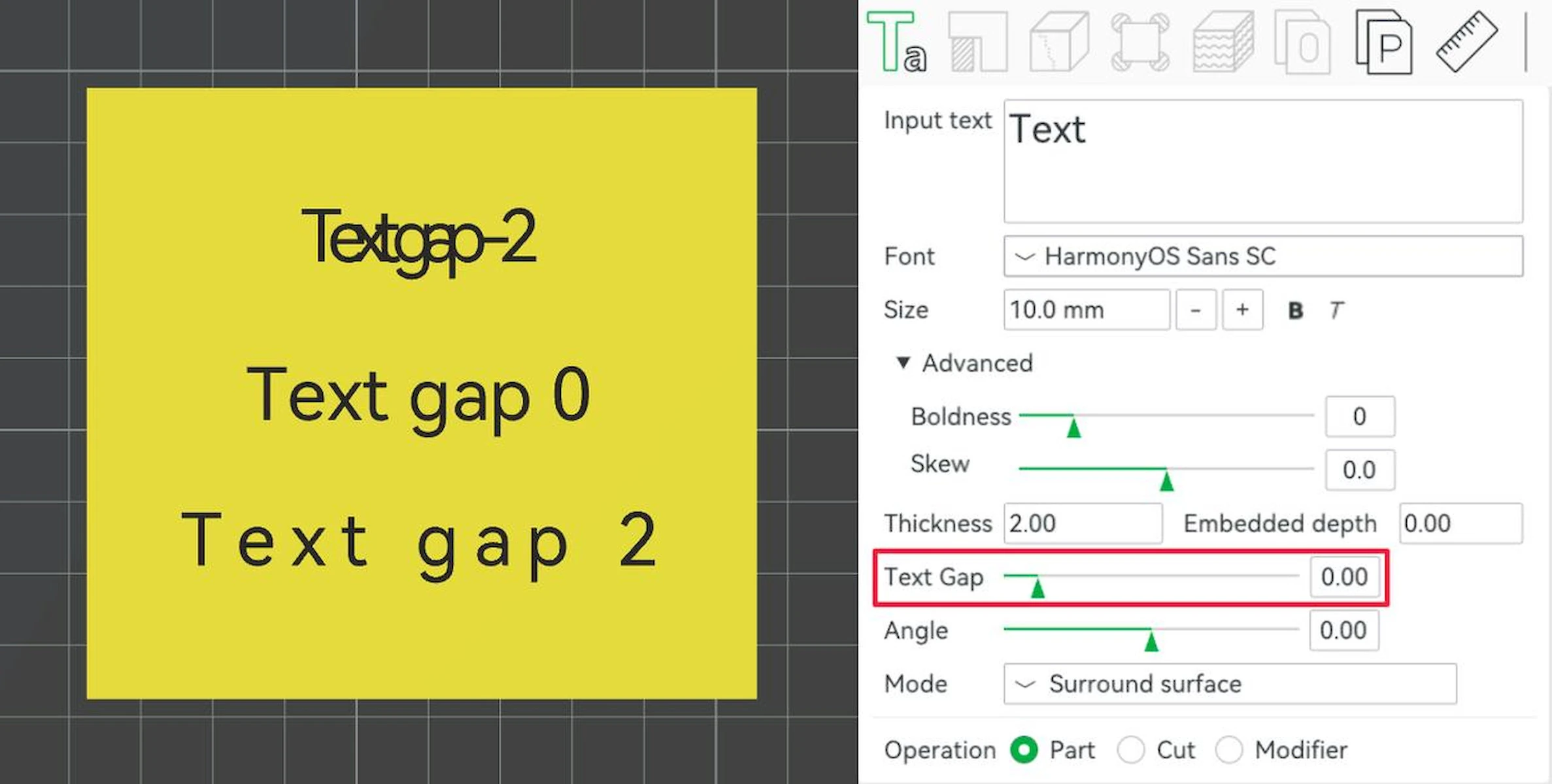
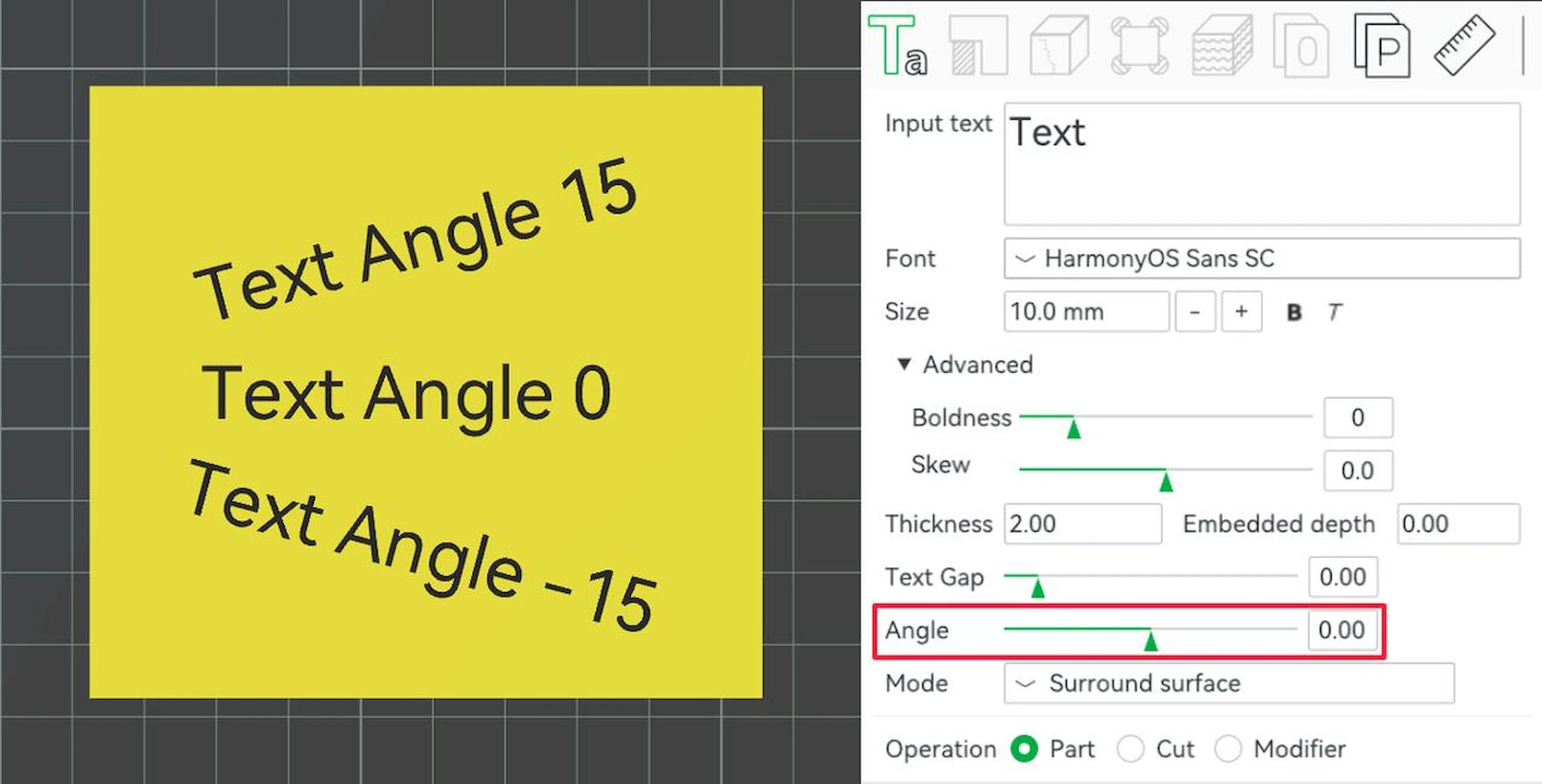
Bambu Studio Prepare workspace with printer and filament settings, object list and multiple build platesBambu Studio text tool placing blue Bambu Lab lettering on an orange rectangular modelBambu Studio: Prepare workspace with multiple build plates holding blue and black race-car partsBambu Studio: Quality settings panel with Resolution highlighted under PrecisionBambu Studio: Sliced cone colorized by speed with slowing down for layer cooling enabledBambu Studio: Sliced cone preview with layer cooling slowdown disabledBambu Studio: Sliced model with colored supports and highlighted problem areasBambu Studio: Build plate with multicolored cubes and cylinders and filament assignmentsBambu Studio: Filament Selection dialog with printer, material and vendor filtersBambu Studio: Object list with a color-number filament dropdown openBambu Studio: Model context menu with a Change filament submenuBambu Studio: Color painting tool with an unpainted dragon model and brush settingsBambu Studio: Color painting tool with a dragon model painted in multiple filament colorsBambu Studio: AMS filament controls showing four material slots and Load and Unload buttonsBambu Studio: Send print job dialog mapping project filaments to a single-nozzle H2S printerBambu Studio: Send print job dialog with left and right nozzle filament mappingBambu Studio: General Settings with the Multi-device Management checkbox highlightedBambu Studio: Device workspace with camera placeholder, temperature and axis controlsBambu Studio Prepare workspace with a green model and Sync filaments with AMS dialog offering Sync, Resync and CancelBambu Studio: Synchronize AMS Filament Information dialog using Mapping modeBambu Studio: Synchronize AMS Filament Information dialog using Overwriting modeBambu Studio: Home workspace with Online Models, MakerLab and recent-project controlsBambu Studio: Device workspace before printer binding with disabled axis controls and no print progressBambu Studio: Device workspace with a Bind with Pin Code confirmation dialogBambu Studio: Device workspace showing the printer camera feed and a yellow-part print at 58 percentBambu Studio: Printer Control panel with numbered axis, temperature, fan and lamp controlsBambu Studio: Device workspace with AMS filament slots and an active print at 62 percentBambu Studio: STEP model assembly displayed in the 3D workspace with an orange race carBambu Studio: Simplify model dialog over a triangulated cylindrical meshBambu Studio: STEP import parameters dialog with linear and angular deflection sliders and 1476 facetsBambu Studio: 3D text tool with Bambu Studio text on a yellow slab and text input controlsBambu Studio: 3D text font dropdown beside a slab demonstrating several font familiesBambu Studio: 3D text size control beside samples at sizes 5, 10 and 20Bambu Studio: 3D text bold toggle with Bold ON and Bold OFF samplesBambu Studio: 3D text italic toggle with Italic ON and Italic OFF samplesBambu Studio: 3D text advanced boldness adjustment with circular handlesBambu Studio: 3D text thickness control beside raised text at several thicknessesBambu Studio: 3D text embedded depth control beside engraved and raised text samplesBambu Studio: 3D text spacing control with negative, zero and positive text-gap samplesBambu Studio: 3D text angle control with samples at 15, 0 and minus 15 degreesBambu Studio: 3D text surface mode dropdown beside text wrapped around a coneBambu Studio: 3D text projected character mode wrapping letters around a cylinderBambu Studio: 3D text operation controls over lettering on a yellow curved slabBambu Studio: Prepare workspace with the toolbar and model right-click context menu highlighted
Best for: Bambu Lab printer owners sending prints from their computer

Best for: Slicing for a Bambu Lab printer, especially multi-colour prints

Free

Free download from Bambu Lab.

Free

Free and open source under the AGPL. Some cloud features expect a Bambu Lab account, but local printing does not.

Windows, macOS Windows, macOS, Linux
  • Works with cloud accounts or printers in LAN mode
  • Sends G-code and 3MF files from third-party slicers
  • Native builds for Apple silicon and Intel Macs
  • Multi-material painting with transition filament flushed into infill rather than a purge tower
  • Remote control and monitoring of a networked printer from the slicer
  • Reads STEP files and emits arc moves (G2/G3), plus assembly and explosion views
  • Multiple build plate management, auto-arrange and auto-orient
  • Still in beta
  • No live camera view yet
  • No Linux build yet
  • Built around Bambu Lab hardware; other printers need profiles set up by hand
  • Cloud features push you towards a Bambu account
  • Linux support is AppImages for Ubuntu and Fedora plus a Flatpak, not native packages
  • Heavier and busier than PrusaSlicer, which it forked from
Downloadable app Downloadable app
Not open source Open source
License not stated License: AGPL-3.0
No account needed No account needed
Not stated if it works offline Offline features available

Sources for Bambu Connect

Catalog checked October 1, 2026

Sources for Bambu Studio

Catalog checked September 21, 2026

“Not stated” means we have not confirmed it. Features can vary by device and plan.