Compare software

ChiTuBox Basic vs PrusaSlicer: catalog facts
ChiTuBox BasicPrusaSlicer

Screenshots

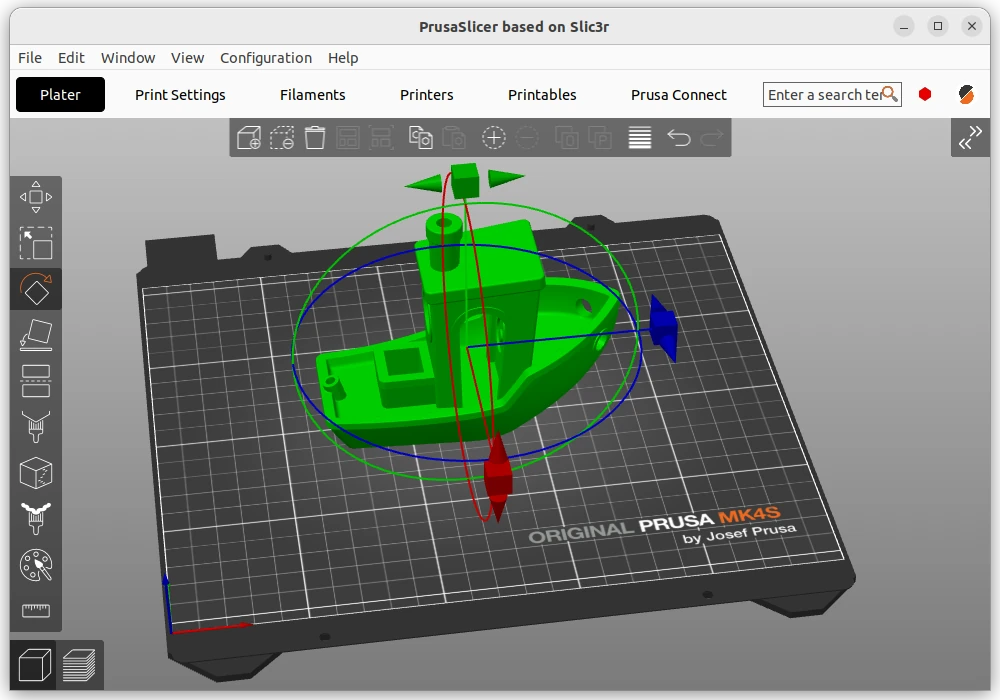
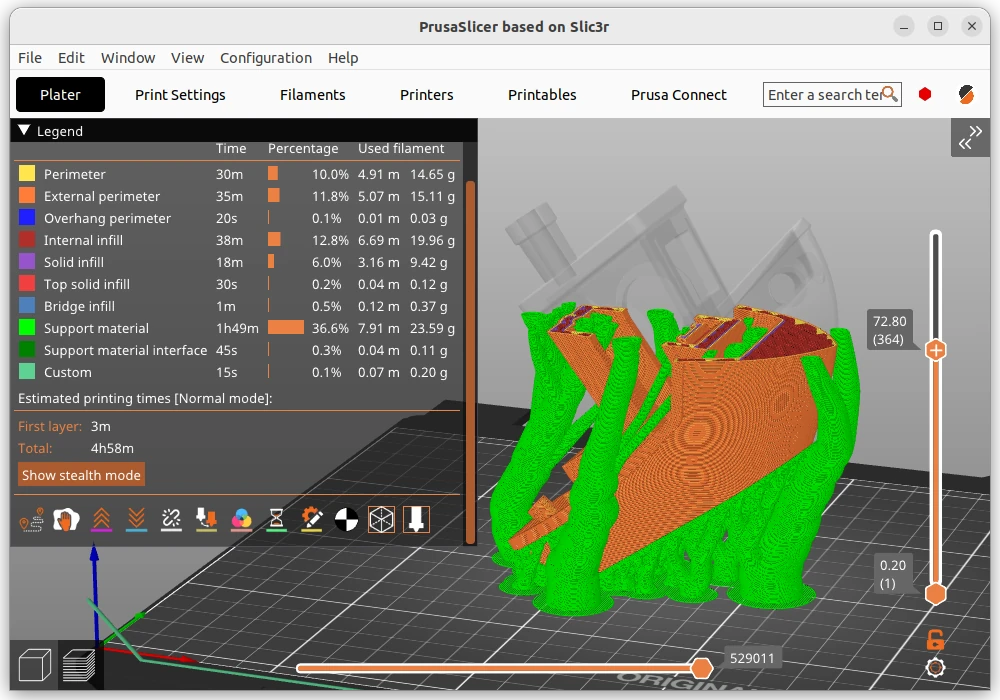
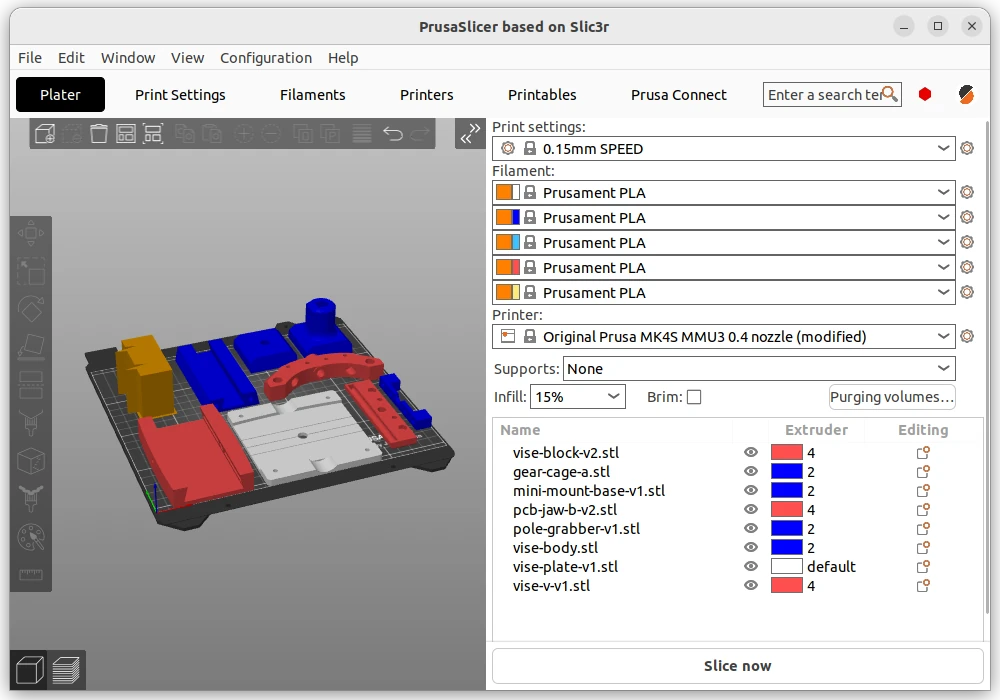
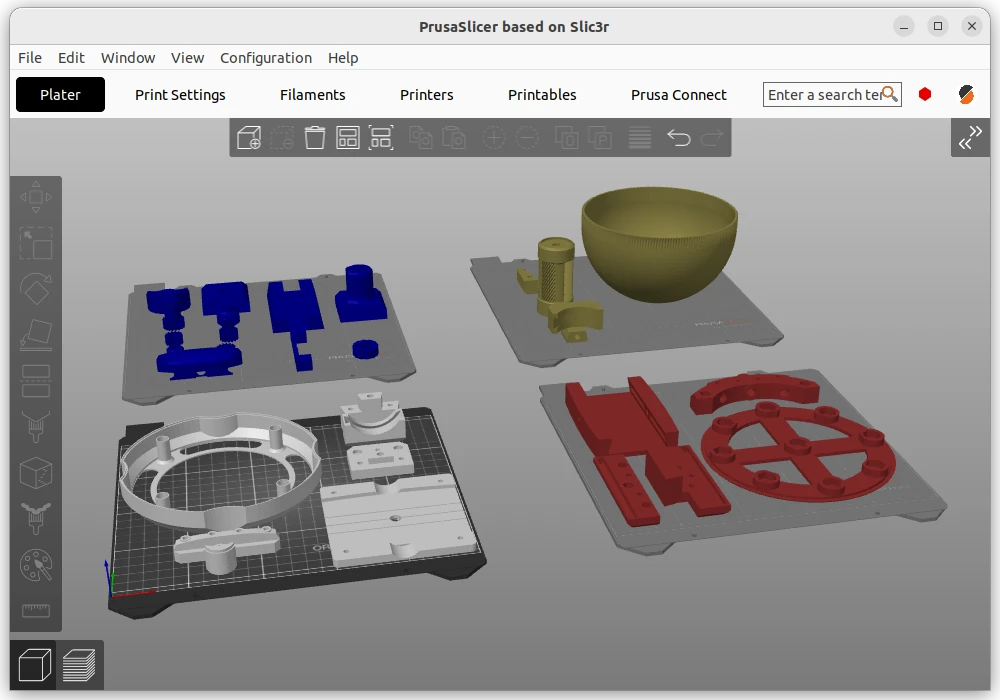
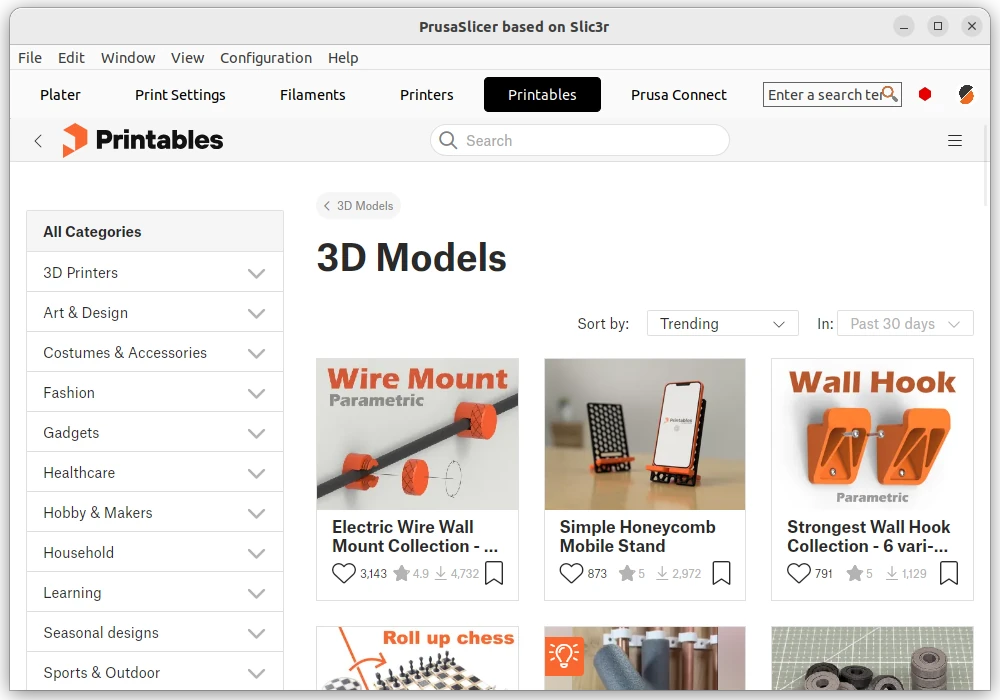
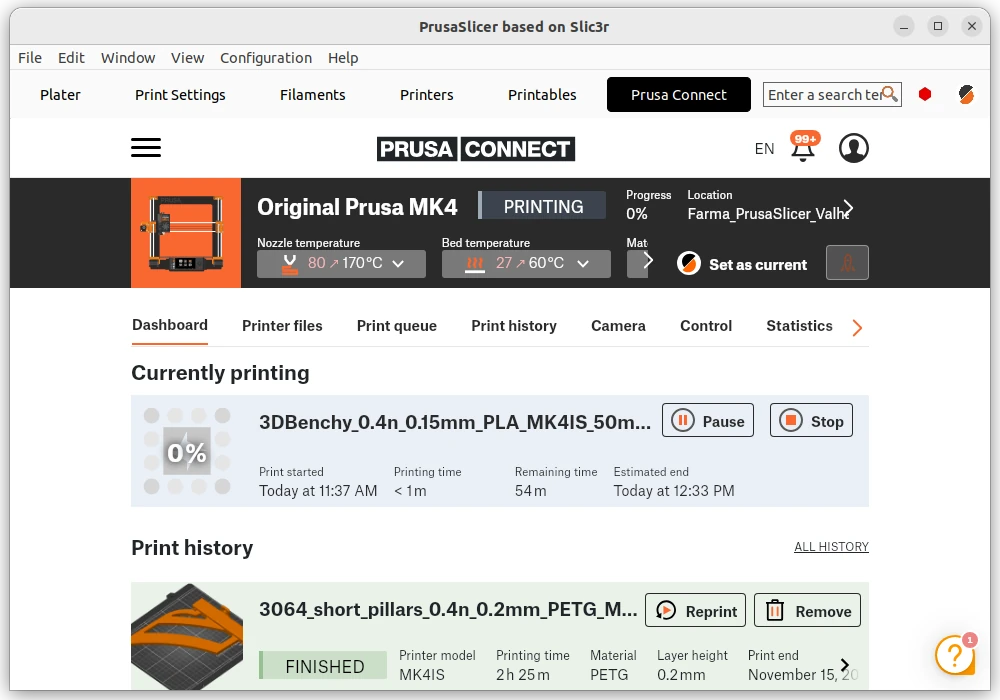
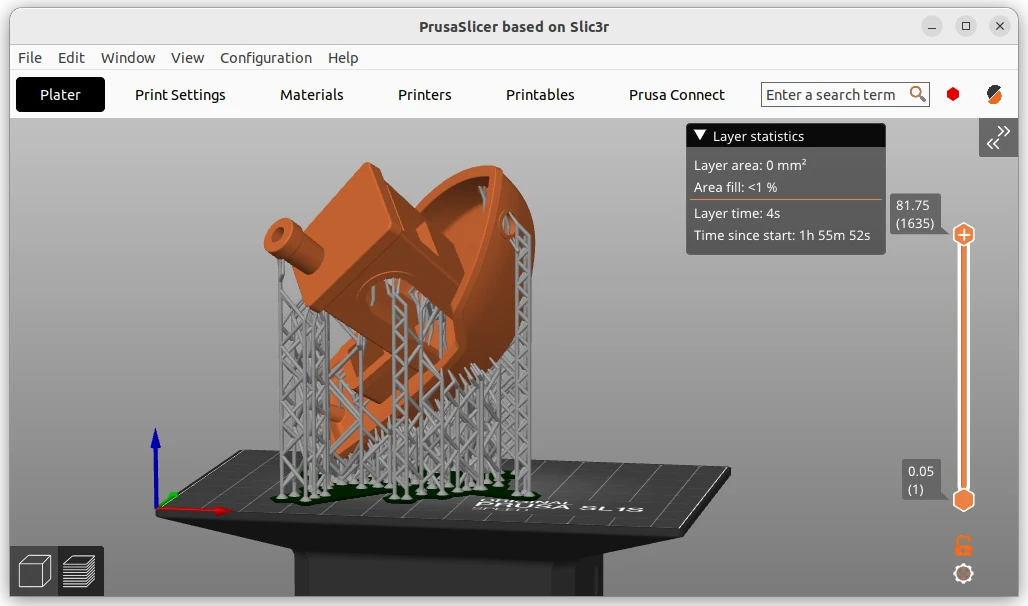
PrusaSlicer arranging a model on the build platePrusaSlicer sliced model and layer previewPrusaSlicer model and print settingsPrusaSlicer displays several model plates in the Plater workspacePrusaSlicer browses printable models in its embedded Printables tabPrusaSlicer shows printer status and job history through Prusa ConnectPrusaSlicer previews an SLA model with supports and layer statistics

Best for: Resin 3D printing slicer that prepares models for SLA, DLP and LCD machines

Best for: Slicing on a Prusa, or for a resin printer, without an account

Free + paid options

The Basic edition is free to download. ChiTuBox Pro is a separate paid product.

Free

Free and open source under the AGPL 3.0. No account is required to use it.

Windows, macOS Windows, macOS, Linux
  • It handles the resin-specific work that filament slicers skip, including hollowing, drain holes, automatic supports and per-layer exposure settings for the printer profile you pick.
  • Handles both filament and resin printers in one program
  • Per-layer setting changes and painted supports and seams
  • Profiles for printers well beyond Prusa's own range
  • No account needed, and the project says so plainly
  • The free Basic edition is closed source and holds back the faster slicing engine and several support tools that are only in the paid Pro edition.
  • Linux builds come only through Flathub
  • Tuned first for Prusa hardware; other machines need profile work
  • The interface exposes fewer calibration tools than OrcaSlicer
Downloadable app Downloadable app
Not open source Open source
License not stated License: AGPL-3.0
Not stated if an account is needed No account needed
Not stated if it works offline Offline features available

Sources for ChiTuBox Basic

Catalog checked September 22, 2026

Sources for PrusaSlicer

Catalog checked September 21, 2026

“Not stated” means we have not confirmed it. Features can vary by device and plan.